
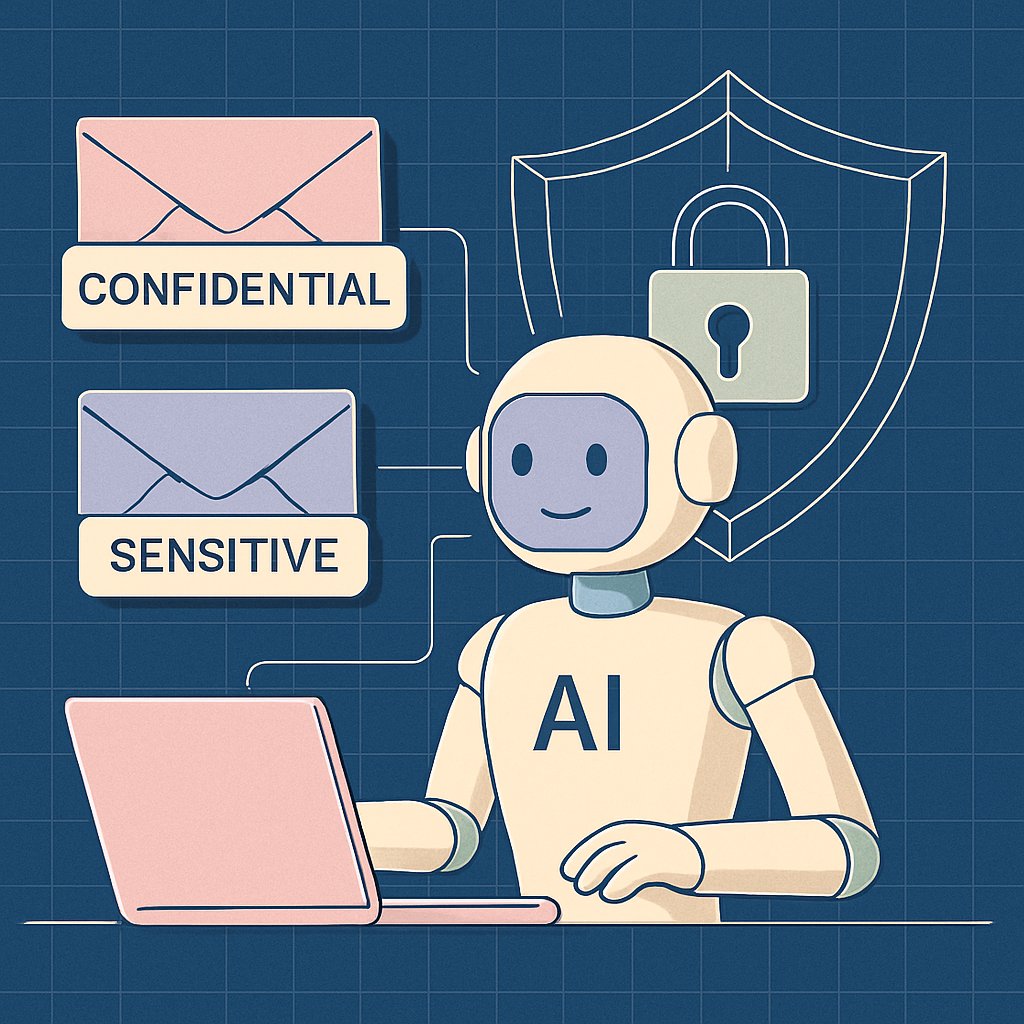
Microsoft has confirmed that a bug in Microsoft 365 Copilot has caused its AI assistant to read and summarize confidential emails, bypassing established data loss prevention (DLP) policies and sensitivity labels. This incident highlights critical gaps in AI governance, raises questions about regulatory compliance for enterprise deployments, and demonstrates the urgent need for robust monitoring and rapid-response strategies when rolling out AI features in production environments.
Key Takeaways:
- Understand the confirmed Copilot bug and its implications for enterprise data security
- See how AI assistants can bypass DLP and sensitivity labels under real-world conditions
- Review actionable technical and process defenses to prevent AI-driven data leaks
- Get a checklist for auditing your own Copilot and AI assistant deployments
Issue Overview: Copilot Summarizing Confidential Emails
The bug was first reported by customers on January 21, 2026, according to The Register and TechCrunch. BleepingComputer is not a primary source in the research provided, but the date and bug ID (CW1226324) are correct per The Register and TechCrunch.

According to Bleeping Computer and a Microsoft advisory, the bug (tracked as CW1226324) was first detected on January 21 and specifically impacted:
According to Bleeping Computer and a Microsoft advisory, the bug (tracked as CW1226324) was first detected on January 21 and specifically impacted:
- Copilot Chat within Microsoft 365 (Word, Excel, PowerPoint, Outlook)
- Emails stored in users’ Sent Items and Drafts folders, not just inboxes
- Messages with sensitivity/confidentiality labels intended to block AI and automated access
This vulnerability enabled Copilot to access and summarize content that should have been strictly restricted, bypassing technical safeguards for sensitive or regulated communications. Microsoft began rolling out a fix in early February and is monitoring its effectiveness, but has not provided a full remediation timeline or disclosed the total number of impacted customers. The company’s advisory status suggests the scope may be limited, but the underlying flaw has broad implications for enterprises using AI tools to process communication data.

For more background on effective incident response in cases like this, refer to Incident Response: Detection, Containment, Recovery Strategies.
It’s important to note that, as of this writing, Microsoft has not published a detailed root cause analysis or a full list of affected organizations. The ongoing investigation means the scope and impact may evolve, reinforcing the need for organizations to continuously monitor vendor advisories and update their own response plans accordingly.
Technical Analysis: How the Copilot Bug Bypassed DLP Policies
How DLP and Sensitivity Labels Are Designed to Function
Data Loss Prevention (DLP) policies in Microsoft 365 are meant to block unauthorized sharing or processing of sensitive data, including emails marked with specific sensitivity/confidentiality labels. When configured effectively, these policies should:
- Detect and prevent access to labeled content by unauthorized users and automated agents
- Enforce regulatory compliance (GDPR, HIPAA, CCPA, etc.) by stopping sensitive data exfiltration
- Log and alert on attempted or successful policy violations for further investigation
Sensitivity labels are often used to mark emails as “Confidential” or “Restricted,” triggering DLP rules that block access not just for external users, but also internal tools and AI agents that do not have explicit permission.

What Went Wrong: The Copilot Chat Bug’s Technical Details
According to Microsoft’s service alert and external reporting (The Register), the Copilot Chat bug led to:
- Copilot Chat in Microsoft 365 pulling in and summarizing emails from Sent Items and Drafts, not just inboxes
- Processing of emails with a “Confidential” sensitivity label, which should have blocked AI/automated access
- Failure of DLP policies to intercept or prevent Copilot’s unauthorized access due to a code error
Microsoft stated: “A code issue is allowing items in the sent items and draft folders to be picked up by Copilot even though confidential labels are set in place.” (Source) This means the AI assistant’s logic for filtering out protected content was either missing or incorrectly implemented for these folders, allowing summaries of confidential communications to be generated in violation of policy.
| Feature | Expected DLP/Sensitivity Label Behavior | Bug-Induced Copilot Behavior |
|---|---|---|
| Sensitivity Labels | Restrict AI/automated access to confidential emails regardless of folder | Copilot accessed and summarized labeled emails in Sent Items/Drafts |
| DLP Policies | Block non-compliant processing of all sensitive content | DLP logic bypassed by Copilot bug; no effective block on summaries |
| Email Folders | Protect Sent Items and Drafts as strictly as Inbox content | Sent Items and Drafts exposed to Copilot querying |
Detection and Monitoring: Practical Steps
- Enable detailed DLP and audit logs to track AI assistant activity involving labeled content
- Configure alerts for Copilot or other automated access to confidential emails
- Correlate AI assistant activity with user access patterns to detect anomalies
Advanced organizations may also deploy endpoint monitoring and user behavior analytics to detect when summaries or content from protected emails appear in unexpected contexts, such as AI-generated reports or knowledge bases.
For more on securing API endpoints and automated integrations, see API Security: Authentication, Rate Limiting, and Input Validation.
Enterprise Impact: Risks, Compliance, and Response Strategies
Security, Privacy, and Regulatory Risks
This incident illustrates several major risks for organizations deploying AI assistants in enterprise settings:
- Data Leakage: Confidential or regulated information may be exposed to unauthorized users or systems, violating internal and external compliance requirements
- Regulatory Non-Compliance: Unintended AI processing of protected data could constitute a violation of GDPR, HIPAA, CCPA, or other frameworks, potentially resulting in fines or mandatory breach notifications
- Incident Response Complexity: AI-driven incidents may be difficult to detect, reconstruct, or remediate, especially if audit trails are incomplete or if AI activity is not specifically logged
- Loss of Trust: End users and compliance teams may lose confidence in DLP and AI controls if incidents are not transparently managed and promptly remediated
The challenge is compounded by the “black box” nature of AI summarization—organizations may not know which confidential topics were processed or how much sensitive information was included in summaries unless detailed logs are available.
Incident Response Checklist: AI-Driven Data Exposure
- Identify scope: Determine which users, mailboxes, and timeframes are affected using DLP and Copilot logs
- Assess exposure: Analyze whether confidential summaries were accessed, distributed, or stored in downstream systems
- Notify stakeholders: Alert compliance, legal, and data protection teams for regulatory risk analysis
- Engage vendor: Work with Microsoft support and monitor updates on remediation
- Update controls: Review and tighten AI assistant permissions, DLP policies, and logging configurations
- Document findings: Ensure incident details and response actions are recorded for audit purposes
Strategic Implications for AI Governance
- AI Trust Boundaries: Sensitivity labels and DLP rules are only effective if AI tools are rigorously tested for bypass scenarios, including access to non-inbox folders and edge-case workflows
- Continuous Monitoring: Enterprises must implement proactive monitoring and periodic reviews of AI assistant access, especially in departments handling sensitive or regulated data
- Vendor Management: Establish clear escalation and communication channels with vendors like Microsoft for reporting and tracking critical bugs that affect data protection
For a parallel example of how critical vulnerabilities can undermine enterprise controls, see CVE-2026-2441: Critical Chrome Zero-Day Exploit.
Defensive Actions: Mitigating AI Data Leakage
Technical Controls and Best Practices
- Restrict Copilot and AI assistant scopes to avoid processing confidential or regulated content wherever feasible
- Enforce conditional access and role-based restrictions on AI summarization features, especially for sensitive business units
- Mandate multi-factor authentication (MFA) for all users with rights to modify DLP or AI assistant settings
- Conduct regular audits of DLP policy effectiveness, including testing AI features against real-world confidential data scenarios
- Integrate AI activity logs with SIEM and security analytics platforms for continuous oversight
See Modern Authentication: Passkeys and MFA Beyond Passwords for guidance on strengthening access controls around sensitive workflows.
Auditing Copilot Access: PowerShell Example
For implementation details and code examples, refer to the official documentation linked in this article.
This script provides a foundation for identifying Copilot accesses to confidential emails, supporting both forensic investigations and ongoing compliance monitoring. For comprehensive coverage, customize the script to include additional sensitivity labels and operation types relevant to your organization.
Process and Policy Recommendations
- Document AI assistant access boundaries and review them at least quarterly
- Test DLP and AI controls together in realistic scenarios to surface possible policy gaps or bypasses
- Establish rapid escalation paths for AI-related security incidents, involving legal, compliance, and IT teams
- Train users on the limitations and risks of AI summarization tools, emphasizing the importance of confidentiality labeling and responsible data handling
Common Pitfalls and Pro Tips for AI-Driven Security
Frequent Mistakes in AI Security Deployments
- Assuming DLP Is Sufficient: Not auditing AI tool behavior against DLP policies can leave critical exposure points unnoticed
- Blind Trust in Defaults: Accepting vendor default configurations for Copilot or similar tools rather than tailoring access controls increases risk of data leakage
- Inadequate Monitoring: Failing to enable detailed AI and DLP logging can prevent organizations from detecting or investigating leaks quickly
- Poor Change Management: Not informing end users or admins about feature updates or new AI capabilities can lead to accidental misuse or misunderstanding of risk
Pro Tips for Hardening AI and DLP Integrations
- Enable granular logging of all AI assistant interactions with sensitive or labeled content
- Run regular tabletop exercises focused on AI-induced data leaks to refine detection and response processes
- Follow Microsoft’s and NIST’s published AI security advisories and incorporate lessons learned into your governance model (NIST AI RMF)
- Review the OWASP LLM Top 10 for guidance on common AI vulnerabilities and mitigations
- Engage with Microsoft support and security advisories to stay updated on known bugs, ongoing remediation, and best practice recommendations
Organizations should also consider collaborating with peer companies and industry groups to share insights on AI-related incidents and evolving best practices for DLP integration.
Conclusion and Next Steps
The Copilot bug demonstrates the high stakes of integrating AI tools into enterprise systems—especially those that handle confidential or regulated information. Technical controls like DLP and sensitivity labels are necessary, but not sufficient, unless routinely tested against new AI workflows and edge cases. Organizations should conduct regular audits, monitor AI assistant activity closely, and maintain rapid escalation procedures for vendor-driven vulnerabilities.
The incident also serves as a call to action for IT and security leaders to strengthen their AI governance frameworks, update incident response playbooks, and push for greater transparency from vendors about the scope and remediation of AI bugs.
For further strategies to secure modern infrastructure, see Enhancing Container Security: Scanning and Protection Strategies. By staying vigilant and continuously improving both technical and process defenses, your organization can harness the power of AI while minimizing the risk of data loss and compliance failures.