
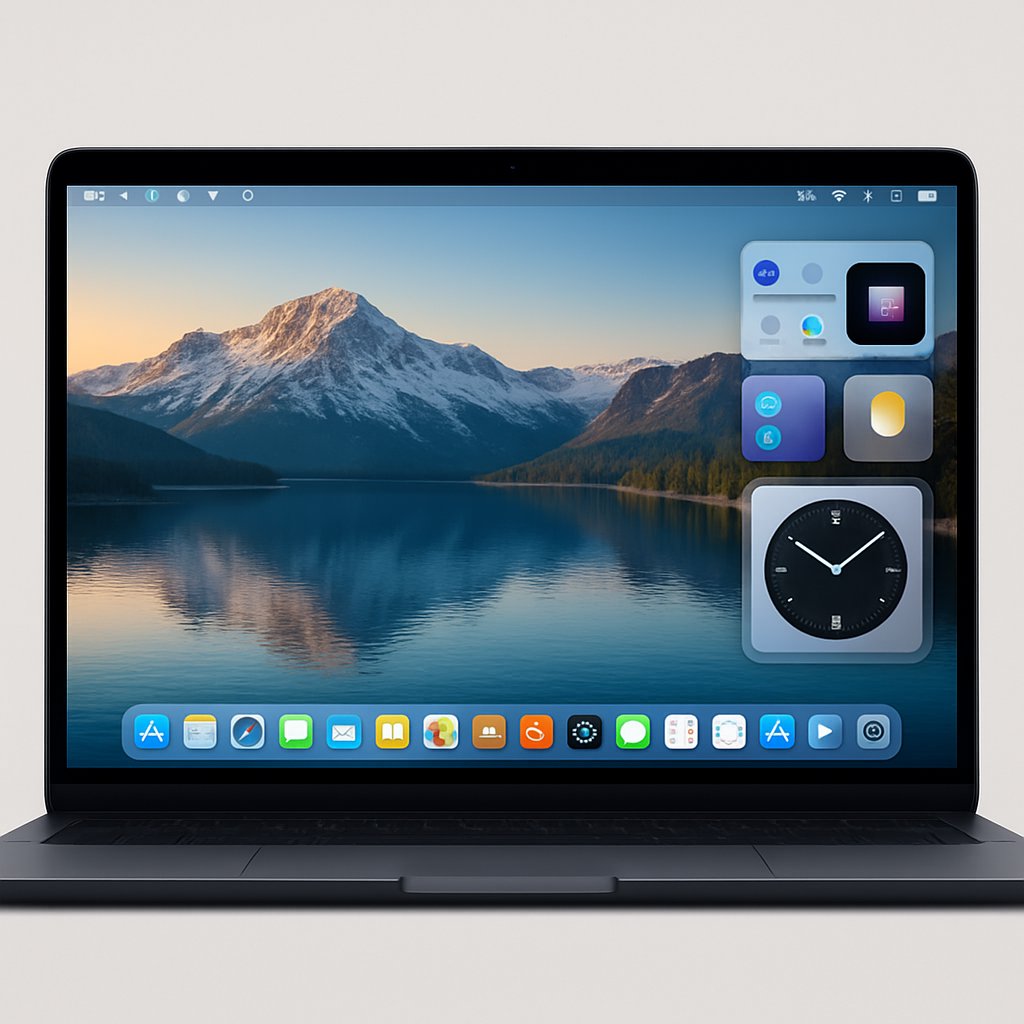
macOS Tahoe is shaping up to be a milestone release for Apple’s desktop platform—both for its technical direction and the operational impact it brings to organizations managing Mac fleets. If you’re responsible for IT strategy or technical procurement, Tahoe’s role as the last version to support Intel Macs, its focus on boosting Apple silicon, and the clear signals about future compatibility are critical. Here’s what decision-makers need to know, what is factually confirmed, and how to plan for Apple’s next era.
Key Takeaways:
- macOS Tahoe is the final version to support Intel-based Macs, with all future major releases moving exclusively to Apple silicon hardware.
- Apple is signaling a hard cutoff for Rosetta 2, meaning Intel-only apps will not run on macOS 27 and later.
- Studio Display XDR and other new hardware features are only available to Apple silicon Macs.
- Organizations need to audit device fleets and critical apps now to avoid workflow disruptions during the transition.
macOS Tahoe: Key Changes and Strategic Implications
macOS Tahoe (26.x) is more than an annual update—it marks Apple’s 50th year by further refining the alignment between hardware and software, and deepening its ecosystem integration. According to AppleMagazine, the next macOS will expand on Apple Intelligence, focus on interface refinement, and push the Mac platform further into Apple silicon territory.

- Apple Intelligence Expansion: Apple is expected to broaden AI-driven features in macOS, enabling smarter search and context-aware workflows. Exact capabilities remain under wraps, but the direction is clear: more automation and ecosystem synergy.
- Interface Refinements: While no major UI overhaul has been explicitly confirmed in the sources, interface updates and tighter integration across devices are expected as part of Apple’s milestone year.
- Studio Display XDR Support: The latest macOS Tahoe 26.3.1 release adds support for new hardware, including the Studio Display XDR. However, as reported by MacRumors, these features are available only to Apple silicon Macs.
The arrival of new hardware such as the MacBook Neo (starting at $599) and the M5 chip lineup further reinforces Apple’s silicon-first strategy. For organizations, this means hardware refresh cycles and application roadmaps must now be tightly coupled to the Apple silicon platform.
Intel Mac Support: Deadlines, Compatibility, and Rosetta 2
The most significant confirmed change in macOS Tahoe is its role as the last macOS version to support Intel-based Macs. Multiple sources, including MacRumors’ Upcoming Apple Products Guide, indicate that starting with macOS 27 (expected in mid/late 2026), only Apple silicon Macs will be supported.

Rosetta 2 Deprecation
Rosetta 2, the translation layer enabling Intel-only applications to run on Apple silicon, will also be discontinued after Tahoe. With the macOS Tahoe 26.4 beta, users receive warnings when launching Intel-only apps that they will not run on future macOS versions. There is no confirmed evidence in the research that Rosetta 2 will be available for exceptions (such as gaming titles or Linux VMs) beyond macOS 27—this claim is not supported in any provided source.
| macOS Release | Intel Mac Support | Rosetta 2 Support | App Compatibility Warnings |
|---|---|---|---|
| macOS Tahoe (26.x) | Yes | Yes (warnings in 26.4+) | Intel-only app warning in 26.4+ |
| macOS 27.x (2026+) | No | No | Apps won’t run on Intel-only binaries |
This means IT leaders must identify remaining Intel Macs and Intel-only applications. By fall 2026, unsupported hardware and unported software will be at risk of breaking or losing security updates. Begin your migration planning before this deadline to avoid business disruption.
Migration Planning Essentials
- Inventory all Intel Macs and map projected replacement cycles.
- Audit software dependencies for Intel-only binaries; test critical apps on Apple silicon hardware in advance.
- Communicate the Rosetta 2 cutoff to stakeholders and prepare user training for new workflows as needed.
Deployment Strategies and Real-World Scenarios
Organizations will encounter different scenarios based on their current hardware and software mix. Drawing from current reporting and discussions in the Apple Community, here’s what to expect:

Recommended Deployment Patterns
- Apple Silicon-Only Fleets: Organizations that have standardized on M1, M2, M3, or M5 Macs will see full support in Tahoe and benefit from the latest features, including Studio Display XDR support and ongoing OS updates.
- Mixed Intel/Apple Silicon Environments: If you still have Intel Macs, macOS Tahoe will be their last supported OS. Begin phased retirement and prioritize Apple silicon deployment in your next hardware refresh cycle.
- Software Compatibility Concerns: For teams reliant on third-party apps, especially those not yet fully ported to ARM, run comprehensive tests under Tahoe 26.4 and closely monitor vendor updates regarding Apple silicon support.
Upgrade Strategy Table
| Upgrade Path | Ideal For | Risks | Recommended Actions |
|---|---|---|---|
| Upgrade to Tahoe Now | Apple silicon-only fleets | Potential app compatibility gaps | Test core workflows, stage rollout, provide user training |
| Upgrade Intel Macs to Tahoe (Last Time) | Mixed fleets with remaining Intel Macs | Future lack of support or security updates | Plan hardware refresh, communicate end-of-life timelines |
| Defer Upgrade/Stay on Older macOS | Legacy environments with critical Intel-only apps | Security and compatibility risk post-2026 | Budget for migration, monitor OS support windows |
Real-world deployment will depend on your team size, application mix, and compliance requirements. For a detailed comparison of device lifecycle risks and AI-enabled workflows, see our coverage of Chromebooks 2026 and cloud integration.
Considerations, Trade-offs, and Alternatives
macOS Tahoe offers clear benefits for Apple silicon environments, but it also introduces challenges that technical leads must weigh carefully. Every migration or upgrade involves trade-offs—here’s what to keep in mind based on confirmed research:
Known Limitations and Pain Points
- Intel Macs Lose Support After Tahoe: There is no evidence that Intel Macs will receive any further feature or security updates after macOS 26.x. This is a hard cutoff—plan accordingly.
- Studio Display XDR Requires Apple Silicon: As per MacRumors, only Apple silicon Macs running Tahoe can use Apple’s latest Studio Display XDR. Intel Macs are excluded from these new hardware integrations.
- Application Breakage with Rosetta 2 Removal: Once Rosetta 2 is removed in macOS 27, any unported Intel-only app will cease to function. There is no confirmed exception for gaming titles or Linux VMs.
Alternative Platforms
- Windows 11: For organizations with a heavy reliance on legacy hardware or diverse app ecosystems, Windows 11 offers broader hardware compatibility and more gradual support transitions. However, it lacks Apple’s vertical integration.
- Older macOS Versions: Some teams may choose to remain on macOS Sequoia or earlier for stability. This should be seen as a stopgap—support windows will close, and security exposure will rise over time.
| Platform | Strengths | Limitations |
|---|---|---|
| macOS Tahoe (Apple Silicon) | Latest features, security, and hardware integration | Apple silicon required, Intel apps phased out |
| Windows 11 | Hardware and legacy app flexibility | Less integration with Apple ecosystem |
| Older macOS (Sequoia, etc.) | Stability for legacy apps | Security and compatibility risks increase over time |
Every path comes with trade-offs—evaluate your needs, compliance requirements, and application dependencies before committing to a direction.
Common Pitfalls and Pro Tips
- Assuming Intel Macs Will Stay Supported: Only Apple silicon Macs will receive future macOS updates. Plan hardware replacement cycles now to prevent unsupported endpoints.
- Neglecting App Compatibility Audits: The Rosetta 2 cutoff in Tahoe 26.4 is a clear warning. Audit and prioritize migration of any Intel-only tools before the next release cycle.
- Overlooking Hardware-Specific Features: Studio Display XDR and other advanced hardware features are locked to Apple silicon. Don’t assume feature parity for Intel Macs running Tahoe.
- Skipping User Training: Interface and workflow changes, while less radical than rumored, still require communication and training for end users—especially those moving from Intel to Apple silicon hardware.
- Not Monitoring Official Channels: Stay engaged with Apple’s official release notes and community forums, such as the macOS Tahoe Apple Community, for the latest on known issues and updates.
Conclusion and Next Steps
macOS Tahoe marks a decisive point in the Mac platform’s evolution. With the end of Intel Mac support and Rosetta 2, organizations must act now—inventory your fleet, validate mission-critical apps on Apple silicon, and prepare users for the next wave of changes. Monitor Apple’s official communication channels for late-breaking updates and vendor roadmaps for software compatibility. For further guidance on multi-OS and hardware lifecycle decisions, see our Chromebooks 2026 analysis and subscribe for future updates as the Apple ecosystem continues to evolve.