
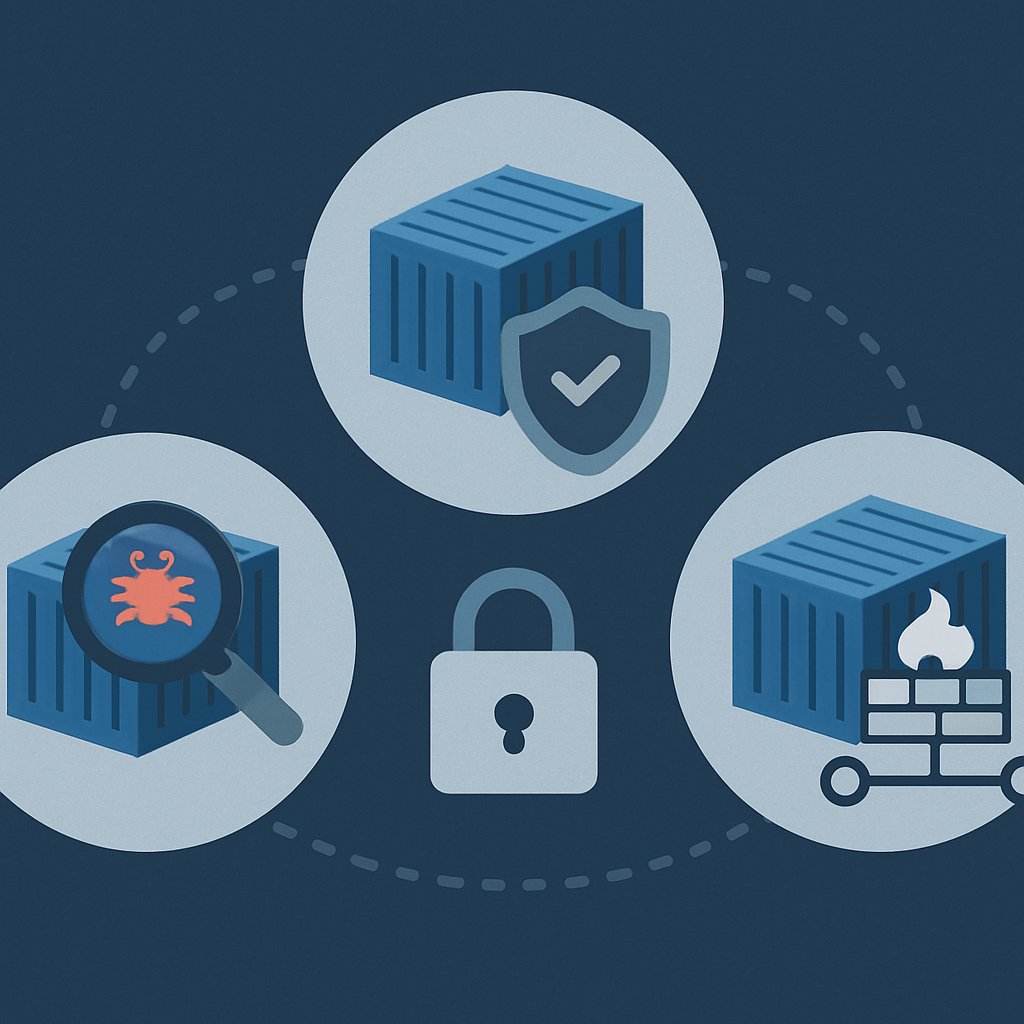
Container security is now a daily concern for every organization deploying cloud-native workloads. Attackers are exploiting gaps at every layer—image, runtime, and network—to breach production systems. If you already know the basics and want a dense, actionable cheat sheet to operationalize best practices, this reference is designed for you. Use it as a fast-access guide to image scanning, runtime protection, and network policy enforcement, with tool matrices, configuration snippets, audit checklists, and honest trade-off analysis. Bookmark this page to level-up your security posture and avoid common pitfalls missed in initial deployments.
Key Takeaways:
- Understand how image scanning, runtime protection, and network policies interlock for defense-in-depth
- Access real-world tool comparisons and configuration patterns for 2026 container security
- Identify and avoid the most common implementation mistakes
- Reference actionable audit and monitoring checklists for your own environments
- The claim is accurate: Checkmarx and SentinelOne both stress the need for both container image scanning and Kubernetes security scanning (cluster configs, RBAC, network policies) for full risk coverage.
- Evaluate SentinelOne’s strengths, trade-offs, and alternatives for container security

Quick-Glance: Container Security Controls Matrix
Effective container security depends on addressing threats across the entire lifecycle. Use this matrix to pinpoint which protections are required at each stage and which tools are most commonly used.
| Lifecycle Phase | Risks Addressed | Essential Controls | Representative Tools |
|---|---|---|---|
| Build |
|
| Trivy, Grype, Syft, Cosign, SLSA |
| Deploy |
|
| OPA Gatekeeper, Kyverno, Admission Webhooks |
| Runtime |
|
| Falco, AppArmor/SELinux, Cilium, Calico |
Modern security guidance (see Checkmarx, 2026) stresses that Kubernetes security scanning (cluster configs, RBAC, network policies) and container image scanning are both required for true risk coverage.

Real-World Example: Why Layered Security Matters
According to the 2023 Sysdig Cloud-Native Security and Usage Report, 87% of container images in production run with critical or high-severity vulnerabilities (SentinelOne). Attackers leverage chains of weak controls—vulnerable images, unmonitored runtime, and flat networks—to move laterally and escalate privileges. Only a layered defense closes these gaps.
Image Scanning: Patterns, Tools, and Enforcement
Image Scanning: When, Where, and How
- Pre-commit: Developers run scans before pushing code or Dockerfiles
- CI/CD pipeline: Images are scanned after build, blocking those with high/critical CVEs or embedded secrets
- Registry: Images are periodically re-scanned as new CVEs are published
- Admission control: Only signed and scanned images are allowed in clusters
Image governance is now enforced automatically—manual review is obsolete. As highlighted by Cloud4C, periodic or ad hoc scanning is no longer sufficient for dynamic, production-grade environments.
Image Scanning Command Reference
| Tool | Sample Command | Function |
|---|---|---|
| Trivy | | Scans OS packages, app dependencies, secrets, and misconfigurations |
| Grype | | SBOM-driven vulnerability detection (multi-format support) |
| Syft | | Generates a Software Bill of Materials (SBOM) for auditability |
| Cosign | | Signs and verifies container images for supply chain integrity |
Integrate these tools into CI/CD pipelines. Block images that fail scans or signature verification at the admission controller level. For practical details, see our container scanning and protection strategies guide.
What to Block and What to Alert
- Block: Any image with unfixed high/critical CVEs, hardcoded secrets, or unsigned provenance
- Alert: Deprecated base images, excessive package install, dormant binaries
- Require: All images to have SBOM and be signed by trusted keys
Admission controllers (OPA Gatekeeper, Kyverno) can enforce these rules cluster-wide.
Common Pitfalls and Advanced Detection
- Relying on a single scan before deployment—new vulnerabilities appear daily
- Not scanning images in private/internal registries
- Ignoring base image risk: attackers often exploit old images with buried flaws
- Missing vulnerability context (exploitability, public PoC): prioritize based on true risk, not just CVE count
Advanced Tip: Supply Chain Integrity
Generate and validate SBOMs for all production images. Use syft to export SBOMs and store them in your artifact registry. Validate SBOM presence and signatures as part of deployment gates, not just build-time checks.
Runtime Protection: Detection, Hardening & Response
What to Monitor at Runtime
- Unexpected process launches (e.g., shells, package managers, compilers in web app containers)
- Outbound or lateral network connections from containers not expected to initiate them
- Filesystem writes outside application directories (/tmp, /etc, /var)
- Privilege escalation attempts (setuid, setgid, modifying /etc/passwd)
- Container escape attempts (mounting host directories, writing to /proc or /sys)
According to SentinelOne, runtime protection is essential for threats that bypass preventive controls or emerge after deployment. This includes both behavioral anomaly detection and active response (blocking, isolating, or killing compromised containers).
Falco Runtime Detection: Example Rule
For implementation details and code examples, refer to the official documentation linked in this article.
This rule will flag attempts to open interactive shells inside containers, a common attacker tactic.
Hardening Checklist for Runtime
- Drop all unneeded Linux capabilities (
capDropin K8s pod spec) - Run containers as non-root users (
runAsUserandrunAsNonRootin pod spec) - Apply AppArmor or SELinux profiles for least privilege
- Configure runtime monitoring (Falco, SentinelOne, Sysdig Secure, Aqua)
- Automate alerting and response through SIEM/XDR integration
For advanced runtime monitoring at scale, see our guide to anomaly detection and response.
Common Runtime Security Mistakes
- Allowing root containers or excessive Linux capabilities
- Not monitoring for new process execution or network activity at runtime
- Missing file integrity checks for sensitive mounts (e.g., /etc/hosts, /var/run/secrets)
- Failure to respond to alerts (no automation or playbooks in place)
Practical Response Patterns
- Auto-isolate containers flagged for suspicious behavior (quarantine namespace or node)
- Feed alerts into SIEM with container context (image, pod, node, user IDs)
- Log forensic artifacts (process trees, network flows, file diffs) for post-incident review
Network Policies: Patterns, Gotchas & Advanced Usage
Kubernetes NetworkPolicy Patterns
The default in Kubernetes is allow all. Without explicit NetworkPolicy objects, pods can communicate freely, which is a major lateral movement risk. Always start with deny-all policies, then open up only what’s explicitly needed.

For implementation details and code examples, refer to the official documentation linked in this article.
This policy blocks all incoming connections to pods in the prod namespace unless allowed by a more specific rule.
For implementation details and code examples, refer to the official documentation linked in this article.
Iteratively layer policies. Test with kubectl exec and curl/ping to verify expected access.
Common Network Policy Pitfalls
- Omitting egress controls: attackers can phone home or pivot outbound if only ingress is restricted
- Overly broad selectors (empty
podSelectorornamespaceSelector) that unintentionally permit traffic - Not testing for “bypass” via host networking, hostPath mounts, or privileged pods
- Assuming policies are effective without enforcement (some CNI plugins do not implement all policy types)
Advanced Pattern: Namespace-Scoped Segmentation
Apply NetworkPolicy objects at the namespace level to separate environments (e.g., dev, staging, prod) and enforce blast radius minimization. Use labels and namespaceSelector to tightly define allowed traffic between namespaces.
Monitoring Network Enforcement
- Enable network flow logging (if supported by your CNI plugin, e.g., Calico or Cilium)
- Alert on denied flows—these may signal attempted lateral movement or misconfigurations
For practical detection of network segmentation failures, see our analysis of the AirSnitch Wi-Fi segmentation attack.
SentinelOne and Tooling Trade-offs
SentinelOne in Container Security: Strengths, Limitations, Alternatives
SentinelOne provides an integrated AI-powered security platform covering endpoint, cloud, and workload security. Its strengths include unified threat detection, automated response, and broad visibility across assets (official; Teramind).
| Strengths | Limitations / Trade-Offs | Notable Alternatives |
|---|---|---|
|
|
|
According to SentinelOne and independent reviews, customers should balance platform breadth against depth and consider integration needs, resource impact, and ease of tuning. For further SentinelOne vs. competitor analysis, see Heimdal Security.
Audit & Monitoring: What to Check, What to Log
Container Security Audit Checklist
- Are all images scanned for vulnerabilities and signed before deployment?
- Are deployments blocked for high/critical CVEs or unsigned images?
- Is runtime anomaly detection enabled (Falco, SentinelOne, etc.)?
- Are network policies enforcing least privilege and default deny?
- Are secrets managed outside images and rotated regularly?
- Is RBAC locked down with least privilege and no excessive service accounts?
- Is audit logging enabled for all critical events (image pulls, network policy changes, runtime rule hits)?
- Are incident response workflows integrated with container alerting?
What to Monitor and Alert
- Admission failures (blocked for missing scan, signature, or policy violation)
- Unexpected process or network activity at runtime
- Denied network flows (from network policy engines)
- Access to sensitive files or secret mounts
- Changes in RBAC or network policies
- Repeated triggers of runtime anomaly rules
Integrate these alerts with your SIEM or XDR platform and automate escalation workflows. For a full incident response workflow mapped to NIST standards, see our incident response guide.
Advanced Detection: Continuous Posture Management
Static scanning and periodic reviews are no longer enough. Use continuous security posture monitoring platforms (CNAPP) to detect configuration drift, emerging vulnerabilities, and unauthorized changes in real-time. This is especially critical in multi-cloud and hybrid environments as highlighted by Cloud4C.
Reference Links & Further Reading
- Checkmarx: Container Security in 2026 – 7 Key Components, Risks & Defenses
- SentinelOne: 10 Container Security Best Practices in 2026
- Cloud4C: Security Management Across Containers In 2026
- Advanced Patterns for Kubernetes Container Security
- Enhancing Container Security: Scanning and Protection Strategies
- Incident Response: Detection, Containment, Recovery Strategies
- Wikipedia Read-Only Incident: Lessons for Account Security
- AirSnitch: Breaking Wi-Fi Client Isolation Security
Bookmark this cheat sheet for a practical, production-oriented reference. Use it alongside our deep-dive Kubernetes security patterns and step-by-step scanning guides. Adapt, automate, and continually revisit these practices as the threat landscape and tooling evolve.