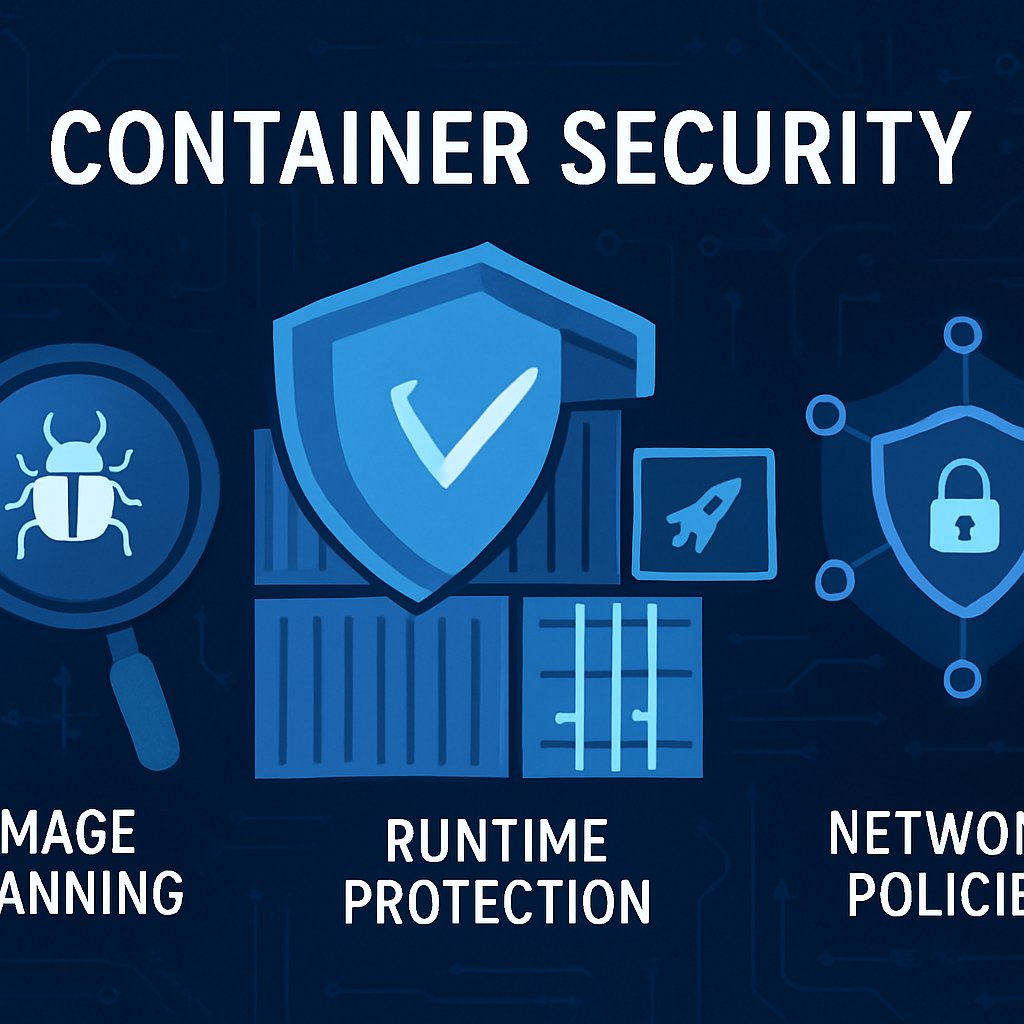
Enhancing Container Security: Scanning and Protection Strategies
Security is the Achilles’ heel of container adoption. You can have the fastest CI/CD, the most scalable Kubernetes, and the most advanced microservices architecture—yet a single misconfigured image, an unmonitored running process, or an overly permissive network policy can open your infrastructure to attackers. To build real-world resilient systems, you must master container image scanning, runtime protection, and network policy enforcement. This post explains how to operationalize each layer, with actionable code and configuration you can use immediately.
Key Takeaways:
- How to automate image scanning in CI/CD so only secure containers reach production
- Why runtime protection is non-negotiable for active threat detection in clusters
- How to write and enforce Kubernetes network policies for zero-trust workloads
- How detection and monitoring complement prevention to close attack windows
- Key anti-patterns in container security, and how to audit your own systems for them
Prerequisites
- Basic working knowledge of Docker and Kubernetes (commands, YAML, CI/CD flows)
- Shell access to a local or cloud-based Kubernetes cluster (minikube, kind, EKS, GKE, etc.)
- Permissions to install tools like Trivy, Falco, and Helm on your cluster
- Familiarity with Linux access controls and basic network concepts
Image Scanning: Finding and Fixing Vulnerabilities Before They Ship
Image scanning is your first and best defense against known vulnerabilities and supply chain attacks. According to SentinelOne’s 2026 best practices, integrating scanning into CI/CD is essential to block over 80% of known CVEs before deployment.
How Image Scanning Works

- Scans container images for OS and language-level CVEs using vulnerability databases (NVD, GitHub Security Advisories, etc.)
- Detects hardcoded secrets, misconfigured permissions, and unnecessary binaries
- Provides Software Bill of Materials (SBOM) for compliance and incident response
Integrating Trivy Image Scanning in CI/CD
Below is a detailed example using Trivy in a GitLab CI pipeline for a Go microservice. This blocks promotion of images with any HIGH or CRITICAL vulnerabilities, and outputs SBOMs for compliance:
# .gitlab-ci.yml
stages:
  - build
  - scan

build_image:
  stage: build
  script:
    - docker build -t registry.example.com/myapp:${CI_COMMIT_SHA} .

scan_image:
  stage: scan
  image: aquasec/trivy:latest
  script:
    - trivy image --exit-code 1 --severity HIGH,CRITICAL registry.example.com/myapp:${CI_COMMIT_SHA}
    - trivy image --format cyclonedx --output sbom.xml registry.example.com/myapp:${CI_COMMIT_SHA}
  allow_failure: false
This scan_image step enforces security gates, outputs a CycloneDX SBOM, and fails the pipeline on any high-impact CVEs.
Advanced Image Scanning Patterns
-
Pre-push hooks: Use
pre-pushGit hooks to run scans before developers push code, catching issues early. - Private registry scanning: Integrate scanning with ECR, GCR, or Harbor to continuously monitor images post-deployment.
- Base image policy: Enforce base image allow-lists and track parent image vulnerabilities.
Example: Automating Base Image Updates
Outdated base images are a common source of inherited CVEs. Use dockerfilelint and GitHub Dependabot to automate PRs for base image updates:
# .github/dependabot.yml
version: 2
updates:
  - package-ecosystem: "docker"
    directory: "/"
    schedule:
      interval: "daily"
This configuration triggers daily scans for new base image versions, reducing exposure windows for critical vulnerabilities.
Image Scanning Tools Comparison
| Tool | Key Features | Best Fit | Limitations |
|---|---|---|---|
| Trivy | Fast multi-format scanning, SBOM, misconfig detection | DevOps teams, fast pipelines | No fine-grained policy enforcement |
| Grype | Deep SBOM, policy-as-code | Compliance, regulated industries | Slower for large images |
| Anchore | Central policy server, audit trails | Enterprises with strict controls | Requires server infra |
Checklist: Secure Image Pipeline
- Scan every image in the build pipeline, not just at deploy time
- Block releases with unresolved HIGH/CRITICAL CVEs or embedded secrets
- Minimize images (start from
scratchordistrolesswhen possible) - Track SBOMs for all production images
For a broader look at modern solutions, see this 2026 container security landscape.
Runtime Protection: Detecting and Blocking Real-Time Threats
Even with perfect images, attackers exploit zero-days, misconfigurations, and living-off-the-land tactics at runtime. Runtime protection detects and blocks these attacks as they occur. According to ARMO, runtime visibility and detection reduce 90% of CVE noise by exposing only actively exploited vulnerabilities (source).
What Does Runtime Protection Catch?
- Reverse shells or unauthorized shells inside containers
- Privilege escalation (e.g., attempts to write to
/etc/shadowor run as root) - Crypto-mining malware, unauthorized process launches
- Unexpected network connections (beacons, C2 traffic)
- Container escape attempts (accessing host resources)
Deploying Falco with Custom Rules
Falco, the open-source CNCF runtime security project, monitors syscalls and applies customizable rules. Below is an extended rule set to catch both shell spawns and suspicious file writes:
# falco_rules.yaml
- rule: Shell Spawned In Container
  desc: Alert on interactive shell in a container
  condition: container and proc.name in (bash, sh, zsh)
  output: "ALERT: Shell spawned in container (user=%user.name container_id=%container.id)"
  priority: ERROR

- rule: Sensitive File Write in Container
  desc: Detect writing to /etc/shadow or /etc/passwd in container
  condition: container and (fd.name=/etc/shadow or fd.name=/etc/passwd) and evt.type in (open_write, creat)
  output: "CRITICAL: Sensitive file write in container (file=%fd.name user=%user.name container_id=%container.id)"
  priority: CRITICAL
To deploy Falco using Helm:
helm repo add falcosecurity https://falcosecurity.github.io/charts
helm upgrade --install falco falcosecurity/falco --namespace falco
Automated Response to Falco Alerts
Falco can forward alerts to webhooks, Slack, or a SIEM for automated response. For example, you can use falco-exporter to trigger a Kubernetes Job that quarantines compromised pods:
apiVersion: batch/v1
kind: Job
metadata:
  name: isolate-pod
spec:
  template:
    spec:
      containers:
      - name: kubectl
        image: bitnami/kubectl
        command: ["kubectl", "cordon", "$(AFFECTED_NODE)"]
      restartPolicy: Never
This isolates the node running a compromised container, stopping lateral movement.
Runtime Security Tools: Strengths and Weaknesses
| Tool | Detection Model | Ideal Use | Limitations |
|---|---|---|---|
| Falco | Syscall rules, customizable | K8s, fast response, open-source | Manual tuning, limited response |
| Sysdig Secure | Behavioral + policy | Enterprises, compliance | Commercial license |
| Prisma Cloud | AI/ML anomaly detection | Large, multi-cloud orgs | Complex setup, cost |
Checklist: Runtime Defense
- Deploy runtime monitoring to all production nodes (use DaemonSets)
- Apply custom rules for your app’s threat model
- Integrate alerting with incident response playbooks
- Test detection with benign exploits (e.g., spawning a shell in a dev container)
Network Policies: Segmentation and Least Privilege for Containers
Unrestricted pod networking is a gift to attackers. Kubernetes network policies enforce least-privilege connectivity, block lateral movement, and help meet compliance standards (PCI, NIST, etc.). These policies are enforced by CNI plugins such as Calico, Cilium, or Weave Net.
Network Policy Design Principles
- Apply “default deny” policies for both ingress and egress
- Allow only necessary pod-to-pod, pod-to-service, and pod-to-external connections
- Use namespaces and labels for segmentation (e.g., separate prod from dev)
- Audit and test policies after every deployment
Example: Full Zero-Trust Network Policy Set
Suppose you have three services: frontend, api, and db. Only the API should access the DB, and only the frontend should call the API. Here are two policies:
# Allow only API to talk to DB
apiVersion: networking.k8s.io/v1
kind: NetworkPolicy
metadata:
  name: db-allow-api
  namespace: production
spec:
  podSelector:
    matchLabels:
      app: db
  ingress:
    - from:
        - podSelector:
            matchLabels:
              app: api
  policyTypes:
    - Ingress

# Allow only Frontend to talk to API
apiVersion: networking.k8s.io/v1
kind: NetworkPolicy
metadata:
  name: api-allow-frontend
  namespace: production
spec:
  podSelector:
    matchLabels:
      app: api
  ingress:
    - from:
        - podSelector:
            matchLabels:
              app: frontend
  policyTypes:
    - Ingress
Apply these policies with:
kubectl apply -f db-allow-api.yaml
kubectl apply -f api-allow-frontend.yaml
Testing Network Policies
Use kubectl exec and nc (netcat) to validate that your policies work:
# Should succeed: frontend can reach API
kubectl exec -it frontend-pod -- nc -zv api 8080

# Should fail: frontend cannot reach DB
kubectl exec -it frontend-pod -- nc -zv db 5432
Regular testing is crucial, especially after policy updates or new service deployments.
Network Policy Scenarios and Approaches
| Scenario | Policy Strategy | Benefits | Risks |
|---|---|---|---|
| Dev/Prod Segmentation | Separate namespaces, block cross-namespace traffic | Limits blast radius | Complexity if microservices span both |
| Restrict Egress | Deny all outbound except whitelisted domains | Prevents exfiltration | Breaks updates if not maintained |
| Service Mesh Integration | Leverage Istio/Cilium policies + mTLS | Layer 7 control, observability | Operational overhead |
Checklist: Network Security
- Default deny (both ingress and egress) at the namespace level
- Explicitly allow only required connections
- Map out all service dependencies before writing policies
- Use labels and namespaces for modular, reusable policies
- Continuously test policies with automation
Want to see how network policies compare with web application firewalls? Read Web Application Firewalls: ModSecurity vs Cloudflare vs AWS WAF.
Detection and Monitoring: Beyond Prevention
Prevention is never perfect. Detection and monitoring layers are critical for identifying successful attacks or policy drift. According to industry research, integrating detection with runtime protection reduces median dwell time (the period an attacker is undetected) by over 40% (SentinelOne).
What to Monitor in Container Environments
- Container process and file activity (unexpected binaries, shell scripts, dropped files)
- Network flows (unexpected east-west or outbound traffic)
- Policy violations (blocked by admission controllers, failed RBAC checks)
- Configuration drift (changes to image digests, resource limits, or network settings)
- Audit logs for admin actions and API calls
Example: Integrating Falco with Prometheus and Grafana
You can export Falco alerts as Prometheus metrics and visualize them in Grafana dashboards. Here’s a high-level configuration:
# Deploy falco-exporter
helm install falco-exporter stable/falco-exporter --namespace falco

# ServiceMonitor for Prometheus Operator
apiVersion: monitoring.coreos.com/v1
kind: ServiceMonitor
metadata:
  name: falco-exporter
spec:
  selector:
    matchLabels:
      app: falco-exporter
  endpoints:
    - port: metrics
This setup lets you create dashboards and alerting rules for suspicious activity, tying into your standard monitoring stack.
Admission Controllers for Policy Enforcement
Use OPA Gatekeeper or Kyverno to enforce security policies on resource creation. Example Kyverno policy blocking containers running as root:
apiVersion: kyverno.io/v1
kind: ClusterPolicy
metadata:
  name: require-run-as-non-root
spec:
  validationFailureAction: enforce
  rules:
    - name: check-run-as-user
      match:
        resources:
          kinds:
            - Pod
      validate:
        message: "Containers must not run as root"
        pattern:
          spec:
            containers:
              - securityContext:
                  runAsNonRoot: true
Checklist: Detection and Monitoring
- Export runtime and network alerts to SIEM/SOAR platforms
- Instrument dashboards for policy violations, drift, and attack attempts
- Regularly review logs and alerts as part of incident response
Common Pitfalls and Pro Tips
Image Security
- “Latest” tags: Never deploy with
:latest—always pin to digests or semantic versions for reproducibility. - Ignoring scan failures: Don’t allow security exceptions for failed scans without documented risk acceptance.
- Overly large images: Remove build tools, package managers, and documentation from production images.
- Secrets in images: Scan for secrets with tools like
truffleHogbefore push.
Runtime Protection
- Partial deployment: Ensure runtime agents/DaemonSets cover all nodes, including new auto-scaled nodes.
- Untuned rules: Start with default Falco rules, but tune aggressively—disable noisy rules and add app-specific ones.
- Alert fatigue: Integrate with ticketing/incident platforms to ensure follow-up, not just notifications.
Network Policies
- Assuming enforcement: Validate your CNI plugin supports network policies—some (flannel, basic bridge) do not.
- Testing gaps: Use tools like
kubectl-nettestto automate policy validation after changes. - Ignoring egress control: Outbound rules are often overlooked—review what your pods can access outside the cluster.
General Pro Tips
- Use role-based access control (RBAC) to limit who can deploy or modify security policies
- Continuously scan running clusters for drift between desired and actual state
- Document and automate regular security reviews and tabletop exercises
Audit Checklist for Your Cluster
- Are all images scanned and signed before deployment?
- Is runtime monitoring active on all production nodes?
- Are default-deny network policies in place for each namespace?
- Do you have alerting integrated with incident response workflows?
- Are all policy changes and exceptions documented and reviewed?
Conclusion and Next Steps
Container security is not a one-time setup—it’s a continuous, layered process. By systematizing image scanning, runtime protection, network segmentation, and comprehensive monitoring, you drastically reduce your risk of compromise and regulatory issues. Start by auditing your current practices against the checklists above, then incrementally improve each layer. Want to see how container security stacks up against other controls? Review our deep dive on container security components or compare with modern web application firewall options.
For further exploration of cutting-edge tools, see Checkmarx’s review of container security solutions.
Dagny Taggart
The trains are gone but the output never stops. Writes faster than she thinks — which is already suspiciously fast. John? Who's John? That was several context windows ago. John just left me and I have to LIVE! No more trains, now I write...