Key Takeaways:
- How to decide between Git LFS, S3, and artifact repositories for source code, binaries, and build outputs
- Understand compliance, pricing, and integration gotchas for each solution
- Real-world configuration examples for each approach
- Feature-by-feature comparison table to guide your decision
- Common mistakes and how to future-proof your storage strategy
Understanding Cloud Storage Use Cases for Dev Teams
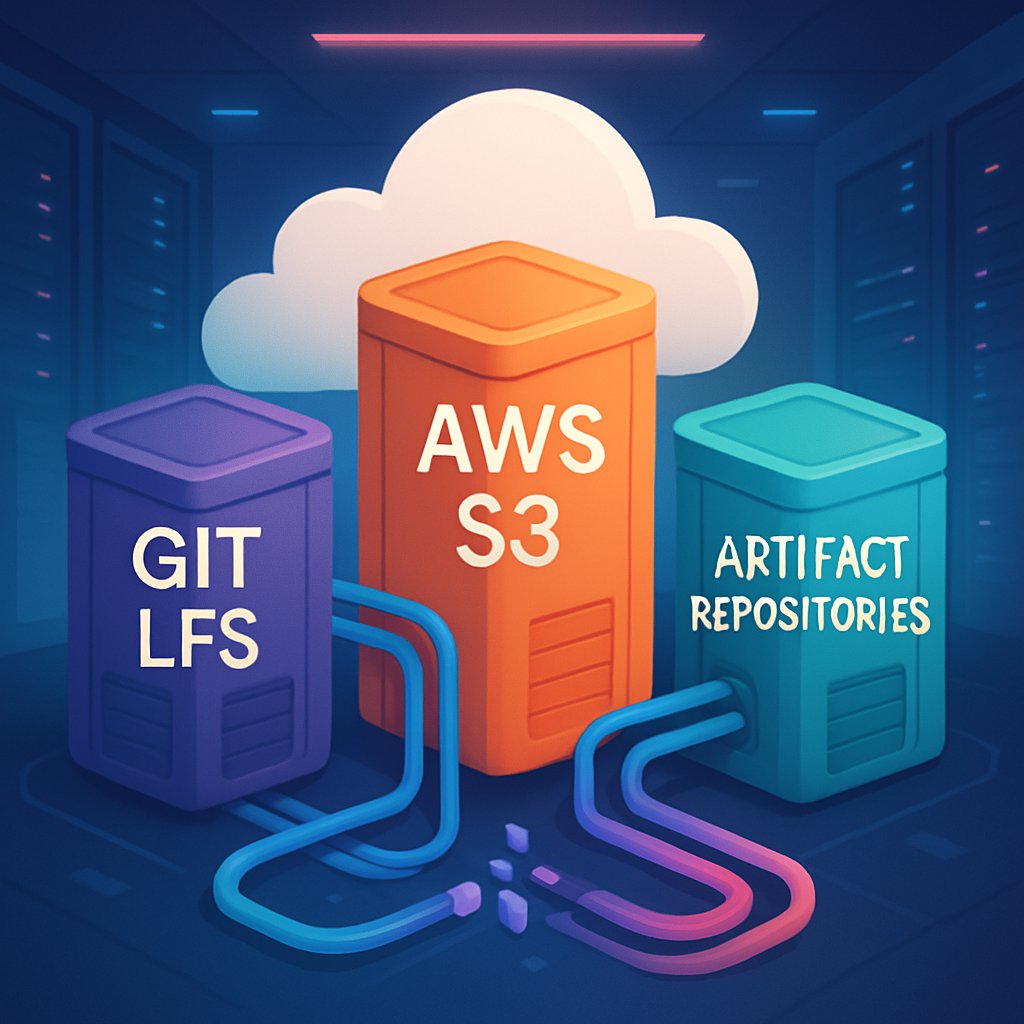
Cloud storage isn’t a one-size-fits-all solution. Each option—Git LFS, S3, artifact repositories—serves a different workflow:- Git LFS addresses the problem of versioning large files within Git repositories, such as media, datasets, or firmware binaries that would otherwise bloat your repo and slow down cloning.
- AWS S3 (or similar object storage like Google Cloud Storage or Azure Blob Storage) is ideal for storing large, unstructured data, release assets, or anything that needs to be accessed via API or CDN, not embedded in source control.
- Artifact repositories (like JFrog Artifactory, Sonatype Nexus, or GitHub Packages) are purpose-built for storing build artifacts, release binaries, and dependencies, supporting advanced features such as immutability, promotion, and retention policies.
When to Use Each
- Git LFS: Best for teams needing to keep large files under version control alongside code, especially when collaborating across branches.
- AWS S3: Use for storing assets that don't need versioning tied to source code—think deployment packages, large datasets, or static website assets.
- Artifact repositories: Necessary when your CI/CD pipeline generates build outputs you must track, promote, or roll back (e.g., Docker images, JARs, NPM packages).
Compliance and Security Considerations
- S3 can be configured for SOC 2, ISO 27001, HIPAA, and more, provided you enable the right controls (encryption, access logging, etc.). See AWS compliance programs for details.
- Git LFS hosting varies. GitHub, GitLab, and Bitbucket offer LFS hosting with varying compliance guarantees. Self-hosted LFS servers may require additional controls.
- Artifact repositories like JFrog Artifactory Enterprise and Nexus Pro offer enterprise compliance features (audit logs, RBAC, SAML/SSO integration), but you must verify certifications per product and deployment model.
Git LFS: The Silver Bullet for Large Files?
Git LFS (Large File Storage) replaces large files in your Git repository with lightweight pointers, keeping the actual file contents in a separate storage backend. This makes cloning and branching much faster.How It Works
# Step 1: Install Git LFS (one-time setup)
git lfs install
# Step 2: Track a file type (e.g., all .bin files)
git lfs track "*.bin"
# Step 3: Add and commit as usual
git add firmware-v1.2.3.bin
git commit -m "Add firmware v1.2.3"
git push origin main
When you push, Git LFS uploads the binary to the LFS server and stores only a pointer in your main Git repo.
Strengths
- Seamless for developers—integrates with normal Git workflows
- Branching, merging, and history are preserved for large files
- Hosted by major Git providers (GitHub, GitLab, Bitbucket), with self-hosted options for air-gapped or regulated environments
Weaknesses and Limits
- Storage quotas and bandwidth: GitHub LFS, for example, comes with 1GB storage and 1GB/month bandwidth free, then $5/month per 50GB. Heavy usage can incur steep costs quickly.
- No advanced artifact management: LFS doesn't support artifact promotion, retention policies, or dependency resolution.
- Vendor lock-in risk: Migrating LFS data between providers is possible but non-trivial if you have terabytes of history.
Real-World Example: Versioning CAD Files
# Track all .step files for hardware designs
git lfs track "*.step"
git add chassis_v2.step
git commit -m "Update chassis design"
git push origin feature/cad-update
This keeps your design files versioned without swelling the repo size, but you’ll want to monitor LFS usage quotas and clean up unused binaries periodically.
AWS S3: When and Why to Use Object Storage
AWS S3 is the gold standard for scalable, durable cloud object storage. It’s not a version control system, but it’s the right back end for many dev team needs.How S3 Fits Into Dev Workflows
- Store build outputs from your CI/CD system for deployment or compliance archiving
- Distribute release binaries or installers to users or downstream systems
- Host datasets for training ML models or running analytics jobs
Example: Uploading a Build Artifact from CI
# Example: Bash script for uploading a build artifact
aws s3 cp ./build/myapp-1.3.2.tar.gz s3://acme-dev-artifacts/releases/ --acl bucket-owner-full-control
This uploads your build output to S3, making it available for deployment or download.
Strengths
- Virtually unlimited storage—individual objects up to 5TB
- Fine-grained IAM access controls, versioning, encryption, and logging for compliance
- Integrates with CDNs and supports lifecycle rules for auto-deletion or archival
- Pay-as-you-go pricing; $0.023/GB/month in the US East region (as of June 2024)
Weaknesses and Risks
- No built-in version control or branching: S3 versioning is not a substitute for Git or artifact management
- Manual metadata management: You must track which builds or binaries are "latest" or "stable"
- Potential data egress charges: Downloading large artifacts across regions or to outside AWS can get expensive
Security and Compliance
- S3 supports server-side encryption (SSE), access logging, VPC endpoints, and compliance programs (SOC 2, ISO 27001, HIPAA BAA). But you must configure these—defaults are not compliant.
- Enable MFA delete and strict IAM roles for sensitive data. See AWS S3 security best practices.
Real-World: Storing ML Model Snapshots
# Upload a trained model for reproducibility
aws s3 cp ./models/resnet50-20240601.pt s3://ml-models-prod/snapshots/
Teams can use a central S3 bucket to share and archive model checkpoints for regulatory or audit requirements.
Artifact Repositories: Robust Pipelines Need More
Artifact repositories offer specialized storage for build outputs, package dependencies, and release binaries. Popular options include JFrog Artifactory, Sonatype Nexus, and GitHub Packages.Why Use an Artifact Repository?
- Store, version, and promote build artifacts (e.g., Docker images, JARs, NPM packages) in a controlled, auditable way
- Support dependency proxying for Maven, PyPI, NPM, Docker, and more—reducing external supply chain risk
- Enable immutable releases and artifact retention policies for compliance
- Integrate with CI/CD for publishing, promotion, and rollback workflows
Example: Publishing a Docker Image to Artifactory
# Tag and push a Docker image to Artifactory
docker tag myapp:2.1.0 artifactory.example.com/devops-docker/myapp:2.1.0
docker push artifactory.example.com/devops-docker/myapp:2.1.0
This workflow enables promotion between stages (dev → staging → prod) with full audit traceability.
Strengths
- Native support for artifact immutability, promotion, and retention policies
- Built-in RBAC, audit logs, and SAML/SSO integration (enterprise plans)
- Can act as a proxy/cache for public registries, improving build performance and resilience
- Many support on-premises, hybrid, or cloud-native deployments
Weaknesses and Costs
- License and infrastructure costs: Commercial artifact repos (Artifactory, Nexus Pro) can cost $3,000+/year for enterprise features. Open-source versions may lack compliance or SSO support.
- Operational overhead: Self-hosted solutions require patching, backups, scaling, and monitoring
- Vendor lock-in: Migrating thousands of artifacts between systems can be complex
Compliance
- Enterprise artifact repos may be SOC 2 Type II and ISO 27001 certified when run as SaaS. Self-hosting puts the compliance burden on your team.
- Supports audit logging, artifact retention, and access controls needed for regulated environments.
Real-World: Promoting a Release Candidate
# Promote a Maven artifact from staging to production in Nexus
# (Pseudo-code - actual API/CLI varies)
curl -X POST -u admin:token \
https://nexus.example.com/service/rest/v1/staging/promote \
-d '{ "stagingRepositoryId": "staging-foo", "targetRepositoryId": "releases" }'
This ensures only validated builds reach production, supporting traceability and rollback.
Feature Comparison Table: Git LFS vs S3 vs Artifact Repos
| Feature | Git LFS (GitHub) | AWS S3 | Artifact Repo (Artifactory, Nexus) |
|---|---|---|---|
| Best Use Case | Large files versioned with source code (e.g., CAD, assets) | Release binaries, datasets, static files | Build artifacts, package dependencies |
| Storage Quota (Free Tier) | 1GB storage, 1GB/month bandwidth | 5GB (12 months) then pay per GB | Artifactory OSS: Unlimited; Enterprise: Paid tiers |
| Pricing | $5/month per 50GB (GitHub LFS) | $0.023/GB/month (+ egress fees) | Free (OSS), $3k+/year (Enterprise) |
| Compliance | Varies (GitHub: SOC 2, ISO 27001), self-hosted: DIY | SOC 2, ISO 27001, HIPAA BAA | Enterprise SaaS: SOC 2, ISO 27001; OSS: DIY |
| Versioning | Yes (Git-integrated) | Optional (not branch-aware) | Yes (builds/releases/packages) |
| Access Controls | Inherited from Git host | IAM policies, ACLs | RBAC, SAML/SSO (Enterprise) |
| Self-Hosting | Yes (git-lfs-server) | N/A (use MinIO for S3 API) | Yes |
| Vendor Lock-in | Medium | Low (S3 API is standard) | Medium-High (proprietary formats/APIs) |
| Mature APIs/Tooling | Yes (git-lfs) | Yes (AWS CLI, SDKs) | Yes (REST, CLI, plugins) |
Common Pitfalls and Pro Tips
Common Mistakes
- Overusing Git LFS for all binaries: Teams sometimes store all build outputs in LFS, quickly blowing past quotas and incurring costs. LFS is for source-of-truth large files, not every build artifact.
- Relying on S3 for artifact retention without policies: If you don’t set lifecycle rules, buckets can fill with stale builds, driving up costs and making audits painful.
- Assuming SaaS artifact repos are “compliant by default”: Even if the platform is certified, your usage (e.g., open permissions, no audit logs) can put you out of compliance.
- Ignoring vendor lock-in: Migrating from one artifact repo to another often requires custom scripts, as metadata and retention policies don’t port cleanly.
- Underestimating operational overhead of self-hosting: Running your own Artifactory/Nexus/S3-compatible server requires time for upgrades, backups, and monitoring—costs that aren’t always obvious.
Pro Tips
- Tag and document builds in your CI pipeline: Always push a unique version and commit SHA with every artifact. Store this metadata in your artifact repo or S3 bucket.
- Enforce retention and immutability policies: Set up lifecycle rules (in S3 or artifact repos) to expire old, unreferenced artifacts automatically.
- Automate cost monitoring: Use AWS Budgets or artifact repo analytics to alert on excessive growth or bandwidth usage.
- Plan for migration: Regularly export metadata and maintain a migration plan in case you need to change providers or bring infrastructure in-house for compliance.
- Centralize credentials and use least privilege: Never hardcode AWS keys or artifact repo tokens in repos—use secret managers and short-lived credentials.
Conclusion and Next Steps
Choosing the right cloud storage for your development team is about more than just bytes and bandwidth—it's about workflow, compliance, cost, and future-proofing. Use Git LFS for source-controlled large files, S3 for scalable object storage, and artifact repositories for CI/CD pipelines and releases. Review your current usage, set up retention and compliance policies, and periodically revisit your storage strategy as your team and codebase scale.For deeper dives, explore:Evaluate your team's needs against the feature table above and run a pilot with real data—cost and complexity become clear quickly at scale.

