Categories
DevOps & Cloud Infrastructure python Software Development

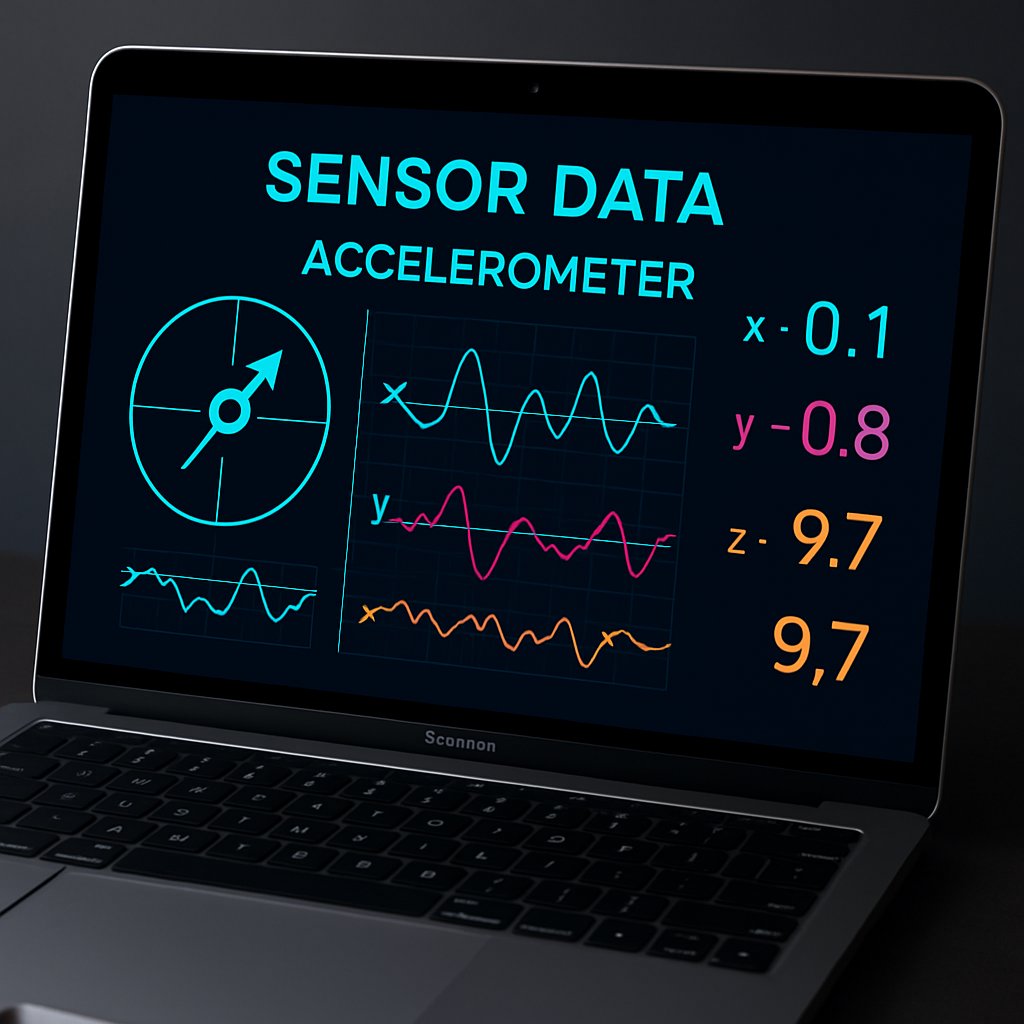
Accessing the MEMS Accelerometer on Apple Silicon

Accessing the MEMS accelerometer on Apple Silicon MacBooks (M1, M2, M3, M4) requires going far beyond Apple’s documented APIs. This sensor is managed by the Sensor Processing Unit (SPU) and is completely undocumented—no access via CoreMotion, IOKit, or any public macOS framework. If you need granular, real-time 3-axis acceleration data for automation, orientation detection, or security, you’ll have to work with low-level IOKit HID interfaces and open-source tools. This guide details how to reliably identify, read, and interpret raw accelerometer data on supported Apple Silicon MacBooks, with explicit focus on compatibility, practical data rates, security, and error handling. All commands and code are pulled directly from the authoritative project documentation.

Key Takeaways:

  • The MEMS accelerometer on Apple Silicon MacBooks can be accessed via IOKit HID APIs and open-source Python code (project source), but only by bypassing all documented Apple APIs.
  • The sensor is managed by the Sensor Processing Unit (SPU) and is surfaced as AppleSPUHIDDevice in the IOKit registry—there are no public frameworks for direct access.
  • While the hardware can provide raw acceleration data at rates up to ~800Hz via IOKit HID callbacks, the practical callback rate achieved by Python code is around ~100Hz.
  • Extracting X/Y/Z acceleration requires proper byte offset handling and scaling; security risks exist if root access is mismanaged.
  • This method is only confirmed on MacBook Pro M3 Pro. Other Apple Silicon models may work but have not been tested by the maintainer.

Apple Silicon’s Hidden Accelerometer: What You’re Really Accessing

Modern Apple Silicon MacBooks—from M1 through M4—include an onboard MEMS accelerometer, but Apple does not document or expose this sensor via any public macOS API (GitHub source). Instead, the sensor is managed by the Sensor Processing Unit (SPU) and appears in the IOKit device tree as AppleSPUHIDDevice, with a vendor usage page of 0xFF00 and usage 3. The driver responsible is AppleSPUHIDDriver.

This sensor is capable of delivering raw acceleration data at rates up to ~800Hz through IOKit HID callbacks. However, the practical callback rate achieved via the open-source Python implementation is approximately ~100Hz. This distinction is crucial for production use—scripts relying on higher rates will not achieve them through the current open-source toolchain.

The data format, access methods, and even the existence of this sensor are not described in any official Apple documentation. The CoreMotion reference only covers iOS APIs and does not apply to macOS or offer access to this hardware. If you need to detect device movement for anti-theft, tamper detection, or motion-triggered automation, this is the only on-device source for physical motion data available to the system.

How the MacBook Accelerometer is Exposed in IOKit

  • Device node: AppleSPUHIDDevice in IOKit registry
  • Vendor usage page: 0xFF00
  • Usage: 3
  • Driver: AppleSPUHIDDriver (part of the SPU stack)
  • Zero access via public or documented macOS frameworks; requires raw HID access

For broader context on how Apple manages hardware access and the implications for developers, see our analysis of Gemini 3.1 Pro deployment and platform risk.

Setup: Verifying and Preparing Your Mac for Raw Sensor Access

Before relying on the accelerometer, you must verify that your device truly supports it and that the SPU HID driver is present. This is especially important given the method’s untested status on most Apple Silicon models.

Step 1: Verify Accelerometer Presence

In Terminal, run the following command to check for the AppleSPUHIDDevice node:

ioreg -l -w0 | grep -A5 AppleSPUHIDDevice

If this command returns details about AppleSPUHIDDevice, your device is likely compatible. If no output appears, your Mac may lack the hardware or be running a macOS version that does not expose the sensor through IOKit.

Step 2: Clone and Prepare the Open-Source Reader

The only known public tool for this task is olvvier’s apple-silicon-accelerometer. To install and set it up:

git clone https://github.com/olvvier/apple-silicon-accelerometer
cd apple-silicon-accelerometer
pip install -r requirements.txt

Important: You must execute all reading scripts as root to access the HID device. For production or security-sensitive environments, always use a locked-down shell or container and audit all dependencies before execution.

Accelerometer Use Cases in Automation

The MEMS accelerometer is fundamental for implementing device movement detection, orientation-aware workflows, or security triggers. For example, you might alert on sudden physical movement (potential theft or tampering) or automate input based on device tilt. Leveraging this sensor gives you access to physical context that no software-only solution can provide.

Reading Live Accelerometer Data with IOKit HID (Step by Step)

Actual data extraction happens in motion_live.py (Python), which directly interfaces with the HID device, registers asynchronous callbacks, and parses each incoming HID report for X/Y/Z acceleration values.

To read live data, run:

sudo python3 motion_live.py

Data Structure Details

  • Each HID report is 22 bytes long
  • X, Y, Z values are 32-bit little-endian integers at byte offsets 6, 10, and 14
  • Convert raw values to g by dividing each by 65536

Code Example: Correct Parsing of a HID Report

# Example from spu_sensor.py per project source
import struct

def parse_report(report):
    # report: 22-byte bytes object from HID callback
    x = struct.unpack_from('

This function correctly unpacks the three axes from each incoming HID event and rescales the data. The use of '<i' (little-endian signed int) is confirmed by the project’s spu_sensor.py file. Raw acceleration values are often noisy and may require additional filtering for stable downstream use.

Practical Example: Logging Acceleration

# Snippet from motion_live.py (project source)
import spu_sensor

def on_accel(x, y, z):
    print(f"Accel: x={x:.3f}g y={y:.3f}g z={z:.3f}g")

spu_sensor.read_live(on_accel)

This script registers a callback for each update (practically ~100Hz), logging the acceleration in all three axes. Replace the print statement with custom logic to trigger automations or alerts on motion events.

Table: Sensor Data Offsets and Scaling

AxisOffset (bytes)TypeScaling (to g)
X6int32 (little-endian)/ 65536
Y10int32 (little-endian)/ 65536
Z14int32 (little-endian)/ 65536

Common Pitfalls, Security Considerations, and Pro Tips

1. Root Access Required: Reading the accelerometer requires root privileges. Running any untrusted code as root is a severe security risk—always review scripts and dependencies thoroughly.

2. Compatibility Caveats: This method is only confirmed on the MacBook Pro M3 Pro, per the project maintainer. Other Apple Silicon models (M1, M2, M4) may work, but have not been tested and are not guaranteed to be compatible. Future macOS updates could silently break or block HID access at any time.

3. Data Rate Limitations: The hardware can sample at ~800Hz, but with the current Python implementation, you will see a practical callback rate of roughly ~100Hz. Applications requiring higher data rates must implement lower-level code or optimize further.

4. Raw Data Quality: Expect significant noise in the raw acceleration values. Implement digital filtering, averaging, or outlier rejection if your automation requires stable orientation or motion estimates.

5. Security and Privacy: Any process with root privileges can read device motion data without user consent. Restrict sensor access, audit your data pipeline, and review the privacy implications, especially in multi-user or enterprise environments.

6. Error Handling: If ioreg does not list AppleSPUHIDDevice, your device does not support this method. Always verify hardware and driver presence before building automation or monitoring workflows around these readings.

For further reading on hardening production automation and managing rollbacks, refer to our resource management best practices.

Conclusion & Next Steps

Direct access to the undocumented MEMS accelerometer on certain Apple Silicon MacBooks unlocks new possibilities for automation, security, and physical context awareness—but brings sharp caveats regarding compatibility, performance, and security. Always verify your hardware, use only vetted scripts, and adapt open-source code for your operational needs. Track updates at the project repo, as Apple may restrict or change access methods at any time. For deeper context on undocumented hardware and platform transparency, see our Gemini 3.1 Pro breakdown and resource management guide. As Apple evolves its hardware and software stack, expect the landscape for low-level sensor access to remain volatile—plan accordingly and audit your automation stack regularly.