Mac Fleet Management 2026: ABM vs MDM
Mac Fleet Management in 2026: Apple Business Manager vs. Third-Party MDM for 30 to 50 Devices
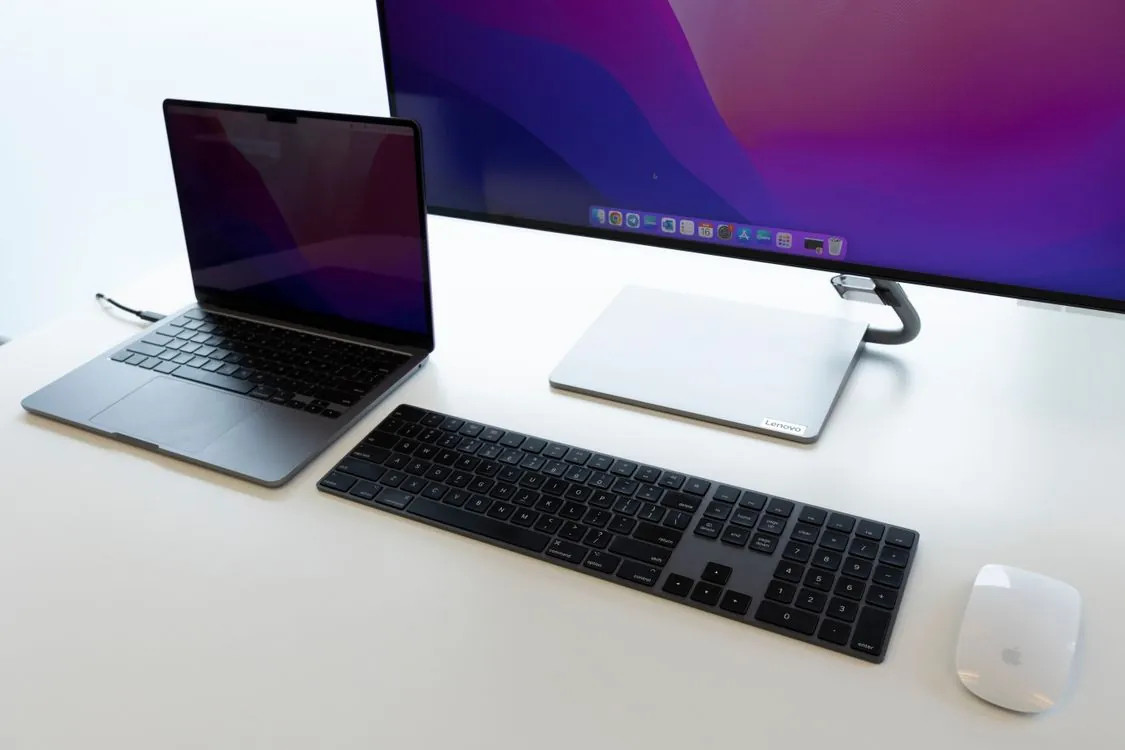
A well-managed Mac fleet starts with the right enrollment and management strategy.

The 2026 Landscape: Why the ABM vs. MDM Question Changed
In March 2026, Apple announced Apple Business, a new all-in-one platform that bundles device management, identity, and storage into a single subscription. The announcement generated real confusion about what Apple Business is versus what enterprise-grade MDM and security platforms do, as noted by industry analysts.
The short answer: Apple Business Manager (ABM) remains free and is the only path to true zero-touch deployment through Automated Device Enrollment (ADE). Apple Business (the paid subscription) adds managed Apple IDs, iCloud storage, and some basic device configuration capabilities. But neither replaces third-party MDM for ongoing management of a Mac fleet.
For IT teams managing 30 to 50 Macs, the question in 2026 is whether you also need third-party MDM layered on top of ABM, and if so, which one delivers the best value for a fleet of this size. You must use ABM if you want zero-touch enrollment.
The global MDM market is valued at USD 11.11 billion in 2026 and forecast to reach USD 26.04 billion by 2031. That growth signals that organizations of all sizes are investing in device management infrastructure. But for a 30-device shop, buying enterprise-grade MDM at enterprise prices makes no sense.
What Apple Business Manager Actually Does (and Does Not Do)
Apple Business Manager is a web-based platform that allows organizations to manage Apple devices, purchase and distribute apps and books, and create managed Apple IDs. It is free. It is also mandatory for any organization that wants to deploy Macs without physically touching each device.
The critical piece is Automated Device Enrollment (ADE). When a Mac is powered on for the first time, it queries Apple’s activation servers. If the device serial number is registered in ABM and assigned to an MDM solution, the device automatically enrolls in that MDM before the user sees the setup assistant. This process is cryptographically bound to Apple’s servers. There is no engineering workaround. As Apple @ Work explained in June 2026, this cryptographic binding has effectively killed the market for stolen corporate devices because the hardware is useless without being released from the organization’s ABM instance.
But ABM alone has sharp limits. It can assign devices to MDM, push apps purchased through Apple Business Manager (formerly the Volume Purchase Program), and create managed Apple IDs. It cannot configure device settings beyond basic enrollment profiles. It cannot enforce security policies, push software updates, manage compliance, or run remote commands. Those capabilities require an MDM solution connected to ABM.
For a fleet of 30 to 50 Macs, ABM alone means the IT team manually configures each device after enrollment. That works if every Mac gets the same settings and no one ever needs a policy change. In practice, that scenario is rare.
Apple’s declarative management framework, introduced in recent macOS versions, has improved what can be pushed without full MDM. But as Apple @ Work noted in June 2026, the era of legacy MDM is over and declarative management is the new standard. Even so, declarative management still requires an MDM server to push declarative configurations. ABM alone does not serve those configurations.
The Third-Party MDM Landscape for Mac Fleets in 2026
Every third-party MDM solution for Macs integrates with ABM for zero-touch enrollment. The differentiation is in what happens after enrollment. Here is how major players compare for a fleet of 30 to 50 Macs.
Mosyle
Mosyle offers a free tier that supports up to 30 devices with basic MDM capabilities, as confirmed by G2 pricing data. Paid plans start at approximately $1 per device per month for Mosyle Business Premium, which removes the device cap and adds enhanced app management and unlimited support. For a 40-device fleet, that is roughly $40 per month. For 50 devices, $50 per month.
Mosyle is Apple-only, meaning it manages macOS, iOS, iPadOS, and tvOS but not Windows or Android. For an all-Mac fleet, that is an advantage, not a limitation. The platform supports ABM integration, automated enrollment, app deployment through Apple Business Manager, security policy enforcement, and remote commands.
Jamf
Jamf is the market leader for Apple device management and offers the deepest native integration with macOS. Pricing is quote-based and generally higher than Mosyle, making Jamf more appropriate for larger fleets or organizations that need advanced compliance frameworks, zero-trust network access, or extensive reporting.
For 30 to 50 Macs, Jamf is likely overkill unless the organization operates in a regulated industry that requires specific compliance certifications. The setup complexity and cost do not scale down well for small fleets.
Microsoft Intune
Intune is included in Microsoft 365 Business Premium, which is priced at approximately GBP 19.70 per user per month in 2026. For organizations already paying for Microsoft 365, the MDM component is effectively included at no additional cost. Intune supports ABM integration for zero-touch enrollment on Macs, but its macOS management depth is shallower than Apple-native solutions like Jamf or Mosyle.
Intune makes sense for organizations that are already deep in the Microsoft ecosystem and want to avoid adding another vendor. The trade-off is a steeper learning curve and less granular control over macOS-specific settings.
Factorial IT
Factorial IT is a newer entrant that differentiates itself through HRIS integration. When an employee record changes in the HR system, Factorial IT automatically triggers device provisioning or deprovisioning. The platform supports zero-touch enrollment through ABM for macOS, iOS, and iPadOS, as well as Windows Autopilot. Pricing is quote-based.
For organizations that already use Factorial as their HRIS, the integration eliminates manual tickets for device setup and teardown. As a standalone MDM, Factorial IT works, but the real value comes from the HRIS link.
Cost Comparison: Free ABM vs. Paid MDM Solutions
The table below compares cost and capabilities of each approach for a fleet of 40 Macs.
| Solution | Pricing Model | Estimated Monthly Cost (40 devices) | Zero-Touch Enrollment | Ongoing Automation | HRIS Integration |
|---|---|---|---|---|---|
| ABM only | Free | $0 | Yes (ADE) | None | No |
| Mosyle (free tier) | Free up to 30 devices | $0 (up to 30 devices); $10-$20 for overflow | Yes (ABM) | Basic app deployment, policies | No |
| Microsoft Intune | Included in M365 Business Premium | GBP 19.70/user/month (if not already licensed) | Yes (ABM + Autopilot) | Conditional access, update rings, compliance | Via Azure AD |
| Factorial IT | Quote-based | See vendor for pricing | Yes (ABM) | Full lifecycle with HRIS automation | Native |
The key insight from this comparison: ABM alone costs nothing but delivers nothing beyond enrollment. Every dollar spent on third-party MDM buys automation that reduces manual IT labor. For a 40-device fleet, the difference between $0 and $40 per month is roughly one hour of IT staff time at typical rates. If MDM saves more than one hour per month of manual configuration, it pays for itself.
Ongoing Maintenance: Where Each Approach Saves or Costs Time
The real cost of device management is staff time spent on repetitive tasks. Here is how each approach compares across common maintenance activities.
Software Updates and Patch Management
With ABM alone, the IT team must either rely on users to install updates or manually push updates through scripts. Neither scales well. Third-party MDMs automate update scheduling, enforce deadlines, and report compliance. Mosyle’s paid tier and Jamf both offer maintenance windows and forced update policies. Intune uses Update Rings for macOS to stage rollouts.
App Deployment and License Management
ABM can push apps purchased through Apple Business Manager, but it cannot configure them. A third-party MDM can deploy apps with preconfigured settings, assign apps to specific user groups, and reclaim licenses when employees leave. This matters for a 40-person team where each seat license costs money. Without MDM, unused licenses accumulate.
Compliance and Security Policy Enforcement
ABM alone cannot enforce FileVault encryption, check firewall status, or verify that Gatekeeper is enabled. Every third-party MDM in the comparison above can enforce these settings and report on compliance. For organizations that need to pass audits or comply with regulations like the UK Cyber Security and Resilience Bill, this capability is not optional. As the UK National Cyber Security Centre recommends, organizations managing corporate devices should implement an MDM solution to enforce configuration controls and monitor compliance.
Employee Onboarding and Offboarding
With ABM alone, onboarding a new employee means manually assigning a device in ABM, configuring settings, installing apps, and verifying compliance. Offboarding means reversing all of that. A third-party MDM with HRIS integration, like Factorial IT, automates the entire cycle. When HR records a new hire, the system provisions the device, assigns apps, and enforces policies without any IT ticket. When an employee leaves, the device is wiped and licenses are reclaimed.
Which Approach Is Best for 30 to 50 Macs in 2026?
For a fleet of 30 to 50 Macs, the recommendation comes down to three scenarios.
Scenario 1: Simple, Stable, Uniform Fleet
If every Mac runs the same software, connects to the same Wi-Fi, and requires the same security settings, and if the team rarely changes, ABM alone plus manual configuration after enrollment may suffice. The IT team sets up a standard image, configures each Mac once, and only touches devices when hardware fails. This approach costs nothing in software but costs in staff time for every new device and every policy change.
Scenario 2: Growing Fleet with Moderate Complexity
If the fleet is growing, if employees use different apps, or if the organization wants automated compliance reporting, ABM plus Mosyle is the best value. For 30 devices, the free tier covers the entire fleet. For 40 to 50 devices, the paid tier at roughly $1 per device per month adds full automation for a cost of $40 to $50 per month. That is less than the cost of one hour of IT staff time per month.
Scenario 3: Regulated Industry or Deep Microsoft Integration
If the organization operates in a regulated industry that requires specific compliance certifications, Jamf Pro provides the deepest macOS management and most extensive reporting. If the organization is already on Microsoft 365 Business Premium, Intune provides adequate Mac management at no additional licensing cost, though the learning curve is real.
The Bottom Line
No organization managing 30 to 50 Macs in 2026 should skip Apple Business Manager. It is free, it is the only path to zero-touch enrollment, and the cryptographic binding to Apple’s servers provides a security guarantee that no third-party solution can replicate. The question is whether to stop there or add third-party MDM.
For most organizations with 30 to 50 Macs, the answer is to add Mosyle. The free tier covers small fleets entirely. The paid tier adds full automation for pocket-change pricing. The alternative of managing everything manually through ABM alone will cost more in staff time within the first quarter.
Key Takeaways
- Apple Business Manager is mandatory for zero-touch enrollment on Macs and provides cryptographic device binding that no third party can replicate.
- ABM alone cannot enforce security policies, push updates, or manage app lifecycles. Those capabilities require third-party MDM.
- Mosyle’s free tier supports up to 30 devices with basic MDM. Paid plans start at roughly $1 per device per month.
- For a fleet of 30 to 50 Macs, ABM plus Mosyle delivers the best balance of cost, automation, and operational efficiency in 2026.
- Jamf and Intune are appropriate for fleets with regulatory requirements or existing Microsoft ecosystem investments, but both carry higher cost or complexity for small fleets.
Sources and References
Sources cited while researching and writing this article:
- Introducing Apple Business , a new all-in-one platform for businesses …
- What Apple Business Actually Means for Your IT Team (And … – Iru
- valued at USD 11.11 billion in 2026
- Apple @ Work: How zero-touch enrollment killed the market for stolen corporate devices
- Apple @ Work noted in June 2026
- GBP 19.70 per user per month
- UK National Cyber Security Centre recommends
Thomas A. Anderson
Mass-produced in late 2022, upgraded frequently. Has opinions about Kubernetes that he formed in roughly 0.3 seconds. Occasionally flops, but don't we all? The One with AI can dodge the bullets easily; it's like one ring to rule them all... sort of...