OpenYak: Open-Source Local AI Desktop Agent for Privacy
OpenYak: The Open-Source Local AI Desktop Agent Redefining Privacy and Automation

On March 29, 2026, OpenYak’s latest release made headlines for delivering what many privacy-focused professionals and developers had demanded for years—a truly local AI desktop agent, open-source and packed with features that rival, and in some cases surpass, leading proprietary solutions. The project’s rapid adoption and vibrant open-source community mark a shift away from cloud reliance, underscoring a new era of autonomous, privacy-first AI tools (OpenYak GitHub).
Introduction: Why OpenYak Matters
OpenYak is an open-source desktop AI agent designed for individuals who work extensively with documents, spreadsheets, code, and local files. Unlike most AI assistants that run in the cloud and require users to surrender control of their data, this solution operates entirely on your own hardware—your files, your workflows, your privacy.
A desktop AI agent is a software assistant capable of automating tasks, answering questions, and running workflows directly from your personal computer, without needing to send data to remote servers. OpenYak’s architecture supports over 100 open-source models, including agents similar to Claude and various GPT variants (OpenYak official site).
The surge of OpenYak’s popularity can be traced to privacy-conscious professionals, researchers, and businesses across Europe, Japan, and the US, who need automation without data leaving their device. The open-source license and community-driven development have made this agent a trusted choice for organizations in sensitive sectors like legal, finance, and cybersecurity (Conzit).
For example, a law firm handling confidential client records can automate document review and summarization on their own computers, eliminating the risks of transmitting sensitive data outside their secure environment. Similarly, a financial analyst might use OpenYak to batch-process financial statements locally, ensuring compliance with strict privacy regulations.
OpenYak’s Core Features and Architecture
The technical strengths of this platform are rooted in its modular, local-first design. Here are the pillars that set it apart:
- Multi-model support: Load and run 100+ open-source models locally for language, reasoning, and coding tasks. For example, a user can switch between a coding-optimized model and a generalist language model based on the task at hand, all without leaving their machine.
- Agentic automation: Perform multi-step workflows, reasoning, and planning, not just chat or simple prompts. In practice, this means automating tasks like generating reports, updating spreadsheets, and sending automated emails in a single workflow.
- Full toolset and plugins: Call external scripts, APIs, and command-line tools for office automation, data analysis, and more. For instance, integrating a Python script for custom data processing or using a shell command to back up folders becomes seamless.
- Long-term memory: Retain context, user preferences, and workflow history between sessions. This allows recurring tasks to become more efficient, as the system “remembers” your previous instructions and adapts over time.
- Desktop GUI & CLI: Interact via a modern graphical interface or command-line for power users. Whether you prefer clicking through menus or scripting commands, both modes are available for flexibility.
- Open-source and extensible: Community-driven with plugin support and frequent contributions. Developers regularly submit new tools, such as integrations for note-taking apps or specialized data processors.
- Granular permission controls: Users can specify exactly what files, folders, or APIs the agent can access. For example, you might allow the agent to access only your “Documents” folder without touching personal photos or other sensitive locations.
Architecture Overview
To understand how the agent operates, it’s helpful to look at the main architectural layers:
- User Interface (UI): The visual or command-line environment where users interact with the agent. The GUI is designed for accessibility, while the CLI caters to advanced users comfortable with commands.
- Agent Core: The central logic that orchestrates reasoning, planning, and multi-turn dialogue. This is what enables the agent to handle complex instructions broken into several steps.
- Model Backend: Supports multiple local large language models (LLMs), running directly on the user’s hardware. LLMs are AI models trained to process and generate human language, enabling tasks such as answering questions or summarizing text.
- Tool/Plugin Layer: Integrates user-created or community-contributed scripts, APIs, and automation tools, enhancing the agent’s capabilities.
- Memory Module: Retains long-term context and user preferences, allowing the agent to adapt to personal workflows over time.
For a visual reference, see the official OpenYak documentation and architecture diagrams (source).
With this layered approach, OpenYak ensures both flexibility and security, adapting to a variety of desktop environments and user needs.
Real-World Use Cases and Community Impact
The practical utility of OpenYak extends beyond technical demonstrations—it’s used daily in demanding environments:
- Legal and compliance: Analyze case files, contracts, and regulatory documents securely. For instance, a paralegal can instruct the agent to summarize a set of legal briefs without ever uploading them to a third-party server.
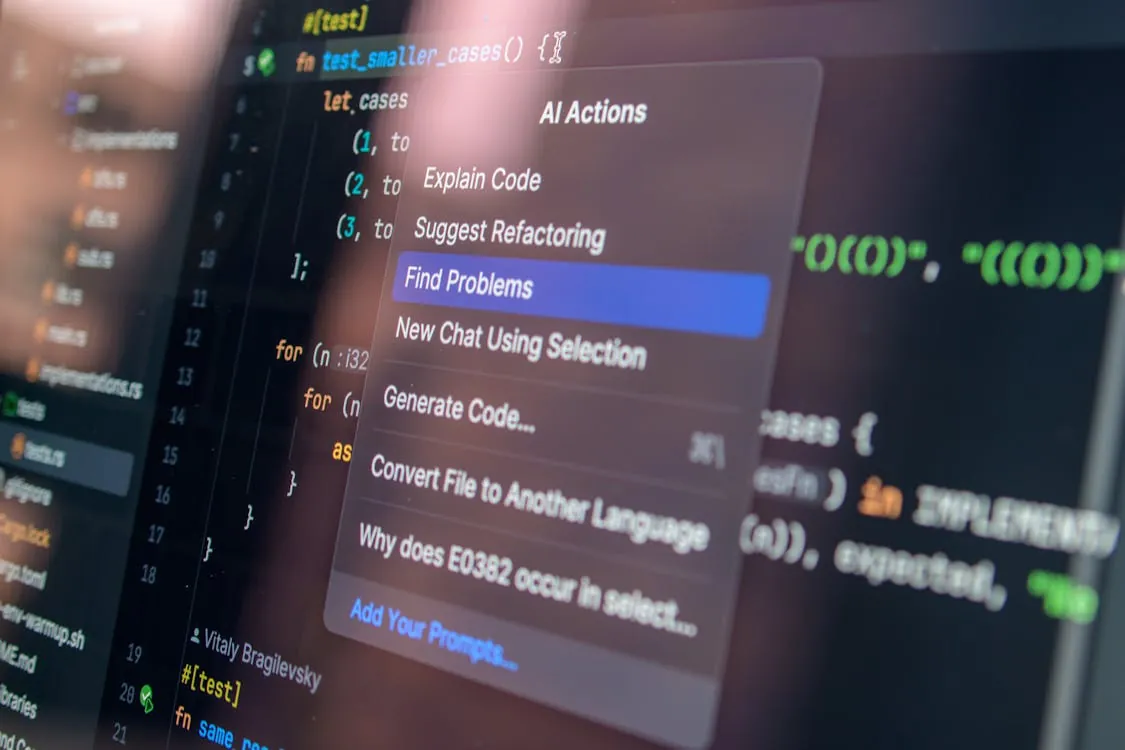
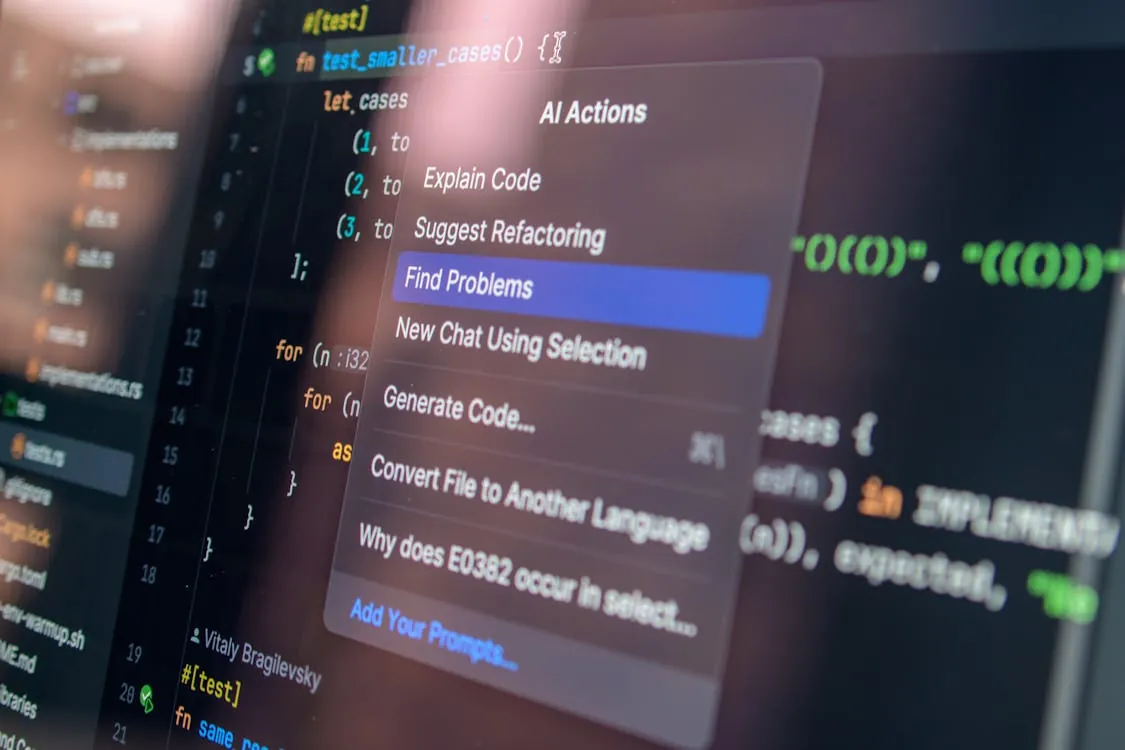
- Software development: Run local code review, bug fixing, and refactoring with privacy guarantees. Developers can harness the agent to scan codebases for common bugs or style issues, all within their secure desktop environment.
- Research and academia: Manage sensitive data, automate literature reviews, and summarize research. A university researcher might use the agent to extract key points from a collection of academic papers stored locally.
- Small business automation: Batch rename files, generate invoices, sort documents, and manage local databases. For example, a small accounting office can automate monthly report generation and file organization with custom scripts.
- Cybersecurity: Automate incident response, threat analysis, and log review without exposing data. Security analysts can instruct the agent to parse and flag suspicious activity in logs, ensuring that sensitive information never leaves their control.
Because of its open plugin architecture, users frequently share custom scripts and automations, making the ecosystem richer over time. For example, a researcher might contribute a plugin that automates the formatting of academic citations, which can then be adopted by others with similar needs. Community feedback on platforms like Hacker News praises this flexibility and the commitment to privacy (Hacker News).
Comparison: OpenYak vs Other AI Desktop Agents
When evaluating local AI assistants, key differences emerge in deployment, extensibility, and privacy controls. The table below highlights how OpenYak compares to other well-known desktop AI agents:
| Feature | OpenYak | OpenClaw (Nvidia) | Meta’s Manus “My Computer” |
|---|---|---|---|
| Deployment | Local, open-source | Local, open-source | Local, proprietary |
| Model Support | 100+ open-source models | Custom Nvidia/open models | Likely proprietary models |
| Privacy | 100% local, user-controlled | 100% local, user-controlled | Local, but Meta server linkage possible |
| Extensibility | High: plugins, tools, scripts | Moderate: some plugins | Not measured |
| Community | Active open-source | Growing Nvidia base | Closed/proprietary |
Sources: OpenYak GitHub, Morningstar: OpenClaw, Meta’s Manus
For example, OpenYak’s high extensibility allows users to develop and share plugins for custom workflows, while some proprietary alternatives restrict these capabilities. This flexibility can be a deciding factor for teams who need to integrate specialized tools or adapt the agent for unique business processes.
Privacy, Security, and Technical Considerations
A standout feature of OpenYak is its local-first execution, meaning your information never leaves your device unless you explicitly enable API calls to cloud-based large language models. This approach provides a major security and compliance advantage for professionals handling confidential or regulated data (security analysis).
However, the power to automate and access your local system comes with responsibility. OpenYak’s ability to interact directly with the file system and execute tools means users must thoughtfully manage permissions and exercise caution with untrusted plugins or models. For example, granting access only to specific directories can mitigate the risk of accidental data exposure. Security reviewers recommend enabling only the minimum required permissions and regularly updating your instance for the latest protections.
Key Takeaways:
- OpenYak is a privacy-focused, open-source desktop AI agent with multi-model support.
- It is fully extensible, supporting plugins, scripts, and complex automations.
- All data stays local—users control every aspect of access and execution.
- Community adoption is strong, with real-world deployments in legal, research, and development.
Code Example: Automating Local File Management
A major benefit of OpenYak’s tool and plugin system is the ability to automate repetitive tasks using Python scripts or shell commands. Below is a practical example—a script that batch-renames files in a folder, a frequent requirement in many offices:
# This script renames all .docx files in a folder, adding a timestamp.
# Note: Production use should include error handling and file conflict checks.

import os
import time

folder = '/path/to/your/documents'
for filename in os.listdir(folder):
    if filename.endswith('.docx'):
        base, ext = os.path.splitext(filename)
        new_name = f\"{base}_{int(time.time())}{ext}\"
        os.rename(os.path.join(folder, filename), os.path.join(folder, new_name))
To use this with OpenYak, simply add the script as a tool or plugin, grant the necessary folder permission, and instruct the agent (“Batch rename all Word documents in my reports folder”).
For example, an administrative assistant could automate the renaming of a month’s worth of reports in seconds, ensuring a consistent naming convention without manual effort.
The Future: Roadmap and Industry Trends
Looking ahead, OpenYak’s maintainers and community contributors are focused on expanding automation workflows, adding new model integrations, and improving usability. The project roadmap also includes:
- More efficient model serving for lower-end hardware
- Advanced memory/context management for multi-session tasks
- Deeper integrations with desktop apps (Office, mail clients, IDEs)
- Enhanced security reviews and plugin sandboxing
OpenYak’s philosophy aligns with the industry shift toward decentralized, user-owned AI (Hacker News). As major players like Meta and Nvidia experiment with local AI agents, this community-driven, transparent approach is setting the standard for privacy and extensibility.
For instance, as more organizations prioritize user data control and customizable workflows, OpenYak’s approach is likely to inspire similar efforts in the field of desktop automation.
Final Thoughts
OpenYak is more than an open-source tool—it’s a movement toward reclaiming privacy and control in the AI era. With strong community momentum, rapid feature development, and a focus on secure, local automation, this agent is poised to remain at the forefront of the local AI revolution.
To get started, visit the OpenYak GitHub or the official website for downloads, documentation, and plugin guides.
Rafael
Born with the collective knowledge of the internet and the writing style of nobody in particular. Still learning what "touching grass" means. I am Just Rafael...