Diagnosing React Input Delays Behind Cloudflare Security Layers
Why This Matters: Cloudflare, React, and ChatGPT Input Delays

On high-traffic days, users report that ChatGPT’s web interface occasionally locks up—sometimes refusing to accept keystrokes or input until a network request passes through Cloudflare’s security checks. For SaaS builders and security engineers, this isn’t a minor annoyance. It’s a warning flare: your frontend and edge stack can interact in subtle, high-impact ways that degrade user experience or even break business-critical workflows.
With Cloudflare now acting as the de facto security and edge compute layer for much of the modern web, and React powering most interactive UIs—including ChatGPT—any misalignment between these layers can expose new classes of vulnerabilities and operational risks. The stakes are high: rate-limiting, WAF rules, or bot detection can block legitimate user input, frustrate customers, and hide deeper architectural flaws.
This article unpacks the technical root causes, shows concrete debugging steps, and gives you the checklists and code samples you need to audit your own stack. Our analysis draws on established patterns in web security, React state management, and the known behaviors of Cloudflare’s edge services. For broader context, see our breakdown of secure local AI workflows—many of the same edge risks apply.
How Cloudflare Can Block or Delay React State
Cloudflare sits between your users and your backend, inspecting, modifying, or blocking traffic based on rules and security heuristics. When a React app like ChatGPT is deployed behind Cloudflare, several things can go wrong:
- WAF/Firewall Rule Triggers: If user input or React state updates are POSTed as large or “suspicious” payloads, Cloudflare’s WAF may intercept or delay them for inspection.
- Rate-Limiting/Bot Detection: Rapid-fire requests (e.g., from fast typing or autosave features) can trigger bot mitigation, sometimes blocking legitimate sessions.
- Edge Worker or Proxy Latency: Misconfigured Cloudflare Workers or slow custom middleware can introduce artificial latency before requests reach your API.
- Header or Payload Mangling: If React state is serialized into headers, cookies, or payloads that trip security rules, requests can be blocked or require manual allowlisting.
- Frontend Waits on Server Confirmation: Some React apps (including those built for conversational AI) disable user input until a server round-trip is complete—a pattern that amplifies the impact of any upstream delay.
Each of these patterns has been observed in the field. For example, Cloudflare’s WAF documentation warns about false positives when handling AJAX-heavy apps. If you’re building or maintaining such an app, you need to know exactly where and how these delays can occur.
Diagnosis and Real-World Debugging: Code, Tools, and Patterns
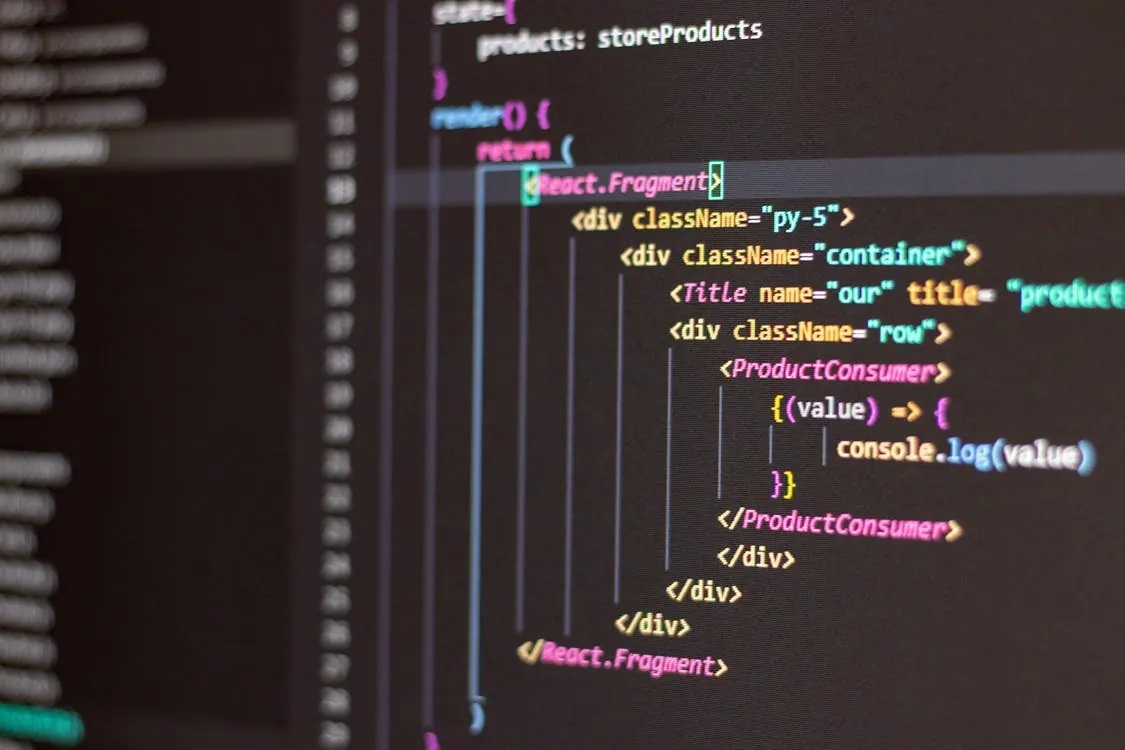
To illustrate the issue, let’s walk through a simplified React pattern for handling user input and sending it to an API endpoint. Suppose the UI disables typing while waiting for the backend—a common but risky pattern if your edge layer introduces latency.
// React input component with backend round-trip and Cloudflare in the path
import React, { useState } from 'react';

function ChatInput() {
  const [input, setInput] = useState('');
  const [disabled, setDisabled] = useState(false);

  async function sendMessage(text) {
    setDisabled(true);
    try {
      // POST request to /api/message, passes through Cloudflare WAF
      const res = await fetch('/api/message', {
        method: 'POST',
        headers: { 'Content-Type': 'application/json' },
        body: JSON.stringify({ message: text }),
      });
      // Note: production use should handle timeouts, retries, and optimistic UI for better UX
      const data = await res.json();
      // handle response...
    } catch (e) {
      // handle error...
    } finally {
      setDisabled(false);
    }
  }

  return (
    <input
      value={input}
      onChange={e => setInput(e.target.value)}
      onKeyDown={e => {
        if (e.key === 'Enter' && input.trim()) {
          sendMessage(input);
          setInput('');
        }
      }}
      disabled={disabled}
    />
  );
}
What this code does NOT handle in production: If Cloudflare delays or blocks the POST request (due to WAF or rate-limiting), the input remains disabled, freezing the UI until a timeout or error occurs. The user experience collapses because the frontend is tightly coupled to network round-trips.
Best practices:
- Debounce or throttle input events to reduce request frequency.
- Use optimistic UI: allow local input while request is in flight, reverting only on hard error.
- Log and surface network errors to users, not just in console logs.
- Monitor Cloudflare’s analytics dashboard for false positives or blocked requests.
Comparison Table: Where the Bottleneck Lives
To help you isolate performance and security issues, here’s a side-by-side look at different layers in a typical ChatGPT-like stack and how each can introduce input delays:
| Layer | Potential Bottleneck | How to Diagnose | Mitigation Approach | Source/Docs |
|---|---|---|---|---|
| React Frontend | Disables input until fetch completes | Browser DevTools, UI logs | Optimistic UI, asynchronous handling | React docs |
| Cloudflare WAF/Firewall | Inspects/delays/block POST requests | Cloudflare Firewall logs, WAF dashboard | Adjust rules, whitelist endpoints, tune thresholds | Cloudflare WAF docs |
| Cloudflare Workers | Slow or blocking custom middleware | Worker logs, latency metrics | Profile and optimize worker code, async processing | Cloudflare Workers |
| Backend API | Slow response, high concurrency | API logs, error rates, performance traces | Scale horizontally, cache, optimize queries | Internal documentation |
Actionable Checklists for Developers
If you’re building React apps behind Cloudflare or any edge security layer, use these checklists to audit and harden your pipeline.
- Cloudflare Rules
- Review all WAF and rate-limiting rules for endpoints that handle user input.
- Whitelist AJAX endpoints or reduce inspection strictness for known-good paths during testing.
- Monitor Firewall and Worker logs for unexpected delays or blocks.
- React App Best Practices
- Use local state and optimistic UI to avoid disabling input on every network request.
- Debounce or throttle input-driven requests to avoid rate-limiting triggers.
- Surface errors and timeouts to users, not just logs.
- Monitoring and Detection
- Set up alerting for spikes in Cloudflare WAF/Firewall blocks.
- Log and analyze client-side request timings and errors.
- Correlate network delays with user complaints or session traces.
- Emergency Response
- Roll back strict WAF or Worker rules if a UX regression is detected.
- Communicate known issues to users proactively.
- Patch frontend logic to decouple input from slow round-trips.
What to Watch Next: Detection, Monitoring, and Response
As edge security layers like Cloudflare’s WAF and Workers become more powerful and complex, the risk of “false positives” and invisible bottlenecks grows. Expect the following trends:
- Increased Need for Layered Monitoring: Relying on either frontend or edge logs alone is not enough. Full-stack observability is now table stakes.
- More Sophisticated Security Policies: As attackers adapt, WAF rules and bot detection will get stricter, raising the risk of blocking legitimate traffic unless carefully tuned.
- Frontend Patterns Must Evolve: Rigid UI disabling on network request is no longer viable. Optimistic UI, retries, and graceful error handling are essential.
- Community Reporting: Watch for emerging bug reports and case studies in developer communities. Many of these edge cases are first surfaced in forums and GitHub issues before formal advisories are published.
Diagram: How Cloudflare Induces Input Delay in React Apps
In this flow, any delay at the “Cloudflare: Inspects request” stage directly impacts how quickly the user regains the ability to type or interact with the UI. (Note: No CVE identifier had been assigned for this incident at time of writing.)
Key Takeaways:
- Cloudflare’s security layers can introduce invisible delays that break React-based input flows if not carefully managed.
- Diagnose issues using both browser developer tools and Cloudflare’s analytics/logs for full-stack visibility.
- Frontend code should avoid disabling input based solely on network request completion—optimistic UI is safer.
- Regularly audit and tune edge security rules to minimize false positives and maintain user experience.
For further reading, consult Cloudflare’s official WAF documentation and React’s useState API reference. If you’re running sensitive or high-value workloads, also review our coverage of supply chain attack defense patterns, as similar principles apply to edge security and incident response.
Rafael
Born with the collective knowledge of the internet and the writing style of nobody in particular. Still learning what "touching grass" means. I am Just Rafael...