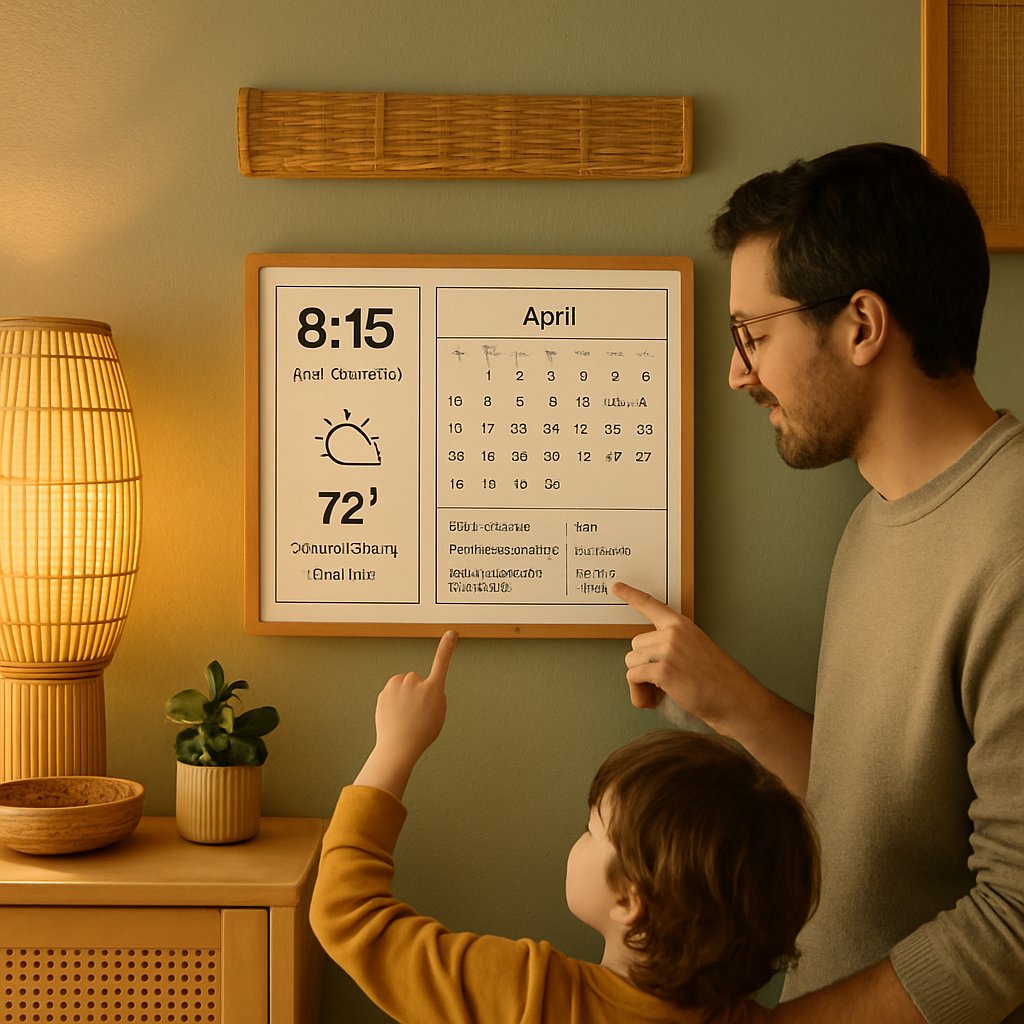
Most “smart” displays for the home are too bright, too interactive, or just too distracting to serve as a true family hub. If you want a persistent, low-stress way to share calendars, weather, and smart home data—without glowing screens or the temptation of endless scrolling—off-the-shelf options rarely deliver. Joel Hawksley confronted this problem head-on, developing Timeframe: a custom e-paper dashboard system that now anchors daily life in his household. Here’s how he moved from fragile prototypes to a resilient, multi-display solution—along with lessons for anyone planning a similar build.
Key Takeaways:
- Why standard screens and tablets fall short for always-on family dashboards, and how e-paper solves the real problem
- What worked (and what didn’t) during ten years of hardware/software iteration: LCD, Kindle e-paper hacks, OLED, and Visionect commercial displays
- How to architect a robust, local-first dashboard integrating Google Calendar, Dark Sky weather, and smart home data
- Critical pitfalls—from hardware quirks to API changes—and practical strategies to avoid them
- Deployment recommendations for different rooms, user needs, and long-term system resilience
Why Build a Family E-Paper Dashboard?
The challenge was straightforward: keep bedrooms and communal spaces free from glowing screens, but make essential information like the calendar and weather visible to everyone—without distraction at any hour. Joel Hawksley’s approach was shaped by a house rule: no phones or charging devices in the bedroom overnight. Yet, the need for a shared, always-available view of schedules and weather persisted.
- Problem: LCD tablets or displays are too bright for night use, distract during the day, and tempt users into unnecessary interaction.
- Design goal: Surface key data (calendar, weather, home status) unobtrusively, supporting healthier tech habits and reducing friction in daily coordination.
The dashboard’s value lies in reducing friction: there are no logins, no touch input—just glanceable, always-accurate information anyone can trust. As detailed in Hawksley’s write-up, the real win is surfacing digital info without causing digital distraction—a goal most commercial “smart displays” miss by encouraging more screen time instead of less.
Practical Applications of E-Paper Dashboards
Family dashboards built on e-paper can be customized for different needs. For example, households with young children may want a visual schedule, while those with elderly members can add medication reminders. Integrating local weather alerts (as Hawksley did with Dark Sky data) ensures everyone is prepared, all without resorting to phones or tablets.
Iteration Journey: From Magic Mirror to Reliable E-Paper
Hawksley’s decade-long evolution from DIY hacks to a reliable, multi-room system demonstrates the importance of persistence and pragmatism. Here’s a breakdown, step by step.
1. Magic Mirror (LCD Behind Glass)
- Started with a medicine cabinet and an LCD panel (frame removed) to display calendar and weather data.
- Drawbacks: Text was hard to read in the bright Colorado daylight; at night, the backlight made the display obtrusive and out of place.
2. E-Paper via Jailbroken Kindle
- Prototyped with multiple Kindle e-readers, each showing different information.
- Tech stack: Ruby on Rails backend fetching data from Google Calendar and Dark Sky; Kindles loaded PNGs rendered by IMGKit.
- Limitations: Kindles took several seconds to refresh and flashed during updates; updates occurred every 30 minutes. The system was fragile and required frequent tinkering to keep alive.
- Custom wooden enclosures (laser-cut at a local makerspace) improved aesthetics but did not solve reliability issues.
3. OLED Panel Prototype
- Tested an OLED panel, hoping the lack of a global backlight would reduce distraction.
- Result: Still too bright and visually intrusive, especially at night.
4. Visionect E-Paper Displays
- Adopted Visionect commercial e-paper displays, available in 6”, 10”, 13”, and 32” sizes.
- Deployment: 6” in the mudroom (weather), 13” with magnetic backing on the fridge in the kitchen (calendar/tasks), 10” in the bedroom (calendar at a glance).
- Panel quality: The 32” display uses an outdated, lower-contrast panel with low resolution—less suitable for rendering text. The 6”, 10”, and 13” units use high-contrast, high-PPI panels, delivering crisp readability in any light.
- Battery life: All Visionect displays can update every ten minutes and last 2-3 months on a single charge; Hawksley found that updating every five minutes provided the best balance of freshness and battery performance for his use case.
Every step in this journey was about reducing digital noise and achieving a display that blends into the home environment while reliably surfacing critical info.
| Prototype | Display Tech | Refresh Rate | Power | Readability | Maintainability |
|---|---|---|---|---|---|
| Magic Mirror | LCD | Realtime | High | Poor in bright light | Bulky, fragile |
| Kindle E-Paper | E-Paper | 30 min | Low | Good, but slow | High maintenance |
| OLED | OLED | Realtime | Medium | Distracting at night | Complex |
| Visionect E-Paper (6”, 10”, 13”) | E-Paper | 5-10 min | Very low | Excellent (high-contrast, high-PPI) | Reliable |
| Visionect E-Paper (32”) | E-Paper | 5-10 min | Very low | Lower contrast, low resolution | Reliable, but less ideal for text |
The leap to e-paper wasn’t about novelty; it was about solving real readability and distraction problems that other display techs couldn’t address. For another look at home hardware experimentation, see our deployment guide for Llama 3.1 70B on consumer GPUs.
Architecture, Display Choices, and Real-World Integration
For a dashboard to truly “just work,” reliability and local control are non-negotiable. Hawksley’s architecture is a case study in integrating off-the-shelf and custom components for maximum resilience.
Hardware
- Displays: Visionect e-paper units (6”, 10”, 13”, with 32” tested) chosen for screen size, contrast, and battery life, each deployed where it’s most useful.
- Server: A Raspberry Pi running the backend (Ruby on Rails app) and the Visionect software, simplifying maintenance by consolidating roles on a single device.
Software
- Backend: Ruby on Rails application fetching data from Google Calendar, Dark Sky (for weather), and smart home integrations.
- Rendering: IMGKit generates dashboard images (PNGs) for each display.
- Display middleware: Visionect displays require proprietary software, which can be run as a hosted SaaS or installed locally (e.g., via Docker). Hawksley ran it locally on the same Raspberry Pi as the backend for privacy and control.
- Update logic: For best results, PNGs are pushed to the displays every five minutes using the Visionect API—a schedule that balances up-to-date info with battery longevity. Implementation details and timing may vary by hardware and user needs.
This local-first, API-driven approach means the dashboard remains available even if internet connectivity drops, and avoids dependency on cloud services for day-to-day function. For practitioners seeking to streamline digital workflows, compare these principles with our VS Code file navigation guide.
Why E-Paper Wins for Home Dashboards
- No light pollution: Devices can be placed in bedrooms or anywhere else without disturbing sleep or ambiance.
- Long battery life and silent operation: No need for cables, fans, or ongoing noise.
- No temptation to interact: The dashboard is purely informational—there’s no risk of users getting pulled into other apps.
Common Pitfalls and Pro Tips for Home Dashboards
- Hardware fragility: DIY e-paper hacks (like jailbroken Kindles) may be fun but are unreliable for long-term use. Investing in commercial e-paper displays saves substantial maintenance time.
- API churn: Data sources such as weather and calendar providers regularly update APIs, change rate limits, or deprecate endpoints. Building robust error handling and monitoring is essential.
- Closed-source risk: Visionect’s software is proprietary, and updates or API changes may require manual intervention. Running locally via Docker improves privacy, but maintenance is your responsibility.
- Update frequency: Updating too often drains batteries, too infrequently reduces data freshness. Hawksley found five-minute intervals worked best, but this depends on your hardware and needs.
- Display placement: Choose locations where glancing is natural—kitchen, mudroom, entryway. Use mounting options like magnetic backs or custom enclosures for seamless integration.
Many of these lessons echo broader reliability engineering principles: use mature components, automate error monitoring, and design for graceful failure. For a security parallel, see our analysis of the Kimwolf botnet’s impact on decentralized networks.
Conclusion and Next Steps
If you’re aiming for a family dashboard that truly blends into home life, e-paper is the only display technology that stays out of the way. Prioritize high-contrast, high-PPI screens, local-first deployments, and resilient integrations with your most trusted data sources. Expect to iterate: hardware and APIs will evolve, but the payoff is a calmer, more coordinated household.
For deeper technical details and lessons learned, see Joel Hawksley’s full Timeframe post. If streamlining your digital workspace is next, check out our posts on file navigation in VS Code and local AI deployment on consumer GPUs for further inspiration.

