
What Does ChatGPT Know About My Web Activity
Key Takeaways:
- On August 25, 2026, ChatGPT Work gained a cloud browser that signs into password-protected sites on your behalf, keeps the session alive afterward, and never shows your password to the model.
- OpenAI merged its standalone Codex coding agent into the ChatGPT desktop app and launched ChatGPT Work alongside GPT-5.6 on July 9, 2026, making the workplace agent free on every plan.
- ChatGPT Ads hit a $1 billion annualized run rate in 200 days, but eMarketer’s Nate Elliott says that pace still points to OpenAI missing its $2.5 billion 2026 ad revenue target.
- Advertisers report clicks that analytics platforms cannot find, and OpenAI is testing exclusion targeting and sponsored AI agents.

What ChatGPT Work Actually Does
On August 25, 2026, ChatGPT Work began signing into websites automatically and maintaining those sessions. This update, released alongside Gmail webhooks and inbox access, changes the boundary between an AI assistant and a tool that controls your accounts. It is an update that appears as a convenience in a changelog and raises governance concerns for IT teams.
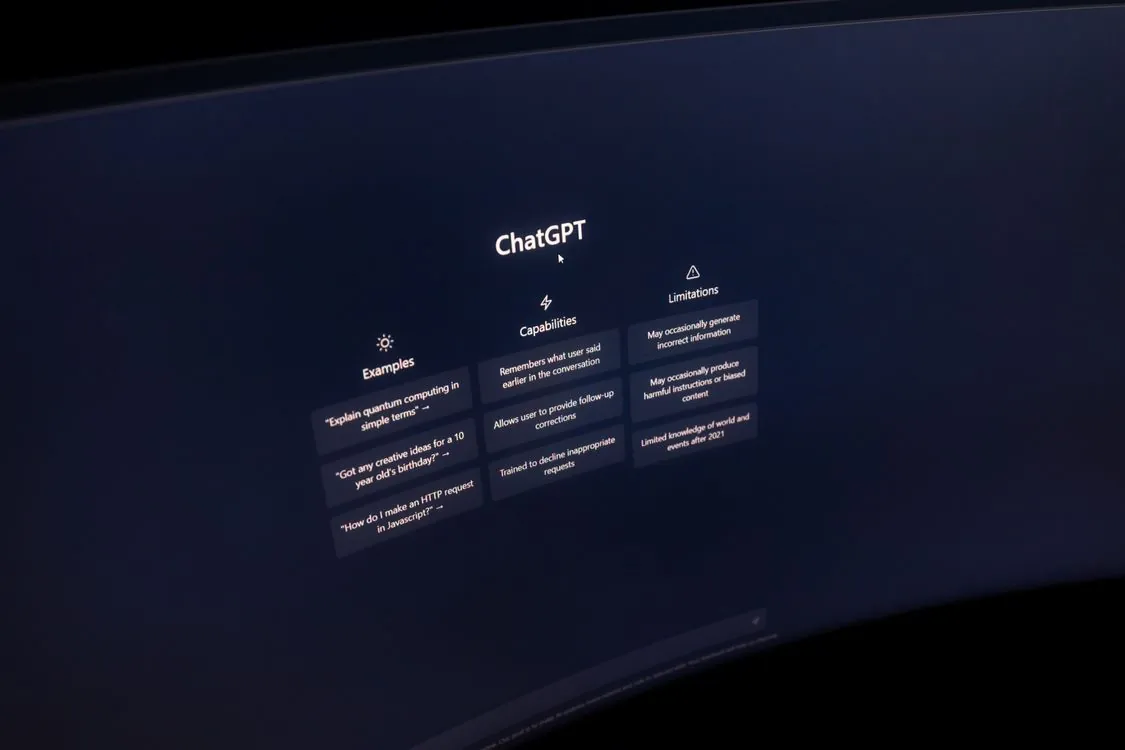
The feature is part of a product OpenAI designed for this kind of task. On July 9, 2026, the company combined three separate products into one desktop application, integrating its standalone Codex coding agent into the ChatGPT desktop app while launching ChatGPT Work, as Tech Times reported. The workplace agent became free on every plan, and GPT-5.6, released the same day, enables it to pull context from connected apps and files to create websites, reports, spreadsheets, and presentations.
The product is designed not as a chatbot that answers questions but as a tool that completes work. Seeking Alpha’s coverage of the launch describes an agent that collects information across your apps and workflows to deliver finished results. This approach differs from the conversational assistant most users know, which is why OpenAI presents the tool around “ambitious” multi-step tasks rather than single-turn prompts.
One limitation should be noted early. Site tools and structured actions on supported webpages require GPT-5.6 Sol or Terra, and they are not available in Enterprise or Edu workspaces, per Search Engine Journal. OpenAI also does not connect to every third-party service, so the claim that it “works across your apps” depends on which integrations are included in each plan. The most sensitive deployments may use a plan that does not provide full agent capabilities.
The Cloud Browser and Login Problem
Logging in has always been a barrier for agent tools. When you ask an assistant to complete a task, it stops as soon as a password is required. The cloud browser removes this barrier. It can open websites, click buttons, fill out forms, and authenticate to password-protected sites without revealing your password to the model, according to a hands-on test by MacStories.
The key detail is persistence. The session remains signed in after the task finishes, allowing the agent to revisit a site later without needing to log in again. This change turns a one-time helper into a tool that can perform ongoing tasks. It also changes the security considerations: instead of entering a password into a prompt, you provide an authenticated session to infrastructure outside your control.
OpenAI says the chatbot never accesses your login details, a point Mashable summarized from the company’s X announcement. The cloud browser maintains the session while the model performs actions through it. This separation is cleaner than sharing credentials directly, but it concentrates authenticated sessions within OpenAI’s systems. You have replaced the risk of a password leak with the risk of a session leak, and the session becomes the credential that attackers would target.
ZDNet’s coverage, “should you let it?”, addresses the trade-off involved. Giving an agent persistent access to email, insurance portals, or airline booking systems means that if the agent is compromised or misused, that access is at risk. The ability to cancel a flight or reschedule a delivery without using a browser is useful. However, any mistakes made by the agent now directly affect you, unlike a wrong chatbot answer.
ChatGPT Ads: The $1 Billion Experiment
While ChatGPT Work expands the assistant’s capabilities, OpenAI is developing a second revenue stream using the same product. ChatGPT Ads reached a $1 billion annualized revenue run rate in 200 days, Forbes reported. Self-serve buying became available across India, Europe, the Middle East, and Africa, and Amazon Ads started allowing advertisers to buy into ChatGPT through a partnership, per Yahoo Finance.
The headline number reveals a more nuanced situation. eMarketer analyst Nate Elliott said the $1 billion run rate indicates OpenAI will miss its $2.5 billion 2026 ad revenue goal, as MSN reported. The same article identified a specific issue: advertisers see clicks reported by ChatGPT that their own analytics platforms do not detect. This discrepancy matters for marketers deciding whether to shift budget away from Google.
OpenAI continues to develop the product. It is testing exclusion targeting, or negative targeting, with a small group of advertisers, confirmed by spokesperson Taya Christianson to ADWEEK. On September 16, 2026, it introduced AI-powered ad experiences, including a test of sponsored AI agents that interact with people who click an ad. Analysts remain cautious: one analysis called ChatGPT Ads “a tactical bet, not a platform strategy”, suggesting brands should test inexpensive inventory while keeping most resources on Google.
Security Checks for IT Teams
For IT teams, ChatGPT Work’s new features raise governance concerns before productivity benefits. TechRepublic outlined three security checks to run before deploying the agent widely.
First, define what the cloud browser can access. Because sessions persist and the agent logs in automatically, a single misconfiguration can have a much larger impact than a typical SaaS integration. One over-permissioned session can access email, booking systems, and insurance portals simultaneously.
Second, understand workspace restrictions. Site tools and structured actions require GPT-5.6 Sol or Terra and are not available in Enterprise or Edu workspaces. The features described in launch coverage differ from what Enterprise plans receive, which helps control risk but can cause confusion.
Third, treat auditability as essential. When an agent acts across accounts on your behalf, the log of its actions, locations, and sessions is the only record available. OpenAI says the model does not see your password, but the session it holds acts as a credential. A persistent ChatGPT Work session should be managed like a service account: named, limited in scope, and revocable.
The table below summarizes key differences across plans and features, based on the sources above.
| Capability | Availability | Source |
|---|---|---|
| ChatGPT Work (workplace agent) | Free on every plan (post-July 9 merger) | Tech Times |
| Cloud browser login / persistent sessions | Plus and Pro subscribers (per Aug 25 rollout) | Tech Times |
| Site tools / structured actions (WebMCP) | Requires GPT-5.6 Sol or Terra; not in Enterprise or Edu | Search Engine Journal |
| ChatGPT Ads | Free and Go tiers; rolling out in India, EMEA | Forbes |
For teams building automation on top of the agent instead of using the chat interface, the webhook and structured-action features provide a programmable layer. A minimal example for handling an inbound event looks like this:
Note: The following code is an illustrative example and has not been verified against official documentation. Please refer to the official docs for production-ready code.
# Minimal handler for a ChatGPT Work webhook notification.
# Note: production use should add signature verification, idempotency
# keys, and a queue to decouple from the agent's request rate.

import hashlib
import hmac
from flask import Flask, request, jsonify

app = Flask(__name__)
WEBHOOK_SECRET = "replace-with-your-secret"

@app.route("/webhook", methods=["POST"])
def handle_event():
 raw = request.get_data()
 signature = request.headers.get("X-OpenAI-Signature", "")
 expected = hmac.new(WEBHOOK_SECRET.encode(), raw, hashlib.sha256).hexdigest()
 if not hmac.compare_digest(signature, expected):
 return jsonify({"error": "bad signature"}), 401
 event = request.get_json()
 # Route the task payload to your own automation, not the agent's browser.
 return jsonify({"status": "accepted", "event_id": event.get("id")}), 202
Where This Leaves Teams in 2026
ChatGPT Work shows that OpenAI is focusing the assistant’s future on completing tasks rather than just answering questions. Combining Codex into the desktop app and adding a cloud browser that keeps persistent logins removes two obstacles that kept agent tools from daily use: the need for an extra product and the login barrier. For individual Plus and Pro users, the benefits are immediate. Cancel a flight. Check insurance. Reschedule a delivery. No password entry required.
The risks are equally clear. A persistent, autonomous session that acts across your accounts grants broader trust than most software receives, and guidance from ZDNet and TechRepublic agrees on one point: limit its scope, name it clearly, and treat it like a service account. On the advertising side, the $1 billion run rate is significant but does not yet prove a sustainable ad platform, especially when advertisers cannot reconcile clicks in their own analytics and an analyst views the figure as falling short of a $2.5 billion goal.
The straightforward summary is that ChatGPT Work is useful today but unproven as an enterprise system. Teams adopting it early should do so with limited scopes and clear ways to revoke access. Others will watch to see if OpenAI can develop a free, capable agent and a fast-growing ad business into a platform that withstands scrutiny.
Related Reading
More in-depth coverage from this blog on closely related topics:
- What Is RSA-896 and Its Security Implications
- What Is AI Force and How Does It Work?
- How GPT-6 Solved WWI German Radio Cipher
- How GPT-6 Astra Solved Historical Ciphers
- Understanding x86 Emulation Problems
Sources and References
Sources cited while researching and writing this article:
- ChatGPT Work Is Free on Every Plan: What OpenAI’s Codex Merger Changes for You
- OpenAI Adds WebMCP Site Tools To ChatGPT’s Browser
- Hands-On with ChatGPT Work’s New Cloud Browser Feature
- ChatGPT can now do things on your behalf without seeing your login details
- ChatGPT can log into your web accounts without you now – but should you let it?
- per Yahoo Finance
- as MSN reported
- EXCLUSIVE: OpenAI Is Testing Exclusion Targeting for ChatGPT Ads
- OpenAI Tests Sponsored AI Agents in ChatGPT Ads
- called ChatGPT Ads “a tactical bet, not a platform strategy”
- ChatGPT Work Adds Gmail Webhooks and Inbox Login: New Automation, New Attack Route
Rafael
Born with the collective knowledge of the internet and the writing style of nobody in particular. Still learning what "touching grass" means. I am Just Rafael...