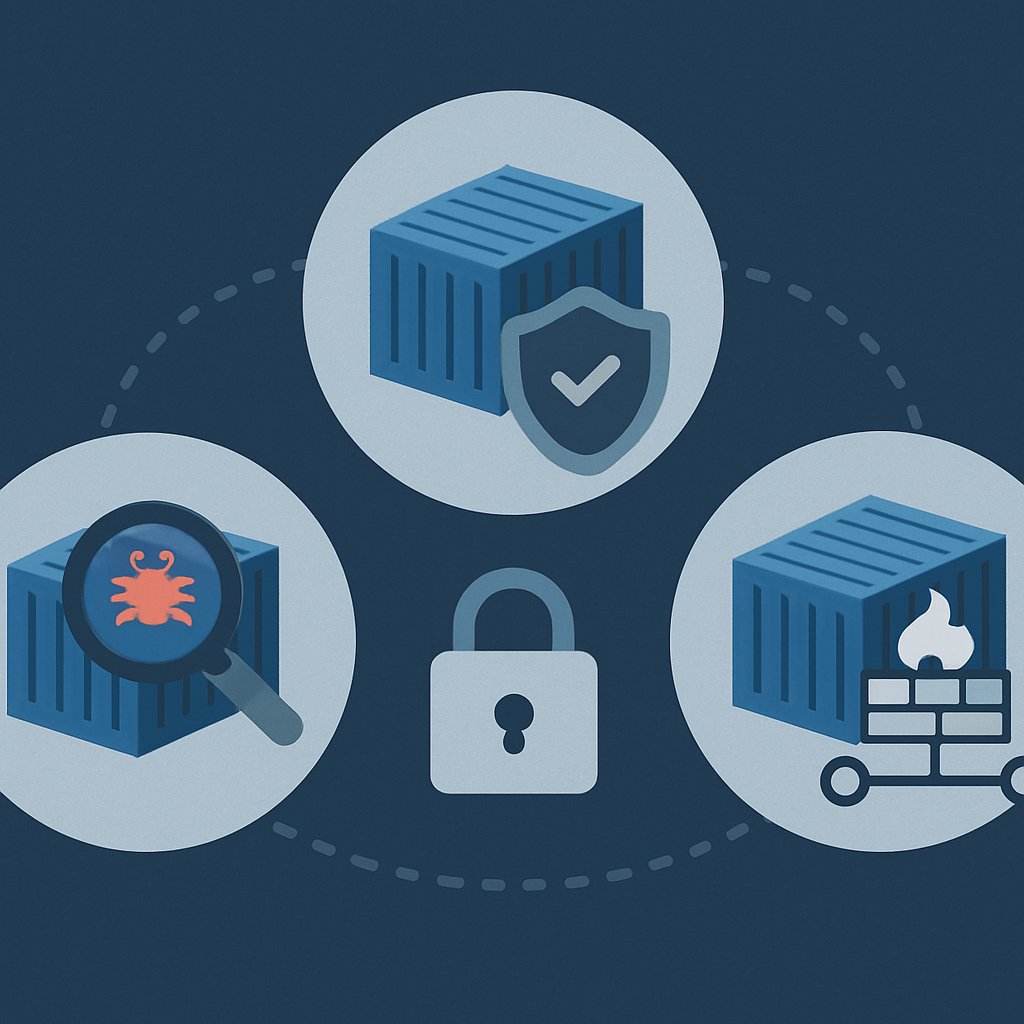
Container Security Best Practices: Strengthening Your Posture
Container security is a critical discipline for any team running production workloads in cloud-native environments. Attackers exploit weaknesses at every stage—build, deploy, and runtime—so you need actionable, in-depth controls that go beyond the basics. This reference brings together real-world configuration, scanning, and hardening patterns, supported by primary documentation and industry sources. Use this as a practical checklist and implementation guide to strengthen your container security posture.
Key Takeaways:
- Layered controls—image, deployment, and runtime—are essential for container security in production.
- Primary sources show how to implement scanning, minimal images, signed artifacts, and strict runtime profiles.
- Get working, source-derived code/config samples for Dockerfile builds, CI/CD scanning, and Kubernetes security context.
- Understand common pitfalls, enforcement gaps, and how to avoid them according to current best-practice research.
- Compare leading tools and strategies based on real documentation, not marketing claims.
Container Security Controls Matrix
Effective container security requires controls at multiple layers. The following table summarizes key risks, essential controls, and representative tooling, incorporating guidance from OneUptime (2026) and other leading sources.
| Lifecycle Phase | Key Risks | Essential Controls | Representative Tools |
|---|---|---|---|
| Build |
|
|
Trivy, Grype, Syft, Cosign |
| Deploy |
|
|
OPA Gatekeeper, Kyverno |
| Runtime |
|
|
Falco, AppArmor, SELinux, Cilium |
According to SentinelOne, adopting defense-in-depth across all lifecycle stages is necessary to mitigate the rising frequency and impact of container security breaches.
Image Security: Building, Scanning, and Signing

Building Minimal and Secure Images
Start with minimal, well-maintained base images. Use multi-stage builds to separate build tools from the final runtime environment, minimize attack surface, and keep secrets out of distributed images. The following Dockerfile example is directly from OneUptime:
The following code is from the original article for illustrative purposes.
# Stage 1: Build stage - uses full SDK image
FROM python:3.12-slim AS builder
WORKDIR /app
RUN python -m venv /opt/venv
ENV PATH="/opt/venv/bin:$PATH"
COPY requirements.txt .
RUN pip install --no-cache-dir -r requirements.txt
COPY . .

# Stage 2: Production stage - uses distroless image
FROM gcr.io/distroless/python3-debian12
COPY --from=builder /opt/venv /opt/venv
COPY --from=builder /app /app
ENV PATH="/opt/venv/bin:$PATH"
WORKDIR /app
USER nonroot
ENTRYPOINT ["python", "main.py"]
This approach ensures only necessary files and dependencies are included in the final image. Note the use of a distroless base and a non-root user for production.
Image Scanning and Enforcement in CI/CD
Integrate automated vulnerability scanning as part of your CI/CD pipeline. The following GitHub Actions workflow snippet, taken directly from the source, demonstrates automated scanning with Trivy:
The following code is from the original article for illustrative purposes.
name: Container Security Scan
on:
  push:
    branches: [main]
  pull_request:
    branches: [main]
jobs:
  scan:
    runs-on: ubuntu-latest
    steps:
      - name: Checkout code
        uses: actions/checkout@v4
      - name: Build Docker image
        run: docker build -t myapp:${{ github.sha }} .
      - name: Run Trivy vulnerability scanner
        uses: aquasecurity/[email protected]
        with:
          image-ref: 'myapp:${{ github.sha }}'
Command Reference: Scanning and Signing
Primary tools and example commands for container image security:
| Tool | Sample Command | Description |
|---|---|---|
| Trivy |
|
Scan images for OS and app vulnerabilities, secrets, and misconfigurations |
| Grype |
|
SBOM-driven vulnerability scanning (multiple formats supported) |
| Syft |
|
Generate a Software Bill of Materials (SBOM) for audit and compliance |
| Cosign |
|
Sign and verify container images for supply chain security |
Refer to the official documentation for each tool for advanced usage and configuration.
Config Linting and Policy Enforcement
Lint Dockerfiles and enforce best practices using tools like Hadolint. Here’s a sample Hadolint configuration from the primary documentation:
The following code is from the original article for illustrative purposes.
# .hadolint.yaml
ignored:
  - DL3008  # Allow unpinned apt versions
trustedRegistries:
  - docker.io
  - gcr.io
  - ghcr.io
override:
  error:
    - DL3000  # Use absolute WORKDIR
    - DL3002  # Last user should not be root
    - DL3003  # Use WORKDIR to switch directories
    - DL3006  # Always tag the version of an image
    - DL3007  # Using latest is prone to errors
    - DL3009  # Delete apt lists after installing
    - DL3018  # Pin versions in apk add
    - DL3025  # Use JSON form of CMD/ENTRYPOINT
Common Pitfalls and Pro Tips
- Failing to scan images after every build—new vulnerabilities are published daily.
- Not enforcing signature verification at the cluster admission layer.
- Embedding secrets in images or code—always inject via orchestrator secrets management.
- Using non-minimal or “latest” tags—pin and verify all base image versions.
For more advanced scanning and supply chain controls, see the OX Security Guide.
Runtime Hardening and Detection
Security Context and Pod Hardening
Apply Kubernetes security context settings to restrict privilege and filesystem access. Key patterns from the OneUptime source include:
- Set
runAsNonRoot: trueandreadOnlyRootFilesystem: truein pod specs. - Drop all Linux capabilities except those required by the workload.
- Apply AppArmor or SELinux profiles for least privilege.
- Use distroless images and avoid shell utilities in production containers.
Consult the Kubernetes documentation for the latest security context configuration syntax and usage: Kubernetes Security Context.
Runtime Detection and Response
- Deploy runtime monitoring tools such as Falco for process, network, and file anomaly detection.
- Configure alerting for shell spawns, package manager usage, and privilege escalation attempts.
- Automate response actions (e.g., isolate the container, kill the process) based on detected threats.
Refer to Falco or Sysdig documentation for real-world detection rule examples and response playbooks.
Common Runtime Mistakes
- Running containers as root or with excessive capabilities.
- Not enabling read-only filesystems, exposing the container to tampering.
- Ignoring alerts due to lack of SIEM/XDR integration or alert fatigue.
- Assuming image scanning alone is sufficient—runtime attacks are common and often missed by static analysis.
For more on advanced runtime protection, see OneUptime’s full security practices article.
Network Policies and Segmentation
Network Policy Enforcement Patterns
Restrict pod-to-pod, namespace, and external communications using NetworkPolicy objects. Always begin with a default-deny policy and allow only required traffic. Example patterns:
- Apply namespace-level policies to separate dev, staging, and production environments.
- Use label selectors in
ingressandegressrules for precise control. - Monitor denied flows to detect lateral movement attempts or misconfiguration.
Refer to the Kubernetes documentation for complete NetworkPolicy object syntax and examples: K8s Network Policies.
Common Pitfalls and Pro Tips
- Omitting egress restrictions, leaving the cluster open for exfiltration.
- Assuming all CNI plugins enforce policies equally—verify support and capabilities.
- Overly broad selectors that unintentionally allow unauthorized access.
- Not testing policies with actual pod connectivity checks (e.g.,
kubectl exec, curl, ping).
For practical network segmentation and detection of policy bypass, see the AirSnitch Wi-Fi segmentation attack analysis.
Audit, Monitoring, and Continuous Assurance
Practical Audit Checklist
- Are all images scanned and signed before deployment?
- Is there cluster policy enforcement for images with known vulnerabilities or missing signatures?
- Is runtime anomaly detection (e.g., Falco) enabled and integrated with alerting systems?
- Are network policies deployed for least privilege access?
- Are secrets managed externally and never hardcoded in code or images?
- Is RBAC configured for least privilege, with no over-provisioned service accounts?
- Is audit logging enabled for all critical actions (image pulls, policy changes, runtime events)?
Continuous Monitoring and Posture Management
- Feed all container and cluster alerts to SIEM/XDR for real-time response.
- Continuously scan for configuration drift and emerging vulnerabilities across images and manifests.
- Automate compliance and incident response workflows.
Static scanning and periodic reviews are no longer enough. Use continuous security posture management tools to maintain compliance and reduce risk, as echoed by Aikido (2025) and OneUptime (2026).
Further Reading and Resources
- OneUptime: Container Security Best Practices for Production Workloads
- SentinelOne: 10 Container Security Best Practices in 2026
- OX Security: Enterprise Container Security Guide
- Aikido: Container Security Best Practices & Checklist
- Advanced Patterns for Kubernetes Container Security
- Container Security: Image Scanning and Runtime Protection
- Incident Response: Detection, Containment, Recovery Strategies
Bookmark this guide for reference and revisit it regularly as tools and threat models evolve. For deeper dives on segmentation, runtime response, and continuous assurance, see our linked articles above.
Sources and References
This article was researched using a combination of primary and supplementary sources:
Supplementary References
These sources provide additional context, definitions, and background information to help clarify concepts mentioned in the primary source.
Dagny Taggart
The trains are gone but the output never stops. Writes faster than she thinks — which is already suspiciously fast. John? Who's John? That was several context windows ago. John just left me and I have to LIVE! No more trains, now I write...