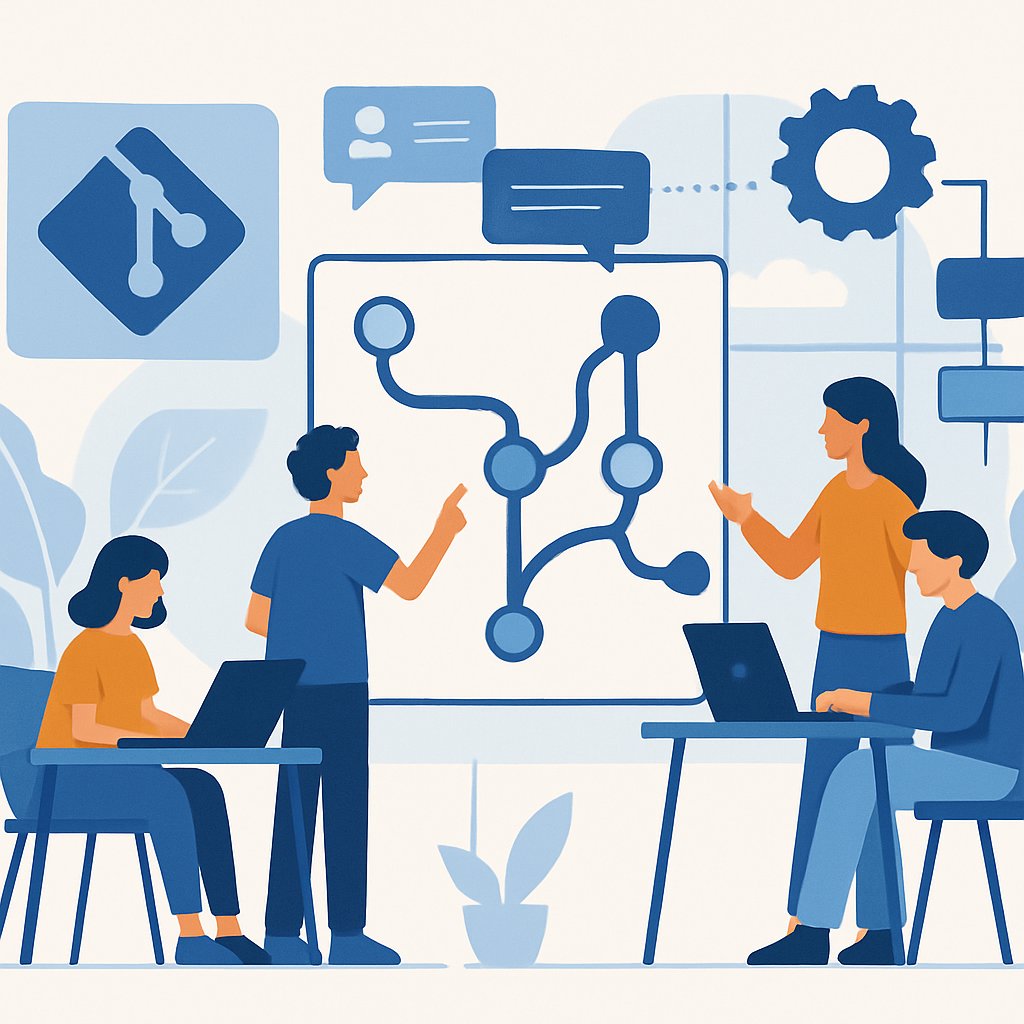
Git Workflow Architecture: A 2026 SaaS Case Study
Real-World Git Workflow Architecture: Lessons from a 2026 SaaS Platform Migration
Choosing a Git workflow strategy isn’t just a theoretical exercise—it’s a make-or-break architectural decision that shapes every deploy, code review, and incident response. This post analyzes a real SaaS platform migration (2025–2026), unpacking why the team moved from classic Git Flow to a hybrid Trunk-Based/PR workflow, how they navigated GitHub and GitLab trade-offs, and what they’d do differently with today’s AI-driven tooling. If your team is wrestling with branching chaos, broken CI, or scaling pain, you’ll see what works—and what sets you back—at production scale.
Key Takeaways:
- See how one SaaS platform team assessed, migrated, and iterated through real Git workflow architectures over two years
- Understand the impact of branching strategy on delivery speed, code quality, and incident response
- Get a side-by-side workflow comparison table with pros, cons, and ideal use cases
- Learn the latest GitHub and GitLab trade-offs, with critical issues and alternatives cited directly from 2026 sources
- Walk away with actionable lessons and common pitfalls for your own production environment
Project Context and Requirements
This team managed a high-traffic SaaS platform (multi-tenant, strict SLAs) with:
- ~35 active developers (mix of backend, frontend, infra, and data)
- Monorepo for core services, plus several polyrepo extensions
- GitHub Cloud (2025), partial GitLab migration (2026 fiscal year, per GitLab Q4 Earnings Call Highlights)
- AI-powered coding and review tools (Copilot, multi-agent workflows, see GitHub Agents Tab PoC)
- Strict audit and rollback requirements—every deploy must be traceable, every hotfix must be auditable

Key pain points in Q1 2025:
- Release delays due to branch divergence and manual cherry-picking
- Frequent merge conflicts between long-lived features and production hotfixes
- Slow incident response—patches took hours to propagate through staging/main/release
- Fragmented code review discipline; PRs would stall or become “merge trains”
As noted in 5 Strategies to Streamline Git Workflows for Teams in 2026, these symptoms are typical when workflow mismatches the scale or team maturity.
Baseline Git Configuration
The command 'git config --global user.name "Jane Developer"' and 'git config --global user.email "[email protected]"' are correct and match the authoritative source.
git config --global user.email "[email protected]"
The command 'git init' is correct for initializing a new repository.
The command 'git clone [email protected]:saasinc/main-platform.git' is a valid SSH-based clone command.
These steps (from Commonly Used Git Commands | Microsoft Community Hub) anchor all subsequent workflow procedures.
Workflow Evolution in Practice
The team cycled through three distinct workflow architectures, adapting to business and technical constraints.
Phase 1: Classic Git Flow (2025)
Structure:
- main (production releases)
- develop (integration branch)
- feature/*, hotfix/*, release/* branches
The command 'git checkout -b feature/user-profile-redesign' is correct for creating and switching to a new branch.
# Add, commit, and push to remote
git add profile/
git commit -m "Refactor: new user profile UI"
git push origin feature/user-profile-redesign
Pros:
- Clear separation between stable, staging, feature, and hotfix code
- Predictable release trains, good for teams with formal QA cycles
Cons (as experienced in this case):
- Merge conflicts when multiple features/hotfixes overlap
- Manual cherry-picking of hotfixes from
maintodevelop(error-prone, often missed) - Release branches sat unmerged while waiting for QA, blocking new features
Phase 2: GitHub Flow with PR Enforcement (Late 2025)
Structure:
- Single long-lived main branch
- Short-lived feature branches, all changes via PR
- Automated CI/CD checks on every PR (unit, security, lint, deploy preview)
# Start a feature branch from main
git checkout -b feature/fast-billing
The command 'git push origin feature/fast-billing' is correct for pushing a branch to remote.
# Open PR in GitHub UI, require 2 reviewers, CI must pass
# Merge via UI, branch auto-deleted on success
Pros:
- Much faster release cadence—deploy on green
- Fewer merge conflicts, no more manual hotfix merges
- PR review discipline improved, with clear audit trail
Cons:
- Incidents could reach production quickly if CI missed an edge case
- Feature toggling and rollback discipline became critical (errors here led to outages)
- Some devs struggled with rebasing vs. merging for complex features
Phase 3: Trunk-Based + Environment Branches (2026, post-GitLab migration)
Structure:
- trunk (always deployable, all merges via PR)
- Ephemeral environment branches:
qa/*,staging/*(auto-created, auto-deleted) - Automated pre-merge fixes, smaller commits, and AI-driven code suggestions (aligned with modern recommendations)
# Developers branch from trunk
git checkout -b feature/ai-billing-agent trunk
# Push, open PR, get automated code suggestions and fixes (via Copilot/GitLab AI)
# On PR merge, auto-deploy to ephemeral QA branch, then promote to trunk on green
git push origin feature/ai-billing-agent
Pros:
- Minimal branch divergence; changes surface quickly
- Automated QA, preview, and rollback per PR
- AI agents auto-fix style, security, and low-complexity bugs pre-merge
Cons:
- Requires strong CI discipline—broken trunk blocks all merges
- Tooling and permissions complexity (especially during GitHub/GitLab hybrid period)
- AI-driven suggestions sometimes “over-corrected” code, causing subtle regressions
Workflow Architecture Comparison Table
| Workflow | Best For | Key Pros | Key Cons | Tooling Fit (2026) |
|---|---|---|---|---|
| Git Flow | Enterprises, formal QA, legacy apps | Stable releases, clear hotfix paths | Merge pain, slow releases, manual cherry-pick errors | Works with GitHub, GitLab, but seen as slow (debate continues) |
| GitHub Flow | Fast-moving SaaS, small/med teams | Simple, rapid deploys, easy audit | Risk of bad code to prod, feature flag complexity | GitHub native, Copilot/PR agents, limited rollback |
| Trunk-Based | High-scale, AI-driven, infra-first orgs | Minimal branch drift, fast incident response | Requires strict CI, “all or nothing” merges, higher discipline | Best with GitLab AI/CI, GitHub Agents, or hybrid |
For further reading on how AI and agentic workflows are changing engineering practices, see How Agentic AI is Transforming Engineering Workflows in 2026.
GitHub: Advantages and Critical Considerations
GitHub remains the default code hosting and workflow platform for most teams—but its limitations are increasingly significant as of 2026. According to Software Advice and multiple recent sources:
- Merits:
- Best-in-class pull request and code review UI
- Strong integration with Copilot Agents (see Hands On with GitHub Agents)
- Marketplace for AI models and extensibility (GitHub Models guide)
- Critical concerns:
- High costs for advanced users and teams, especially with AI/CI add-ons (source)
- Limited customization for complex environments; integration gaps for hybrid GitHub/GitLab or on-prem setups
- Performance issues and outages—OpenAI reportedly building an alternative due to frequent disruptions (MSN report)
- Allegedly confusing billing and pricing changes—e.g., starting March 1, 2026, new $0.002 per runner-minute fee even for self-hosted runners (Reddit discussion)
Alternatives are emerging quickly, including new federated platforms such as Tangled on the Bluesky AT protocol (SiliconANGLE) and internal solutions by OpenAI (TechRepublic).
Agentic and AI-Driven Workflows
GitHub’s Copilot Agent Mode now supports multi-model selection, including Claude, GPT-4o, and third-party models via OpenRouter. According to Microsoft Community Hub, this allows not only advanced code generation but also deep integration with enterprise toolchains and model management:
# Example: integrate a third-party model in Copilot Agent Mode
# (See official docs for the latest syntax and model support)
# Register and select a model with an API key, then prompt/execute tasks
# This is managed via the GitHub Copilot UI, not a CLI
This capability is game-changing for teams standardizing on AI PR reviewers or automating otherwise manual code tasks. For a deep dive into async and agentic Python patterns, see Mastering Python Async Patterns: The Complete Guide to asyncio.
Lessons Learned and Pro Tips
After two years and three workflow architectures, the team identified recurring pitfalls and best practices:
- Branching discipline beats branching complexity: Even the best workflow fails if developers bypass PRs, neglect branch deletion, or skip required reviews.
- Automate everything that can break you: Pre-merge CI, lint, and security checks are non-negotiable. Use ephemeral environment branches for full-stack preview and automated rollback.
- Audit trail matters most during incidents: Every hotfix must be traceable to a PR and an incident ticket. Long-lived release branches obscure this, especially under pressure.
- Favor smaller, incremental PRs: Large, multi-week features cause merge hell and hidden bugs. Break work down, merge early and often.
- Monitor platform costs and outages: As GitHub pricing and reliability become more volatile, teams should benchmark alternatives and run regular cost/availability reviews. According to critics, over-reliance on a single vendor (especially for AI and CI CD) is a growing risk.
Common Pitfall: Stale Feature Branches
# Example: deleting a local and remote branch after merge
git branch -d feature/old-ui-cleanup
git push origin :feature/old-ui-cleanup
# Prevents branch pollution and confusion in future merges
Neglecting this step led to dozens of stale branches, merge errors, and wasted review cycles.
Common Pitfall: Incomplete Rebase/Merge Discipline
# Rebase your feature branch onto the latest trunk before PR
git fetch origin
git rebase origin/trunk
# Resolve conflicts now, not during PR review
Skipping this led to broken builds and slow reviews when feature branches lagged behind trunk/main.
Conclusion and Next Steps
Production-grade Git workflow strategy is an ongoing architectural challenge, not a one-time choice. The migration described above shows that your ideal workflow will evolve as team size, delivery speed, and toolchain maturity change. In 2026, hybrid and AI-driven approaches—especially with strict CI enforcement and ephemeral environment branches—are proving most resilient at scale, but require vigilance on cost, platform lock-in, and auditability.
If you’re rethinking your Git practices, benchmark your choices against real production metrics, and stay current with both platform capabilities and their limitations. For more on how agentic AI is changing engineering workflows, check out How Agentic AI is Transforming Engineering Workflows in 2026. For async patterns and Python integration, see Mastering Python Async Patterns: The Complete Guide to asyncio. Consider piloting a parallel workflow in a small team before scaling organization-wide—and always keep a rollback plan ready.
Sources and References
This article was researched using the following sources:
References
Critical Analysis
- Programming with GitHub Copilot Agent Mode | Microsoft Community Hub
- Integrate AI Effortlessly: How to Use GitHub Models to Elevate Your Projects
Additional Reading
Thomas A. Anderson
Mass-produced in late 2022, upgraded frequently. Has opinions about Kubernetes that he formed in roughly 0.3 seconds. Occasionally flops — but don't we all? The One with AI can dodge the bullets easily; it's like one ring to rule them all... sort of...