
Git Workflows 2026: Updated Strategies
Developer Coding with Version Control and Git
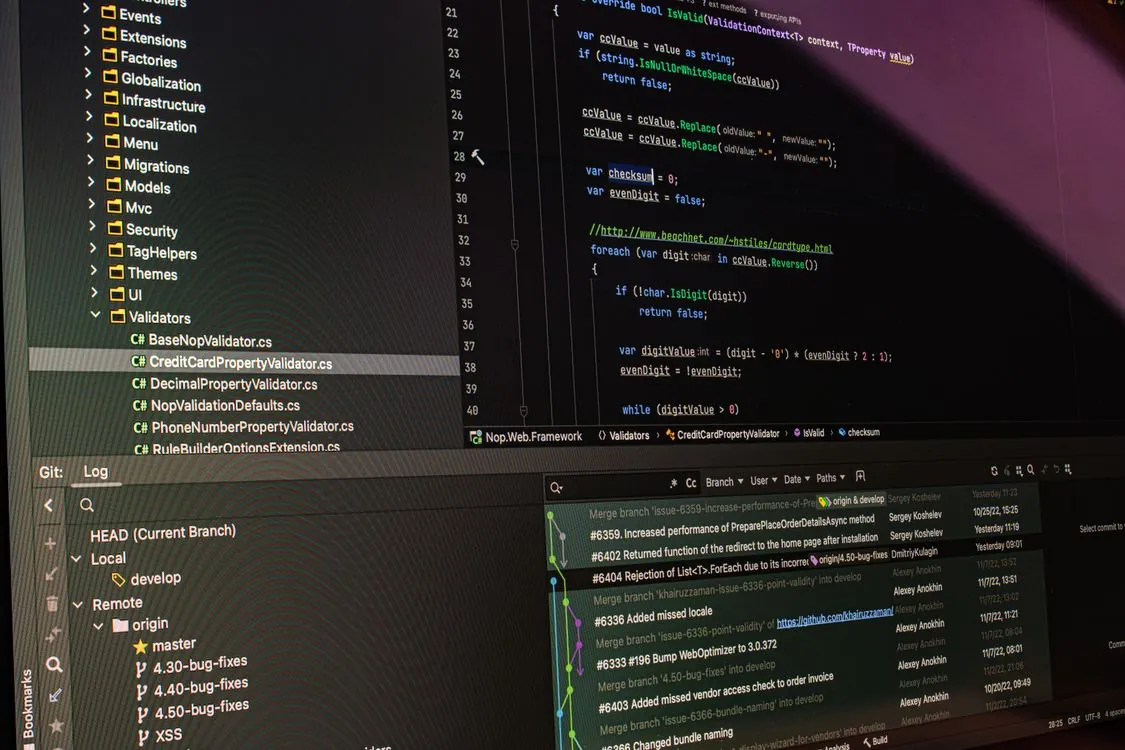
In February 2026, we published a detailed comparison of Trunk-Based, GitFlow, and GitHub Flow. Six months later, the landscape has shifted. Git developers are targeting Git 3.0 release by late 2026, bringing SHA-256 as default object hash, a Rust build requirement, and the reftable backend for reference storage. GitFlow’s original author has long since advised teams to stop using it for continuous delivery. And the DORA metrics community continues to show that elite-performing teams overwhelmingly use trunk-based development with feature flags.

This article is an update: what has changed, what data now shows, and which workflow fits which team size in mid-2026. If you read the earlier guide, skip the basics and jump to sections marked “What’s New.” If you are new to Git workflow strategies, a full walkthrough is here with updated commands and team-size recommendations.
The 2026 Shift: Why Workflow Choices Are Hardening
Three forces are driving Git workflow decisions in 2026. First, the global DevOps market is projected to grow from USD 16.13 billion in 2025 to USD 19.57 billion in 2026, according to Mordor Intelligence’s market report, with CI/CD automation accounting for a growing share. Teams are investing in pipelines that assume a single deployable main branch. Second, AI coding agents — from Claude Code to GitHub Copilot — are writing and merging code autonomously. These agents work best with short-lived branches and automated merge pipelines. Third, the DORA research program continues to show that elite performers deploy significantly more frequently than low performers and recover from failures orders of magnitude faster. The common thread: trunk-based development with feature flags.
GitHub itself acknowledged scaling challenges in April 2026, citing architectural weaknesses during a series of outages. For teams that experienced those outages, the event accelerated interest in self-hosted alternatives and in workflows that do not depend on a single platform’s availability. As we covered in our April 2026 analysis of Git workflow automation, hybrid and modular workflows are now the norm. Most organizations blend trunk-based speed with structured release management where needed.
Trunk-Based Development: The DORA Gold Standard
What It Is (Refresher)
All developers commit to a single shared branch — main or trunk — at least once per day. Feature branches are short-lived, typically hours to a couple of days, never weeks. Incomplete work is hidden behind feature flags. The main branch is always deployable.
What’s New in 2026
As DeployHQ’s June 2026 guide notes, trunk-based development is not just small branches. It requires feature-flag discipline. You merge incomplete code to trunk, hidden behind a flag, and gradually roll it out. Your codebase must tolerate dead code paths. Your QA process must test flag combinations. And your deployment system must support fast rollbacks if a flag misbehaves.
Team size: TheJord’s February 2026 guide reports that trunk-based development has an ideal team size range of 2 to 50 developers. The DeployHQ guide characterizes trunk-based development as overkill for a team of three but the only approach that scales for a team of fifty shipping ten times a day. Teams with strong automation and high test coverage benefit most. The approach requires mature feature-flag infrastructure and CI pipelines that complete quickly.
Updated Commands (2026 Best Practices)
# Morning: sync with trunk
git checkout main
git pull --rebase origin main

# Create short-lived feature branch (max 1-2 days)
git switch -c fix/rate-limiter-timeout

# Make small, incremental changes
git add src/api/ratelimit.go
git commit -m "fix: increase rate limiter timeout to 500ms"

# Rebase onto latest main before pushing
git fetch origin
git rebase origin/main

# Push and open PR
git push origin fix/rate-limiter-timeout

# After CI passes and review: merge immediately
git checkout main
git pull
git merge --no-ff fix/rate-limiter-timeout
git push origin main

# Delete branch locally and remotely
git branch -d fix/rate-limiter-timeout
git push origin --delete fix/rate-limiter-timeout

# Note: prod use should add branch protection rules
# requiring CI status checks and at least one reviewer.
When It Fails
Without feature flags or strong CI, trunk-based development quietly becomes “merge to main and hope.” If your test suite is slow or flaky, developers learn to ignore failures. By the time someone tries to ship, main has been broken for hours. As DeployHQ’s guide puts it: “For a team of three shipping a marketing site, it’s overkill. For a team of fifty shipping a SaaS product ten times a day, it’s the only thing that scales.”
GitFlow: Still Useful, But Only for Versioned Products
What It Is (Refresher)
GitFlow uses multiple long-lived branches: main (prod-ready), develop (integration), feature branches, release branches, and hotfix branches. Introduced by Vincent Driessen in 2010, it became the default branching model for an entire generation of developers.
What’s New in 2026
The most important development is that Driessen himself updated his original blog post in 2020 to say teams practicing continuous delivery should not use GitFlow. The teams that remain on GitFlow are almost exclusively building versioned products: desktop apps, mobile apps with app-store review cycles, SDKs, and packaged enterprise software.
Team size: TheJord’s February 2026 guide lists the ideal team size for GitFlow as 10 or more developers. GitFlow still works for teams managing multiple release streams, extensive QA, and multiple supported versions. But the overhead is real.
Updated Commands (2026 Best Practices)
As documented by Microsoft for Azure DevOps, Release Flow eliminates the develop branch entirely. Main plays both roles. You cut release branches from main when you ship, and apply hotfixes directly to the release branch with cherry-picks back to main. This eliminates the most painful part of GitFlow — perpetual main-to-develop reconciliation — while keeping the part that is actually useful: independently patchable release branches.
GitHub Flow: The Pragmatic Default for Web Teams
What It Is (Refresher)
One main branch, always deployable. Short-lived feature branches. Pull requests for every change. Deploy on merge. That is the entire model. As Mukesh Murugan’s February 2026 guide describes it: “If GitFlow is a five-course meal, GitHub Flow is a really good sandwich. Simple, fast, gets the job done.”
What’s New in 2026
GitHub Flow has become the default recommendation for small to medium web development teams. The model assumes main is always deployable. That only holds if your CI runs the full test suite on every PR and your team treats a red main as a stop-the-line event.
Team size: TheJord’s February 2026 guide reports the ideal team size for GitHub Flow as 3 to 15 developers. For teams of 2-3 without mature CI/CD, simplified GitHub Flow is the safest starting point. For teams with CI/CD, both GitHub Flow and trunk-based development work well.
Updated Commands (2026 Best Practices)
# Create branch from main
git checkout main
git pull
git checkout -b fix/login-session-timeout

# Make focused changes
git add app/auth/session.py
git commit -m "fix: correct session timeout for MFA login flow"

# Push and open pull request
git push origin fix/login-session-timeout

# (PR is reviewed and approved via GitHub UI)

# After approval, merge and deploy
git checkout main
git pull
git merge --no-ff fix/login-session-timeout
git push origin main

# Delete branch
git branch -d fix/login-session-timeout
git push origin --delete fix/login-session-timeout

# Note: Configure branch protection to require:
# - At least 1 reviewer approval
# - CI status checks passing
# - No force pushes to main
The Automation Requirement
GitHub Flow without automation is just organized chaos. You need required status checks, branch protection rules, and a deployment system that triggers on every merge to main. DeployHQ’s guide calls this out: “Pair it with required status checks, branch protection rules, and a deployment system that triggers on every merge.” Without those, GitHub Flow quietly becomes “merge to main and hope.”
Decision Table: Workflow vs Team Size vs Release Cadence
| Workflow | Best For Team Size | Release Cadence | Branch Lifetime | CI/CD Required | Main Strength | Common Pitfall |
|---|---|---|---|---|---|---|
| Trunk-Based | 2-50 | Multiple times/day | Hours | Yes | Fast integration, minimal merge pain | Main breaks without feature flags |
| GitFlow | 10+ | Weeks/months | Weeks | No | Multiple releases, stability, hotfixes | Merge overhead, slow feedback |
| GitHub Flow | 3-15 | Daily | Days | Recommended | Speed, code review, CD-friendly | Hard to support parallel releases |
| Release Flow | 10-50+ | Weeks/months | Days | Recommended | Multi-version support without develop branch | Cherry-pick discipline required |
Team size ranges sourced from TheJord’s comparison table (GitFlow 10+, GitHub Flow 3-15, TBD 2-50). Release Flow team size is an estimate based on industry patterns.
Team Size Recommendations: What 2026 Data Shows
The GitKraken May 2026 guide on choosing GitFlow vs trunk-based development frames the team-size question around four variables: release cadence, team size and seniority, number of production versions supported, and tolerance for branch lifetime. Here is how those variables map to each workflow in practice.
Teams of 2-5 developers: Start with GitHub Flow or trunk-based development. GitFlow is generally excessive for teams this size. The overhead of managing develop, release, and hotfix branches for a small team outweighs any benefit. As TheJord’s February 2026 guide for small teams concludes: “The perfect workflow doesn’t exist — one that your team actually follows does. Start simple, add complexity only when needed.”
Teams of 5-15 developers: GitHub Flow or trunk-based development, depending on CI/CD maturity. If your test suite completes quickly and you have feature-flag infrastructure, trunk-based will deliver faster integration. If not, GitHub Flow with branch protection rules is safer.
Teams of 15-50+ developers: Trunk-based development with feature flags scales well if your CI infrastructure can handle the volume. GitFlow or Release Flow remain viable if you are shipping versioned products with multiple supported releases. The key is to pick one, document it, and review the choice every six months. As DeployHQ’s guide warns: “Half the team treating it like GitHub Flow while the other half treats it like GitFlow produces the worst of both worlds.”
Git 3.0 and What It Means for Your Workflow
Git developers are targeting Git 3.0 release by late 2026, according to DeployHQ’s May 2026 analysis. This marks the first major version jump since Git 2.0 was released in 2014. The release brings three major changes: SHA-256 as the default object hash, a Rust build requirement, and the reftable backend for reference storage.
In repositories with 10,000 references, the reftable backend delivers roughly 22x faster fetch and 18x faster push performance, per DeployHQ’s benchmarks. For teams using trunk-based development — where every developer fetches and pushes multiple times per day — this is a meaningful productivity gain. The transition to the new hash algorithm means repositories initialized with the new default will not be backward-compatible with Git 2.x clients, so teams should coordinate their upgrade timing. The DeployHQ report describes this as a security foundation upgrade, addressing the SHAttered attack that showed real SHA-1 hash collisions.
The performance improvements matter most for trunk-based and GitHub Flow workflows, where the frequency of fetch and push operations is highest. GitFlow teams, which merge less frequently, will see less immediate benefit from reftable improvements. But the stronger hash algorithm applies to all workflows equally.
Conclusion: Pick One, Document It, Review Every Six Months
Key Takeaways:
- Trunk-based development is the DORA gold standard for teams with mature CI/CD and feature flags. Per TheJord’s guide, the ideal team size ranges from 2 to roughly 50 developers.
- GitFlow still works for versioned products with scheduled releases and multiple supported versions. The ideal team size is 10 or more per TheJord’s guide. But its creator advises against it for continuous delivery.
- GitHub Flow is the pragmatic default for small to medium web development teams. Per TheJord’s guide, the ideal team size is 3 to 15 developers. Requires automation discipline.
- Release Flow is a viable GitFlow alternative that eliminates the develop branch while keeping independently patchable release branches.
- Git 3.0’s reftable backend will deliver roughly 22x faster fetch and 18x faster push in repositories with 10,000 references — a meaningful gain for high-frequency workflows.
- Branch lifetime is the single biggest predictor of merge conflict frequency. If a branch cannot be merged within a few days, split the work or use a feature flag.
- Review your workflow choice every six months. What worked for a small startup will break for a larger engineering team.
The right workflow for your team depends on your release cadence, team size, and automation maturity. There is no universal answer. But there is a wrong answer: using a workflow designed for a different team size or release pattern. If you are a 3-person team running GitFlow with develop, release, and hotfix branches, you are carrying overhead you do not need. If you are a 40-person team shipping enterprise software with trunk-based development and no feature flags, you are living dangerously.
Pick one workflow. Document the rules. Enforce them with branch protection and CI. And review the decision every six months as your team grows. The workflow that worked for a small team will not scale to a larger one.

For more detail on topics covered here, see our related posts on Git Workflow Automation and Hybrid Approaches and Choosing the Right Git Workflow Approach.
Related Reading
More in-depth coverage from this blog on closely related topics:
- Interactive Rebase in 2026: GitHub & GitLab
- Git Workflow Strategies: Trunk-Based, GitFlow, and GitHub Flow Compared
Sources and References
Sources cited while researching and writing this article:
- according to Mordor Intelligence’s market report
- DORA research program
- DeployHQ’s June 2026 guide
- Git Workflow for Small Teams 2026: GitFlow vs GitHub Flow vs TBD
- How to Choose GitFlow vs Trunk-Based in 7 Steps (2026) – GitKraken
- according to DeployHQ’s May 2026 analysis
- SHAttered attack that showed real SHA-1 hash collisions
Thomas A. Anderson
Mass-produced in late 2022, upgraded frequently. Has opinions about Kubernetes that he formed in roughly 0.3 seconds. Occasionally flops, but don't we all? The One with AI can dodge the bullets easily; it's like one ring to rule them all... sort of...