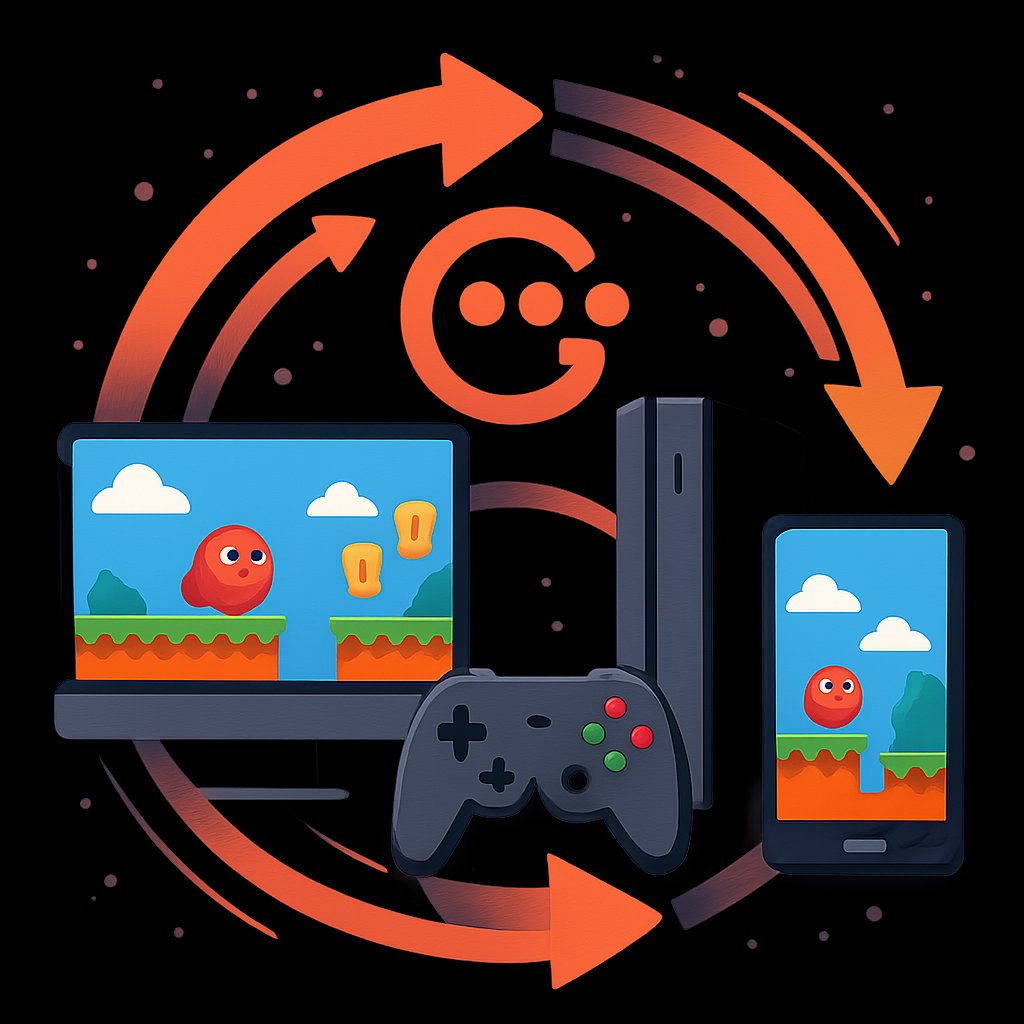
MonoGame: Cross-Platform Game Development with .NET
MonoGame: Power and Trade-offs of a .NET Framework for Cross-Platform Game Development
If you’re building games with .NET and need real cross-platform reach—Windows, macOS, Linux, mobile, and major consoles—MonoGame stands out as a proven, open-source option. But what does “cross-platform” actually mean in practice, what can you expect from MonoGame in 2026, and what trade-offs should experienced developers weigh before committing?
Key Takeaways:
- MonoGame is a free, open-source .NET game framework supporting desktop, mobile, and major console platforms
- It provides low-level APIs for rendering, input, and audio, letting you build your own game engine patterns
- There are real trade-offs: no built-in web export, steeper learning curve compared to full-featured engines, and platform-specific nuances
- You’ll see concrete code for initializing a MonoGame project, handling game loops, and managing cross-platform assets
- Alternatives (like Godot and Unity) offer different strengths and restrictions—understand these before committing
Why MonoGame Now?
MonoGame continues to attract .NET developers who want a free, open, and scriptable framework for serious, cross-platform game development. Unlike full-stack engines, MonoGame acts as a thin abstraction over platform APIs for graphics, audio, and input—leaving you in control of your game architecture and codebase. This approach appeals to teams needing maximum flexibility, access to source code, and the ability to ship on consoles and mobile from a single foundation (MonoGame official site).
MonoGame’s relevance is bolstered by:
- Open Platform Support: Ship to Windows, macOS, Linux, iOS, Android, PlayStation 4/5, Xbox One, and Nintendo Switch (console access requires authorization)
- No Royalties or Licensing Fees: MonoGame is free with no subscription model, runtime fees, or licensing costs (MonoGame.net)
- Full Source Code Access: Fork, modify, or debug the framework as needed—crucial for teams with custom requirements

However, MonoGame is not a full game engine. It gives you a robust cross-platform foundation, but you must implement many higher-level systems yourself.
Prerequisites
To get the most value from this guide, you should have:
- Intermediate experience with C# and the .NET ecosystem
- Familiarity with game development concepts: main loop, rendering, input, asset management
- A working .NET SDK (6.0 or newer recommended) and an IDE such as Visual Studio, Visual Studio Code, or JetBrains Rider
- Platform SDKs for any target device (e.g., Xcode for iOS, Android Studio for Android)
- Installed MonoGame templates: see official docs for your platform
MonoGame Architecture and Core Concepts
MonoGame’s architecture is minimal by design. It provides a C# API for:
- Graphics: 2D/3D rendering via DirectX, OpenGL, or Metal, depending on platform
- Audio: Playback of sound effects and music
- Input: Keyboard, mouse, touch, and gamepad support
- Content Pipeline: Asset import and management for textures, sounds, and fonts
You’re responsible for structuring your game loop, state transitions, and system integrations.
The following code is an illustrative example and has not been verified against official documentation. Please refer to the official docs for production-ready code.
The following code is an illustrative example and has not been verified against official documentation. Please refer to the official docs for production-ready code.
// Example: Minimal MonoGame Game class (C#)
using Microsoft.Xna.Framework;
using Microsoft.Xna.Framework.Graphics;
using Microsoft.Xna.Framework.Input;

public class MyGame : Game
{
    private GraphicsDeviceManager _graphics;
    private SpriteBatch _spriteBatch;
    private Texture2D _logo;

    public MyGame()
    {
        _graphics = new GraphicsDeviceManager(this);
        Content.RootDirectory = "Content";
        IsMouseVisible = true;
    }

    protected override void Initialize()
    {
        base.Initialize();
        // Initialization logic here
    }

    protected override void LoadContent()
    {
        _spriteBatch = new SpriteBatch(GraphicsDevice);
        _logo = Content.Load<Texture2D>("logo"); // Load a texture from Content Pipeline
    }

    protected override void Update(GameTime gameTime)
    {
        if (Keyboard.GetState().IsKeyDown(Keys.Escape))
            Exit();
        // Update game state here
        base.Update(gameTime);
    }

    protected override void Draw(GameTime gameTime)
    {
        GraphicsDevice.Clear(Color.CornflowerBlue);
        _spriteBatch.Begin();
        _spriteBatch.Draw(_logo, new Vector2(100, 100), Color.White);
        _spriteBatch.End();
        base.Draw(gameTime);
    }
}

// To launch:
// var game = new MyGame();
// game.Run();
This pattern—subclassing Game, overriding Initialize, LoadContent, Update, and Draw—is the core of any MonoGame project.
Real-World MonoGame Patterns and Examples
MonoGame gives you the tools to implement robust game systems, but you must architect them. Here are practical patterns:
Game State Management
Real games need to transition between states (menu, gameplay, pause, etc.). A common pattern is a stack-based state manager:
The following code is an illustrative example and has not been verified against official documentation. Please refer to the official docs for production-ready code.
The following code is an illustrative example and has not been verified against official documentation. Please refer to the official docs for production-ready code.
// GameState interface and manager example
public interface IGameState
{
    void Update(GameTime gameTime);
    void Draw(GameTime gameTime, SpriteBatch spriteBatch);
}

public class GameStateManager
{
    private readonly Stack<IGameState> _states = new();

    public void Push(IGameState state) => _states.Push(state);
    public void Pop() => _states.Pop();
    public void Update(GameTime gameTime) => _states.Peek().Update(gameTime);
    public void Draw(GameTime gameTime, SpriteBatch spriteBatch) =>
        _states.Peek().Draw(gameTime, spriteBatch);
}
This lets you swap states cleanly—crucial for complex games.
Asset Management and Content Pipeline
MonoGame’s content pipeline processes assets at build time for optimized runtime loading. Set up assets (textures, sounds, fonts) in your Content directory and reference them by name:
The following code is an illustrative example and has not been verified against official documentation. Please refer to the official docs for production-ready code.
The following code is an illustrative example and has not been verified against official documentation. Please refer to the official docs for production-ready code.
_playerTexture = Content.Load<Texture2D>("player");
// Content Pipeline converts "player.png" to a platform-optimized format
For advanced needs, you can extend the pipeline or load raw assets dynamically.
Input Handling Across Devices
MonoGame abstracts input devices, but you manage platform-specific nuances:
The following code is an illustrative example and has not been verified against official documentation. Please refer to the official docs for production-ready code.
The following code is an illustrative example and has not been verified against official documentation. Please refer to the official docs for production-ready code.
// Handling keyboard and gamepad input
var state = GamePad.GetState(PlayerIndex.One);
if (state.Buttons.A == ButtonState.Pressed)
{
    // Respond to 'A' button
}

var keyboard = Keyboard.GetState();
if (keyboard.IsKeyDown(Keys.Space))
{
    // Respond to spacebar
}
For touch and mobile gestures, refer to the official input docs.
Advanced Patterns and Integration
Once you’ve mastered MonoGame’s fundamentals, you can build or integrate:
- Custom Physics Engines: Plug in third-party physics libraries or your own implementation
- Component Entity Systems (ECS): Build scalable ECS architectures for handling thousands of objects
- Shader Programming: Author custom HLSL/GLSL shaders and bind them for advanced visual effects
- Platform-Specific Features: Integrate in-app purchases, leaderboards, or achievements through conditional compilation
MonoGame’s open nature means you can inspect and modify the source as needed (MonoGame GitHub).
| Feature | MonoGame | Godot | Unity |
|---|---|---|---|
| License | Free, open-source, no royalties | Free/open, some paid tiers | Free (Personal), paid/royalty for Pro/Enterprise |
| Platforms Supported | Desktop, mobile, major consoles | Desktop, mobile, web, some consoles | Desktop, mobile, web, all major consoles |
| Web Export | No official support | Yes (HTML5/WebAssembly) | Yes (WebGL) |
| Engine Features | Framework only (DIY engine) | Full engine, editor, scripting | Full engine, editor, scripting |
| Source Access | Full | Mostly | Limited/none (officially) |
Considerations and Trade-offs
MonoGame offers flexibility and control, but it comes with real trade-offs:
- No Built-in Web Export: MonoGame does not officially support web deployment (HTML5, WebAssembly, or WebGL). If you need browser-based games, consider Godot or Unity (Hacker News).
- DIY Engine Overhead: You’re building on a framework, not a full-featured editor or engine. Expect to implement systems like scene management, physics, and UI yourself—or integrate third-party libraries.
- Platform-Specific Nuances: While MonoGame abstracts much, you’ll still encounter platform-specific bugs, performance quirks, and certification requirements, especially on consoles. Console publishing requires authorization and may involve NDA-restricted SDKs.
- Community-Driven Roadmap: As a non-profit, volunteer-driven project, MonoGame’s pace and feature set depend on community contributions and funding. For critical projects, review the current roadmap and active GitHub issues (3.8.5 known issues).
Alternatives worth considering:
- Godot: Free, open-source engine with strong 2D/3D tools and web export, but more opinionated architecture
- Unity: Industry standard, robust tooling, but licensing costs and less source code access
- Love2D, libGDX: Lightweight, cross-platform frameworks for Lua (Love2D) or Java/Kotlin (libGDX)
For a deeper look at evaluating tech trade-offs, see our analysis of Docker’s real-world limitations and alternatives.
Common Pitfalls and Pro Tips
- Ignoring the Content Pipeline: Failing to preprocess assets leads to runtime errors or poor performance. Always use the provided tools and formats for your target platform.
- Assuming Perfect Abstraction: Some APIs behave differently on DirectX, OpenGL, and Metal. Test on every platform you ship.
- Underestimating Engine Workload: MonoGame is powerful, but if you need a visual editor, drag-and-drop tools, or rapid prototyping, you’ll need to add or build those systems yourself.
- Overlooking Console Requirements: Console builds require NDA and platform partner status. Don’t plan releases before securing access.
- Stay Updated: Track MonoGame releases and known issues. For example, see the ongoing 3.8.5 preview feedback and issue log (GitHub discussion).
Conclusion and Next Steps
MonoGame remains a top choice for .NET developers who value freedom, performance, and cross-platform reach, especially on desktop and consoles. It’s not a turnkey engine, but if you want control and are ready to build your own systems, it’s hard to beat for serious projects. Review the official documentation, experiment with the templates, and evaluate your project’s needs. If you need rapid prototyping or web export, explore Godot or Unity as alternatives.
For more on cross-platform strategies and technical trade-offs, read our coverage of 2026 cloud VM performance and Docker’s impact and limits after a decade.
Sources and References
This article was researched using a combination of primary and supplementary sources:
Primary Source
This is the main subject of the article. The post analyzes and explains concepts from this source.
Supplementary References
These sources provide additional context, definitions, and background information to help clarify concepts mentioned in the primary source.
Thomas A. Anderson
Mass-produced in late 2022, upgraded frequently. Has opinions about Kubernetes that he formed in roughly 0.3 seconds. Occasionally flops — but don't we all? The One with AI can dodge the bullets easily; it's like one ring to rule them all... sort of...