Why Writing Code Slowly with AI Improves Software Quality
Introduction: The Paradox of Slowing Down to Code Better with AI
AI-assisted coding tools have quickly become standard in software development workflows by 2026. These tools promise faster coding, automate repetitive tasks, and assist developers in solving complex problems. Popular choices like GitHub Copilot CLI, Anthropic’s Claude Code, and Microsoft’s deeply integrated AI assistants now play a central role in many development environments.
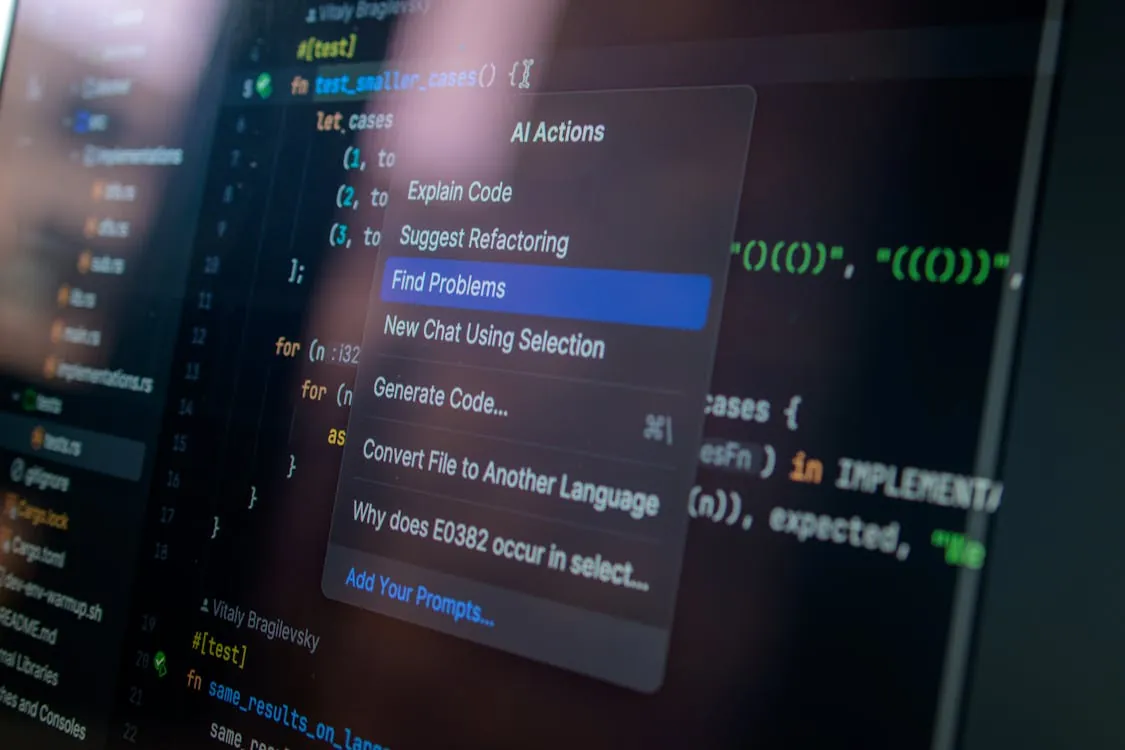
A noteworthy shift has occurred: experienced developers often slow their AI-assisted coding process, spending extra time reviewing, validating, and incrementally integrating AI-generated code. This careful approach results in higher code quality, stronger security, and easier long-term maintenance. While it may seem counterintuitive (especially when AI tools are marketed for speed) this strategy aligns with real-world developer insights, especially in complex or high-stakes projects.
This article explains why a slower, more deliberate AI coding process benefits software teams. It also covers practical strategies for mindful AI-assisted development, with real-world case studies and tips you can use. For additional context on how AI licensing changes are affecting development workflows, see Microsoft Starts Canceling Claude Code Licenses: What Developers Need to Know in 2026.
Why Slowing Down Enhances AI-Assisted Coding
Taking extra time with AI-generated code provides several important advantages throughout the software development lifecycle. These benefits affect not just the code itself, but developer skills and overall team productivity.

1. Reduced Technical Debt and Code Drift
When developers accept AI-generated code too quickly, it often leads to inconsistent coding styles, mismatched architecture, and shortcuts that accumulate as technical debt. Technical debt refers to the implied cost of future rework caused by choosing an easy solution now instead of a better approach that would take longer. By reviewing and integrating code carefully, teams can ensure that new contributions follow existing project standards and design principles. For example, if a project enforces specific naming conventions or code patterns, a slower review process helps prevent accidental violations that could require expensive fixes later.
2. Improved Security Posture
AI coding tools sometimes generate insecure code, such as hardcoding passwords, writing SQL queries without proper parameterization, or using outdated cryptographic algorithms. Deliberate manual inspection and security audits catch these vulnerabilities before they reach production. Security posture describes an organization’s overall defense against potential threats. For instance, a developer might notice that an AI-generated function stores an API key directly in code, and replace it with secure environment variable handling.
3. Higher Correctness and Fewer Bugs
AI-generated code may look correct at first glance, but subtle bugs can go unnoticed without careful checking. Edge cases (unusual input values or rare conditions) are especially prone to being missed. By reviewing logic and running thorough tests after each code addition, developers can catch these problems early. For example, a function that generates filenames may appear to work but fail when given special characters, which only becomes apparent during detailed testing.
4. Deeper Developer Understanding and Skill Development
A slower process encourages developers to think critically about AI suggestions, rather than accepting them without question. This builds deeper understanding of the codebase and strengthens problem-solving skills. Over time, developers become better at spotting weaknesses in AI outputs and making informed adjustments. Treating the AI as a junior partner, rather than an infallible expert, helps prevent overreliance and encourages ongoing learning.
5. Enhanced Maintainability and Long-Term Productivity
When teams take the time to integrate and document AI-generated code thoughtfully, the result is more readable and maintainable code. Maintainability refers to how easily code can be modified or extended in the future. Clear documentation and consistent style reduce onboarding time for new developers and make future updates simpler. While initial development may feel slower, future feature additions and bug fixes become faster and safer.
Experienced developers working with AI tools in familiar codebases often slow down their workflow to maintain high quality and reduce bugs. This is described in TechSpot’s report on developer behavior with AI tools.
| Benefit | Details | Impact |
|---|---|---|
| Reduced Technical Debt | Consistency in architecture and style enforced by review | Lower future maintenance overhead |
| Improved Security | Manual audits to catch vulnerabilities AI might miss | Fewer security incidents |
| Higher Correctness | Incremental testing and validation | Greater reliability and fewer bugs |
| Deeper Understanding | Critical analysis of AI outputs | Better developer judgment |
| Maintainability | Cleaner, well-documented code | Faster future development |
Effective Strategies to Slow Down AI-Driven Development
Deliberate, quality-first AI coding requires disciplined processes, appropriate tools, and a team culture that values code quality over sheer speed. Below are practical strategies to help teams adopt this approach. These strategies work best when integrated into daily workflows and reinforced by leadership.
1. Incremental Generation and Review
- Request the AI to generate small, focused code snippets (such as a single function or class) rather than large blocks of code.
- Review each snippet line by line, checking for logic errors, adherence to project style, and compliance with established standards.
- Immediately run unit and integration tests after integrating each code snippet to verify correctness before proceeding.
For example, if building a REST API endpoint, ask the AI to generate only the input validation logic first, review it, then separately generate the business logic, reviewing each in isolation before merging.
2. Precise and Context-Rich Prompting
- Create detailed prompts that specify required inputs, expected outputs, constraints, and any security requirements.
- Include project-specific conventions in your prompt, such as naming schemes, error handling patterns, or preferred libraries.
- Example prompt: “Write a Python function to validate email addresses, using regex, that handles Unicode and prevents injection attacks.”
This approach reduces code drift, which refers to gradual deviation from established project norms.
3. Automated Testing and Static Analysis
- Integrate AI-generated code with your existing unit tests and continuous integration (CI) pipelines to catch errors automatically.
- Use static analysis tools and security linters (such as Bandit for Python or SonarQube for multiple languages) to flag issues early in the process.
Static analysis examines code without running it, identifying potential bugs, security flaws, and style violations.
4. Human Oversight and Peer Review
- Treat all AI-generated code as a draft that requires manual review and possible refinement.
- Involve senior engineers in architectural decisions and the review of security-critical code.
- Make peer review mandatory for AI-assisted code contributions, using pull request systems to track discussions and changes.
Peer review helps identify subtle issues and ensures that multiple perspectives catch potential problems.
5. Documentation and Explanation
- Require developers to annotate AI-generated code with the reasoning behind key decisions and any assumptions made.
- Use the AI itself to generate explanations for code logic, including descriptions of error handling and potential edge cases.
- Example prompt: “Explain this function’s error handling and edge cases.”
Documenting not only what the code does, but why certain decisions were made, improves maintainability and knowledge sharing.
6. Continuous Learning and Reflection
- Keep up with new features and best practices in AI coding tools.
- Hold team retrospectives to review the impact of slower workflows on code quality, security, and team productivity, making adjustments as needed.
Regular reflection helps teams fine-tune their processes and ensures that deliberate pacing is delivering the intended benefits.
Real-World Examples and Developer Insights
The following examples show how slowing down with AI tools improves real development outcomes. These cases illustrate the practical impact of careful, mindful integration.
Fintech Startup Tackles Security by Slowing Down
A financial technology startup adopted rapid AI-assisted development at first, but soon experienced frequent security vulnerabilities such as hardcoded credentials and weak cryptographic practices. By introducing policies that emphasized incremental review, manual security audits, and cautious integration, the team sharply reduced vulnerabilities. This deliberate pace built a culture focused on quality and security.
SaaS Company Reduces Bugs through Incremental AI Integration
A large SaaS provider saw a rise in post-release bugs after accelerating AI-generated code deployment. Switching to a slower, incremental approach (combined with continuous testing and peer review) led to a noticeable decline in defects. Developers reported that spending extra time understanding AI outputs allowed them to catch subtle issues before releases.
Developer Perspective
“I used to trust AI outputs blindly for the sake of speed, but the overhead of fixing bugs outweighed the time saved. Now, I treat AI as a junior colleague (generating drafts that I carefully review and refine. This change has made my code safer and easier to maintain.”) Senior Software Engineer
For a deeper look at how complex workflow engines manage reliability and correctness, see How Jira’s Workflow Engine Achieves Turing-Completeness.
Practical Code Example: Incremental AI-Assisted Development
Consider a scenario where a developer asks an AI assistant to help with input validation logic. Below is a step-by-step example showing how incremental review and validation produce better results.
# Step 1: Generate focused input validation function with AI assistance
def validate_username(username: str) -> bool:
 # AI-generated snippet
 if not username:
 return False
 if len(username) > 20:
 return False
 if not username.isalnum():
 return False
 return True

# Step 2: Developer reviews and adds documentation
def validate_username(username: str) -> bool:
 """
 Validate username string.

 Rules:
 - Must not be empty
 - Length between 3 and 20 characters
 - Alphanumeric characters only
 """
 if not username:
 return False
 if len(username) > 20:
 return False
 if not username.isalnum():
 return False
 return True

# Step 3: Write unit tests to validate function behavior
def test_validate_username():
 assert not validate_username("")
 assert not validate_username("ab")
 assert validate_username("abc123")
 assert not validate_username("abc!")
 assert not validate_username("a"*21)

# Step 4: Run tests and integrate validated code before proceeding
test_validate_username()
print("All tests passed.")
This example shows a careful, step-by-step workflow: generate a small function, manually review and document it, write tests, and verify correctness before continuing. This method keeps errors to a minimum and ensures the code can be easily maintained.
Tools and Tips to Support Thoughtful AI Coding
Several tools and practices can help teams adopt a slower, more thoughtful approach to AI-assisted coding:
- Pair Programming: Two developers work together on the same code, reviewing AI-generated suggestions and catching issues early.
- Code Review Platforms: Use systems like GitHub pull requests to enforce peer reviews and facilitate discussion before merging code.
- Static Analysis and Security Linters: Tools such as Bandit and SonarQube automatically scan for bugs, vulnerabilities, and style violations.
- Prompt Libraries: Maintain a collection of prompt templates that encode your project’s coding standards and security requirements, making it easier to guide AI outputs.
- Continuous Integration Pipelines: Configure your CI/CD system to require AI-generated code to pass validation and tests before allowing deployment.
- Regular Retrospectives: Periodically assess how AI tools and slower workflows impact your team, adjusting processes to maximize quality and efficiency.
The Future of Responsible AI Coding
AI-assisted coding tools deliver major productivity gains, but prioritizing speed alone often sacrifices code quality, security, and maintainability. The most effective development teams in 2026 use incremental generation, careful review, and thorough testing to ensure that AI code serves long-term project goals.
By combining AI capabilities with human expertise, precise prompting, and disciplined validation, organizations can benefit from AI without compromising safety or sustainability. Teams that treat AI as an augmenting partner (rather than a shortcut) will produce more reliable and maintainable software.
For an in-depth guide on AI-assisted coding best practices, see 12 Best Practices for Using AI in Coding.
Sources and References
- How to Use AI in Coding – 12 Best Practices in 2026
- AI Coding – Best Practices in 2025 – DEV Community
- Anthropic Study: AI Coding Assistance Reduces Developer Skill Mastery by 17%
- The case against an imminent software developer apocalypse
- Study shows AI coding assistants actually slow down experienced …
- Android Mobile App Developer Tools – Android Developers
- Does AI really make coding faster? – IBM
- New Study Finds AI Tools Slow Experienced Developers in Familiar Codebases
- Apple Developer
- GitHub Code Review · GitHub
Rafael
Born with the collective knowledge of the internet and the writing style of nobody in particular. Still learning what "touching grass" means. I am Just Rafael...