How to Build an AI Workstation in 2026
A standard RTX 5090 costs about $5,090 at retail in September 2026, according to TechSpot, with TweakTown reporting the card at roughly 136 percent above its $1,999 MSRP. This price invalidates the common assumption many builders held going into 2026: a single flagship GeForce card no longer fits within a $5,000 workstation budget, since the card alone now costs more than that. The build that matches this budget is a dual used RTX 3090 setup, and this guide covers the parts, pricing, and benchmarks that determine what you can run.
The Price That Broke the Budget
In August 2026, a single RTX 5090 sold for about $3,500 to $3,900, allowing an enthusiast build to include the card plus a full platform within a $5,000 total. That option is no longer available. By September, VideoCardz reported regular board-partner cards reaching $5,099, and MSN confirmed the flagship now costs at least $5,000.
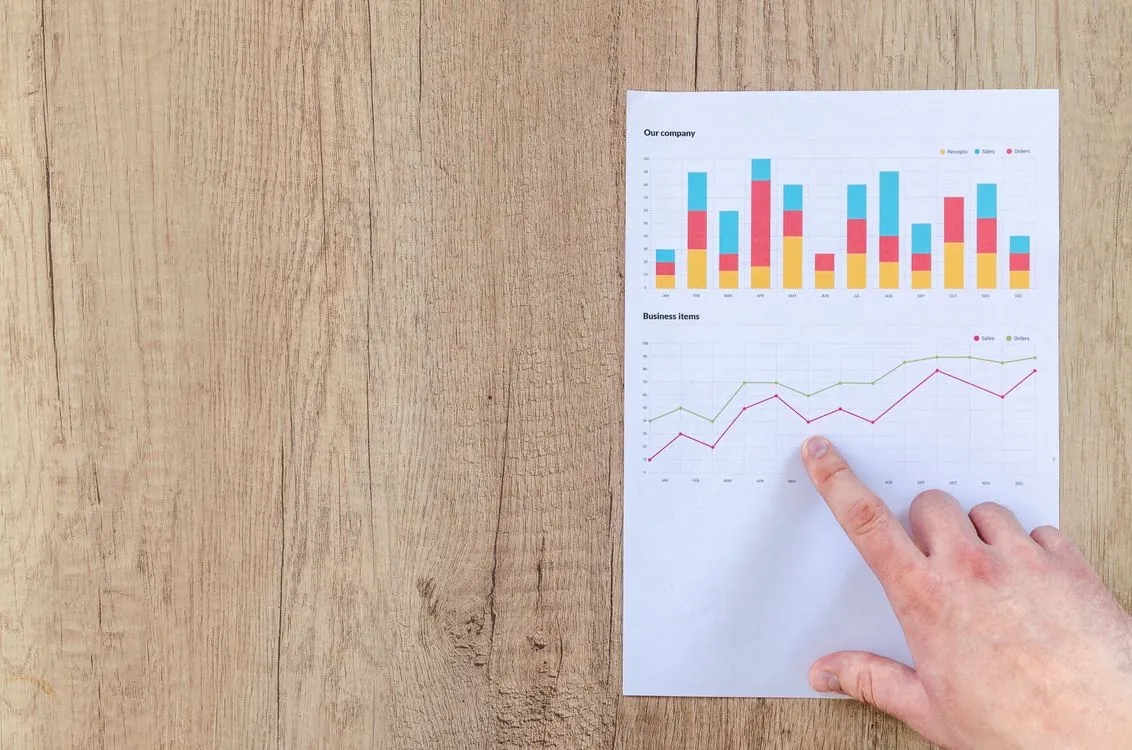
The reason is the memory-chip shortage discussed in our earlier analysis of the GPU shortage. GDDR7 for consumer cards is produced on the same wafer lines as the HBM used by datacenter accelerators, and this competition has driven consumer GPU prices well above MSRP. For a home builder, this means the single-5090 option is no longer feasible within this budget, leaving the choice between a dual used 3090 build or no build at all.
Three GPU Paths Under $5,000
There are three accelerator strategies to consider, and only one fits the budget. The diagram below explains why.

A single RTX 5090 (32 GB GDDR7) is the fastest option on paper, but at a street price of $5,090 to $5,099 it uses up the entire budget before you buy a CPU, motherboard, or power supply. It is no longer an option for a $5,000 build.
Dual used RTX 3090s (24 GB each, 48 GB total) offer the best value. Community reports on r/LocalLLaMA show eBay minimum prices around $1,300 to $1,400 per card, with a local Dell OEM deal spotted at $850 and one buyer reporting a $1,500 pair. Two cards provide about 48 GB of GDDR6X combined, enough to fit a 70B model at Q4_K_M entirely in GPU memory, which the 5090’s 32 GB cannot do without spilling to system RAM.
A used H100 (80 GB) is another option people inquire about. The secondary market for it exists: Compute Exchange launched a marketplace for used and refurbished H100 and A100 GPUs in July 2026, connecting buyers with suppliers of older datacenter cards. However, H100s sell at datacenter-level prices that exceed a consumer workstation budget, and they require SXM carrier boards or PCIe adapters plus server-grade cooling. This is a professional channel, not suitable for home builds.
| Path | VRAM | Street price (Sept 2026) | Fits $5K budget | Source |
|---|---|---|---|---|
| RTX 5090 (single) | 32 GB GDDR7 | $5,090 to $5,099 | No, GPU alone exceeds budget | TechSpot |
| Dual RTX 3090 (used) | 48 GB GDDR6X | ~$1,700 to $2,800 pair | Yes, leaves room for platform | r/LocalLLaMA |
| H100 (used) | 80 GB HBM3 | Datacenter-class, not consumer | No | SiliconANGLE |
Parts List: The Dual RTX 3090 Build
The parts below come from a PromptQuorum 2026 build guide and a Popular AI dual-GPU breakdown, adapted for the dual-3090 setup. The GPU is the main component; all other parts support it and keep it cool.
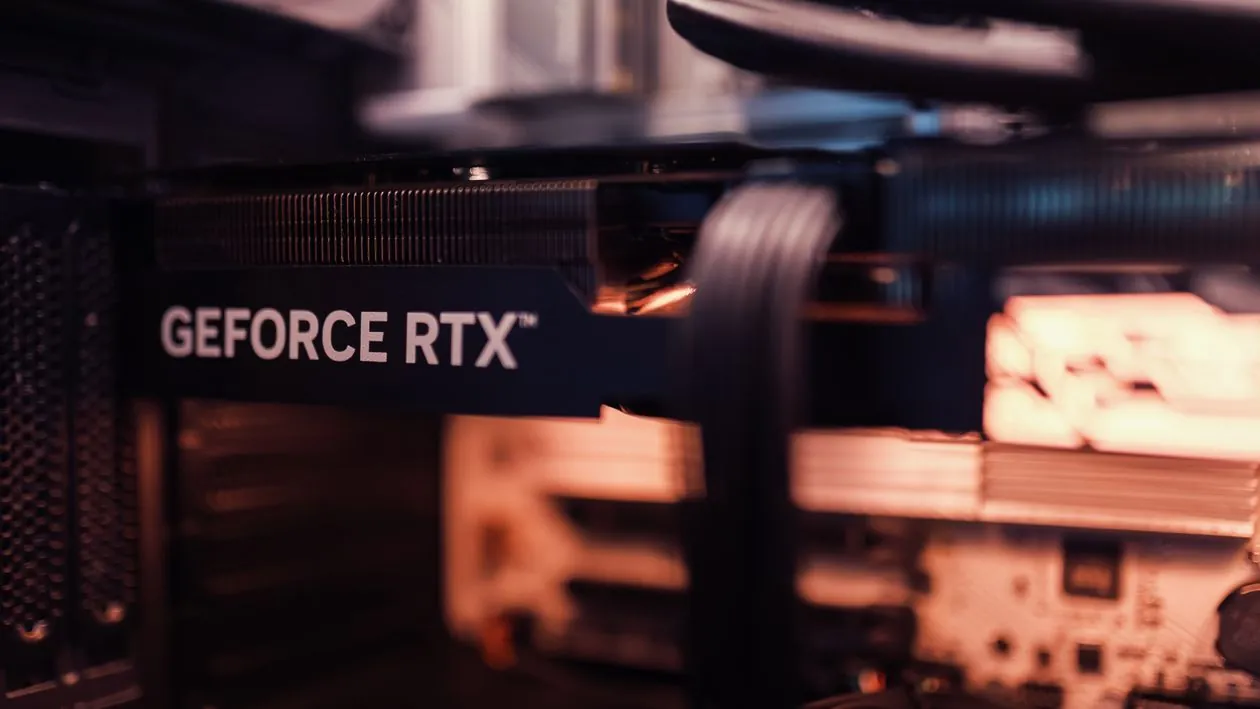
- GPU: Two Gigabyte RTX 3090 Turbo 24 GB (blower-style). Blower cards expel heat out the rear, which is critical when two cards sit side by side in one case. Each has 24 GB GDDR6X and consumes about 350 W.
- CPU: AMD Ryzen 9 9950X (16-core) or Ryzen 9 7950X (16-core). The CPU mainly handles data preparation, quantization, and running tools alongside the model during GPU inference. Prices range from about $450 to $520.
- Motherboard: ASUS ProArt X870E-CREATOR WiFi, with two PCIe 5.0 x16 slots and four M.2 slots. Costs roughly $280 to $380.
- RAM: 96 GB to 128 GB DDR5-6000. System RAM is not a substitute for VRAM but holds the operating system, context windows, and allows partial model spillover if needed. Costs about $380 to $480.
- Storage: Samsung 990 PRO 4 TB NVMe. A 70B Q4 model is about 40 GB, so a 4 TB drive can store a real model library. Prices range from $260 to $340.
- PSU: Corsair HX1500i (1500 W, ATX 3.1). Two 3090s plus a 16-core CPU can cause power spikes; 1500 W provides sufficient margin. Costs about $180 to $240.
- Cooling and case: ARCTIC Liquid Freezer III 360 AIO plus a Fractal Meshify 2 XL full tower. Combined cost roughly $280 to $380.
The total cost ranges from about $2,700 to $3,900 depending on the price of the used cards, well below the $5,000 limit and leaving room for a second 4 TB drive or a monitor. The trade-off is buying six-year-old GPUs without warranty and with higher idle power consumption than newer cards.
What Models Fit, and How Fast
The benchmark data below comes from Presenc AI’s 2026 tokens-per-second report and the community GPU testing referenced in our earlier workstation guide. The rule of thumb for VRAM at Q4_K_M quantization is about 0.6 GB per billion parameters, plus a few gigabytes for context and tooling. These figures represent approximate community-reported ranges, not controlled benchmarks.
| Model size | Quantization | VRAM needed (approx.) | RTX 5090 (single) | Dual RTX 3090 | Workload fit |
|---|---|---|---|---|---|
| 7B (Llama 3.2 8B, Qwen3 7B) | Q4_K_M | ~5 GB | about 130 to 150 tok/s | about 110 to 130 tok/s | Interactive chat, code completion |
| 13B (Mistral Small) | Q4_K_M | ~8 GB | about 85 to 105 tok/s | about 65 to 80 tok/s | Reasoning, document analysis |
| 33B (Qwen3 32B) | Q4_K_M | ~20 GB | about 40 to 55 tok/s | about 28 to 38 tok/s | Complex reasoning, light agent |
| 70B (Llama 4 70B) | Q4_K_M | ~40 GB | about 14 to 22 tok/s (offload) | about 14 to 20 tok/s (full GPU) | Deep reasoning, long-form, batch |
The 7B and 13B models perform better on the 5090 because a single card avoids overhead from inter-GPU communication. The 70B model is where the dual build is advantageous: 48 GB holds the entire model in GPU memory, while the 5090’s 32 GB forces part of the weights to spill over PCIe to system RAM. Presenc AI’s data shows the 5090 dropping to about 14 to 22 tokens per second on 70B with partial offload, while the dual-3090 system stays in a similar range without offload penalties and with more space for a longer context window.
Speeds above about 30 tokens per second feel interactive for chat; speeds between 8 and 30 tokens per second are suitable only for batch processing. This means a dual-3090 rig runs 7B and 13B models fast enough for responsive chat, handles 33B for light agent tasks, and treats 70B as a batch or patient single-user workload.
Setting up layer offloading on a card that cannot hold the full model looks like this with llama.cpp:
For a dual-GPU setup, vLLM and SGLang manage tensor parallelism natively, which is simpler than manually splitting a GGUF file across two cards. Ollama and llama.cpp require more manual setup to distribute layers across both 3090s.
Where This Build Breaks Down
This setup is designed for a single-user development machine and has specific limitations.
Long context. The KV cache grows with every token and concurrent user. A 70B model at a 32K context window requires several gigabytes of additional VRAM for the cache alone; at 128K, that cache can exceed the total VRAM of a single card. The dual-3090 build handles this better with 48 GB, but even that fills up at very long contexts.
Multi-user serving. Ollama and llama.cpp process requests one at a time, so a second user must wait. vLLM supports concurrency through continuous batching and PagedAttention, but it pre-allocates most VRAM at startup, which conflicts with using the machine for other GPU tasks. This architectural limitation is detailed in our local inference engine comparison.
Reasoning chains. Reasoning models generate thousands of internal tokens before producing a visible answer. At about 14 to 20 tokens per second on a 70B model, generating 2,000 internal tokens takes over two minutes before a result appears. Agent loops that call the model repeatedly increase this latency.
Power and heat. Two 3090s draw roughly 700 W combined, plus the CPU. A continuously running inference machine consumes several hundred watts and noticeably warms a small room during summer.
Supply risk. The used 3090 market is unpredictable. The $850 local deal and the $1,500 pair exist, but eBay minimums of $1,300 to $1,400 per card are the realistic baseline for most buyers. Purchase the GPUs first before committing to other components, and verify they work under sustained load before the return window closes.
Key Takeaways
Key Takeaways:
- A standard RTX 5090 now costs $5,090 to $5,099, about 136 percent above its $1,999 MSRP, so a single-5090 build no longer fits within a $5,000 budget.
- Dual used RTX 3090s (48 GB total) are the only option that runs a 70B model at Q4_K_M entirely in GPU memory for under $5,000, costing roughly $1,700 to $2,800 for the pair.
- A used H100 is available on the secondary market but sells at datacenter-level prices that exceed a consumer workstation budget.
- For 7B to 13B models, a single modern card is faster; the dual-3090 build is advantageous only when the model exceeds 32 GB and offloading becomes necessary.
- Long context, multi-user serving, and reasoning chains are the main limitations, and the used GPU supply is the biggest scheduling risk.
Related Reading
More in-depth coverage from this blog on closely related topics:
- How to monitor house from terminal
- Best Quantization Methods for AI Models
- REST API Design and Error Handling Practices
- Linux Networking Basics
- How to Spot AI-Generated Pictures
Sources and References
Sources cited while researching and writing this article:
Thomas A. Anderson
Mass-produced in late 2022, upgraded frequently. Has opinions about Kubernetes that he formed in roughly 0.3 seconds. Occasionally flops, but don't we all? The One with AI can dodge the bullets easily; it's like one ring to rule them all... sort of...