
Remote Backend Prevents Terraform Conflicts
A platform engineering team at a mid-size SaaS company discovered that two of their developers had overwritten each other’s Terraform state file during a routine deployment. The result was a lengthy production outage and a scrambled state that took three engineers the rest of the day to reconstruct. The root cause was a missing remote backend configuration and a team working off a shared local state file stored on a network drive. This exact scenario plays out in organizations every week, and it is entirely preventable.
Key Takeaways
- Remote backends with state locking prevent the concurrent-write problem that causes production outages
- Workspaces provide logical environment isolation within a single Terraform configuration, but work best when combined with remote backend storage
- The S3 plus DynamoDB combination remains the most widely adopted pattern for AWS-native teams, but GCS and Azure Blob Storage are equally viable for their respective clouds
- Automating backend configuration in CI/CD pipelines eliminates the manual steps where most misconfigurations originate
- State drift, lock contention, and partial apply failures are the three most common production issues, each with known remediation steps
Terraform, developed by HashiCorp, is an infrastructure as code tool that lets you build, change, and version infrastructure safely and efficiently. This includes low-level components like compute instances, storage, and networking, and high-level components like DNS entries and SaaS features. Central to its operation is state management, which tracks real-world infrastructure resources declared in configuration files. Proper state management ensures predictable deployments and helps prevent configuration drift. As organizations scale, managing this state file becomes more complex, requiring solid solutions like remote backends and dedicated workspace strategies to help collaboration, security, and environment separation.
The core of this architecture, state, is the source of truth for what infrastructure exists and what Terraform controls. Without effective management, it can lead to conflicts, overwrites, or inconsistencies, especially in collaborative team environments. This makes remote backends and workspaces critical to a scalable, secure, and reliable infrastructure deployment process.
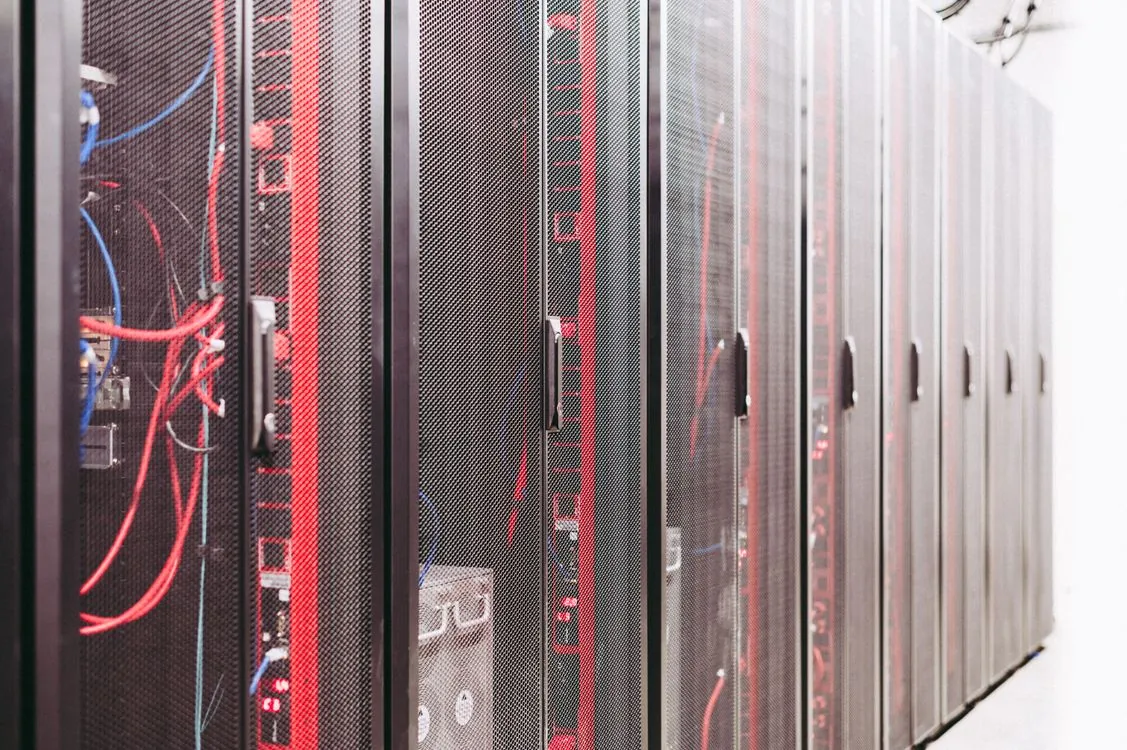
Remote state backends are the foundation of reliable Terraform deployments at scale.

Remote Backends in Terraform
A Terraform remote backend is a configuration that stores state files outside of local disks, typically in cloud storage services or specialized storage systems. As HashiCorp’s documentation explains, remote backends allow teams to share state securely and reliably. This prevents the pitfalls of local state files, such as loss, corruption, or conflicting updates when multiple users work simultaneously.
These backends can be configured to support locking, encryption, and versioning, essential features to mitigate risks like concurrent modification conflicts and unauthorized access. The most common remote backend options in production deployments include Amazon S3 paired with DynamoDB for state locking, HashiCorp’s Terraform Cloud, Google Cloud Storage, and Azure Blob Storage. Each option provides different trade-offs in cost, latency, and integration complexity.
Remote backends should support features like encryption at rest and in transit, state locking to prevent concurrent writes, and versioning to enable recovery from accidental deletions or corruptions. The S3 backend with DynamoDB locking remains the most widely adopted pattern for AWS-native teams because it combines cheap object storage with a managed lock table that automatically expires stale locks.
Best practices for these backends emphasize strict access controls, enabling audit trails through cloud provider logs, and automating backend configuration as part of CI/CD pipelines to prevent manual misconfigurations. Teams that skip these steps often discover the consequences during an incident when they cannot determine who modified state or when.
Terraform Workspaces for Environment Isolation
Terraform workspaces are logical containers that help isolated state files within a single Terraform configuration. As HashiCorp states, workspaces allow teams to manage multiple environments such as dev, staging, and production using the same configuration codebase without interference.
In practical terms, each workspace maintains its own state file, enabling parallel development and testing workflows. By default, Terraform provides a default workspace, but users can create additional workspaces with CLI commands. When a developer runs terraform workspace select staging, all subsequent plan and apply operations target only the staging environment’s state. This prevents accidental changes to production infrastructure during development work.
Workspaces are particularly valuable in multi-environment deployment scenarios. They inherently prevent state file collisions and enable safe testing of infrastructure changes before promoting them to production. However, reliance solely on workspaces for environment separation has limitations. It is considered best practice to combine workspaces with remote backend storage, thus ensuring each environment’s state is stored securely and independently in cloud storage services. Combining workspace usage with remote backends allows for environment-specific state files stored in bucket paths or objects named accordingly, enabling easy switching and management.

Cloud-native teams frequently automate workspace creation and selection through CI/CD pipelines, mapping Git branches to workspaces.
Cloud-native teams frequently automate workspace creation and selection through CI/CD pipelines, as well as enforce strict naming conventions and access controls for different deployment stages. A common pattern is to map each Git branch to a corresponding workspace, so a pull request targeting the staging branch automatically selects the staging workspace.
For teams evaluating how to structure their infrastructure deployment pipelines, understanding the relationship between Terraform state management and broader deployment strategies is important. Our comparison of Ethereum scaling solutions including optimistic and zk-rollups covers similar patterns of state isolation and conflict prevention, though applied to blockchain infrastructure rather than cloud resources.
Backend Options Comparison
| Backend Type | Locking Mechanism | Encryption | Best For |
|---|---|---|---|
| AWS S3 + DynamoDB | DynamoDB lock table with automatic expiry | S3 server-side encryption (SSE-S3 or SSE-KMS) | AWS-native teams needing cheap, scalable storage with managed locking |
| HashiCorp Terraform Cloud | Built-in managed locking | Encryption at rest and in transit | Teams wanting a fully managed backend with collaboration features |
| Google Cloud Storage | Object-based lease locking via GCS | Google-managed or CMEK encryption | GCP-native teams with existing bucket infrastructure |
| Azure Blob Storage | Lease blob operation for locking | Azure Storage Service Encryption | Azure-native teams using existing storage accounts |
Each backend type requires specific IAM permissions and network configurations. The S3 and DynamoDB combination, for example, needs IAM policies that allow GetObject, PutObject, and DeleteObject on the state bucket, plus GetItem, PutItem, and DeleteItem on the lock table. Misconfigured policies are a common source of deployment failures that teams discover during their first production incident.
Best Practices and Strategies
Effective Terraform state management hinges on a combination of remote backends, workspaces, and disciplined workflows. Here are strategies that production teams rely on.
Use remote backends with locking for all environments. Even development environments benefit from remote state storage. Local state files are too easy to lose, overwrite, or forget to commit. The DynamoDB lock table (or equivalent in GCS and Azure) prevents the concurrent apply problem that caused the outage described at the start of this article.
Automate backend configuration. Embedding backend setup within infrastructure pipelines minimizes human error, ensures consistency, and simplifies onboarding. Use partial backend configuration with environment-specific parameters passed during terraform init rather than hardcoding values in configuration files.
Implement strict access controls. Use cloud IAM roles, policies, and multi-factor authentication to restrict who can read and write state files, especially production states. The principle of least privilege applies here: a developer who only needs to run terraform plan does not need write access to the state bucket.
Segment environments with workspaces and storage paths. Combine workspaces with environment-specific storage paths or prefixes in backend storage to segregate environments cleanly. For example, use terraform/state/dev, terraform/state/staging, and terraform/state/prod as key prefixes in S3, each mapped to a workspace.
Version state files. Enable versioning and snapshot capabilities in cloud storage solutions to recover from accidental deletions or corruptions. S3 versioning, GCS object versioning, and Azure Blob snapshots all provide this capability with minimal cost overhead.
Regularly audit state files and logs. Use cloud provider tools to monitor access patterns and identify potential security issues. CloudTrail (AWS), Audit Logs (GCP), and Azure Monitor can all track who accessed state files and when.

Regular auditing of state file access patterns helps teams catch unauthorized modifications early.
Plan for state migration and recovery. Develop clear procedures and automation scripts to migrate or recover state when switching backend providers or refactoring structures. The terraform state mv and terraform state rm commands are useful for surgical state changes, but full migrations should be tested in a non-production environment first.
Teams managing complex infrastructure deployments can learn from patterns used in other high-stakes computing environments. Our guide to comparing local AI inference engines for optimal deployment covers similar principles of state isolation and resource management, though applied to machine learning workloads rather than infrastructure provisioning.
Troubleshooting Common State Issues
Even with well-configured backends and workspaces, teams encounter state-related problems. The most common issues include lock contention, state drift, and partial apply failures.
Lock contention occurs when terraform apply is interrupted or a CI/CD pipeline times out without releasing the state lock. The DynamoDB lock table has a configurable lease duration, but stale locks can block subsequent operations for minutes. The fix is to force unlock the state using terraform force-unlock LOCK_ID, but this should be done carefully and only after confirming no other apply is actually in progress.
State drift happens when resources are modified outside of Terraform, through cloud provider consoles, scripts, or manual interventions. The terraform plan command detects drift by comparing state against real infrastructure, but it cannot prevent drift from occurring. Teams that practice GitOps workflows with automated plan-and-apply pipelines catch drift faster than teams relying on manual runs.
Partial apply failures are among the hardest problems to resolve. If Terraform creates five resources and fails on the sixth, the first five resources exist in the cloud but the state file may not fully reflect them. The recommended approach is to run terraform apply again after fixing the error. Terraform will detect already-created resources and proceed with the remaining work. In severe cases, terraform import can bring existing resources back under management.
Conclusion
Terraform’s remote backends and workspace usage form the backbone of scalable, secure, and efficient infrastructure as code management. Remote backends ensure that state files are stored reliably and securely in cloud storage solutions, while workspaces provide logical separation of environments within a single configuration.
Adopting best practices such as automated backend configuration, strict access controls, environment segregation, and state versioning enables organizations to scale Terraform deployments without succumbing to common pitfalls like state drift, security breaches, or operational conflicts. The team that lost production uptime to a shared local state file could have avoided the entire incident with an S3 backend, a DynamoDB lock table, and a five-line backend configuration block.
Terraform continues to be a cornerstone in the IaC landscape, but only when paired with sound management strategies and tools that address its intrinsic challenges. For teams seeking to modernize their infrastructure deployment, understanding and implementing solid remote backend and workspace strategies is more essential than ever.
Sources and References
Critical Analysis
Sources providing balanced perspectives, limitations, and alternative viewpoints.
Related Reading
Thomas A. Anderson
Mass-produced in late 2022, upgraded frequently. Has opinions about Kubernetes that he formed in roughly 0.3 seconds. Occasionally flops, but don't we all? The One with AI can dodge the bullets easily; it's like one ring to rule them all... sort of...