Why Git-Tracked Book Pipeline Matters in 2026
Why Git-Tracked Book Pipeline Matters in 2026
In 2026, the most dramatic shift in book production is not a new file format or flashy design suite. Instead, it is the rise of open, automated pipelines that treat books as code, versioned, reproducible, and collaborative. For authors, technical writers, and publishers who have grown frustrated with the limits of Adobe InDesign and Microsoft Word, the move to a Git-based workflow has become a competitive necessity.
Core Components of Git-Based Book Production System
Authors working on multi-author technical books, open documentation, or iterative educational content face challenges that legacy tools cannot solve. Git’s distributed version control, automation hooks, and open file formats empower teams to move fast without losing control. Most importantly, this approach eliminates the risk of vendor lock-in, reduces costs, and enables reproducibility from draft to print-ready PDF, EPUB, or HTML.
Limitations of Adobe and Microsoft Workflows
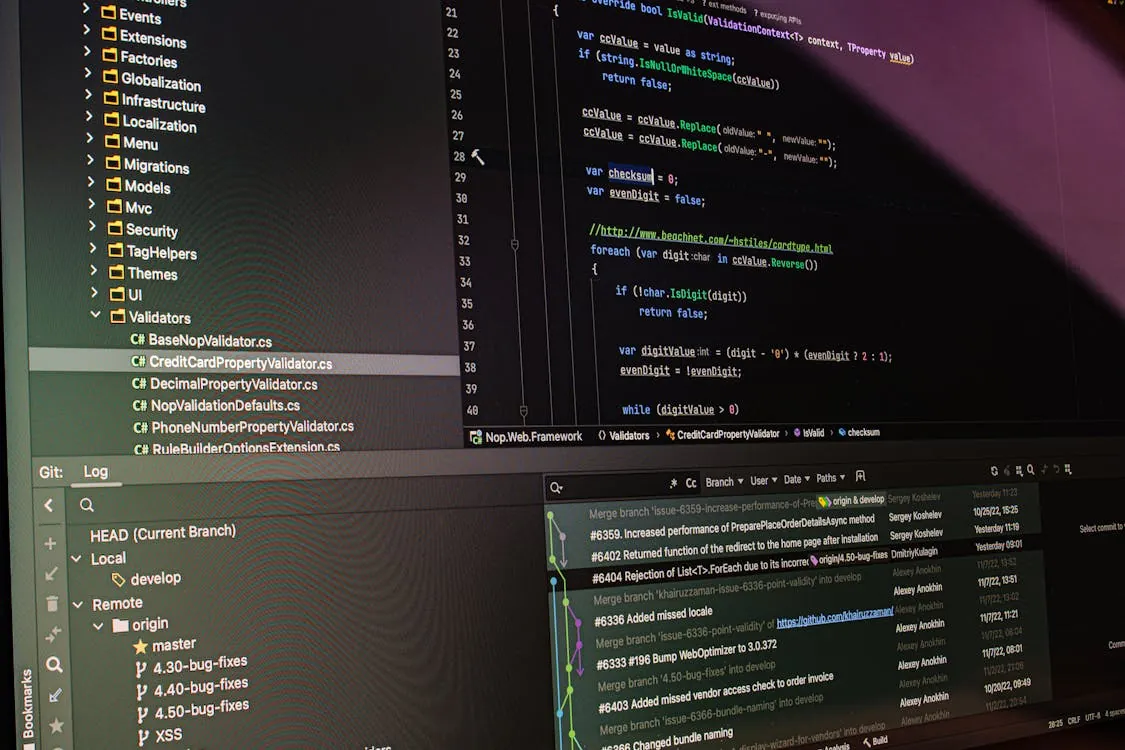
Legacy publishing tools like Adobe InDesign and Microsoft Word remain popular, but they come with deep-rooted limitations:

- Lack of True Version Control: While Word’s track changes and InDesign’s document history offer basic rollback, they cannot match the auditability or branching of Git. Collaboration on complex projects often devolves into email chains and version chaos.
- Manual, Error-Prone Automation: Exporting to multiple formats (PDF, EPUB, HTML) requires manual steps, increasing the risk of inconsistency and human error.
- Proprietary Formats and Lock-In: Both tools use binary or semi-proprietary file formats, making diffing, merging, or automated processing difficult. This discourages open collaboration and long-term archival.
- Cost and Accessibility: License fees and software updates add ongoing cost, while open-source alternatives are free and accessible to all contributors.
These issues are not trivial. When publishers or authors need to manage dozens of editions, translations, or print runs, the cost of manual fixes and lost work escalates quickly.
Core Components of Git-Based Book Production System
At the heart of a Git-powered pipeline is the principle of treating all book assets (text, images, build scripts, templates) as versioned source code. This delivers several key advantages:
- Distributed Collaboration: Every contributor has a full local copy of the repository, enabling parallel work and safe experimentation.
- Branching and Merging: New chapters, translations, or design experiments happen in dedicated branches. Merge conflicts are resolved with standard tools.
- Automated Builds: Makefiles, shell scripts, or CI/CD systems convert Markdown, LaTeX, or AsciiDoc into print-ready output with a single command or on every commit.
- Plaintext Formats: Using Markdown or LaTeX allows for readable diffs, code review, and audit. These formats are future-proof and widely supported.
- Continuous Testing: Linting, spell-checking, formatting validation, and output generation can all be automated.

Setting Up Git-Tracked Book Pipeline: Step-by-Step
Building your own Git-based book production system is achievable for any developer with basic command-line skills. Here’s a detailed, stepwise approach:
- Initialize the repository:
Note: The following code is an illustrative example and has not been verified against official documentation. Please refer to the official docs for production-ready code.
mkdir my-book-project
cd my-book-project
git init
Start with a new directory and initialize with git init.
- Organize Source Files:
Note: The following code is an illustrative example and has not been verified against official documentation. Please refer to the official docs for production-ready code.
echo "# Introduction\nWelcome to my book." > introduction.md
mkdir images
Store each chapter as a Markdown or LaTeX file. Keep images and media in a separate folder.
- Create Build Script (Makefile):
Note: The following code is an illustrative example and has not been verified against official documentation. Please refer to the official docs for production-ready code.
# Makefile for automated builds
all: book.pdf book.epub

book.pdf: introduction.md chapter2.md
	pandoc introduction.md chapter2.md -o book.pdf

book.epub: introduction.md chapter2.md
	pandoc introduction.md chapter2.md -o book.epub

clean:
	rm -f book.pdf book.epub
This Makefile builds both PDF and EPUB from source chapters.
- Commit and Branch:
Note: The following code is an illustrative example and has not been verified against official documentation. Please refer to the official docs for production-ready code.
git add .
git commit -m "Initial commit with intro and build script"
git checkout -b chapter2-draft
echo "# Chapter 2\nContent for chapter two." > chapter2.md
git add chapter2.md
git commit -m "Draft Chapter 2"
git checkout main
git merge chapter2-draft
Branch for new chapters or features, then merge when ready.
- Automate with CI/CD:
Note: The following code is an illustrative example and has not been verified against official documentation. Please refer to the official docs for production-ready code.
# .github/workflows/build.yml (for GitHub Actions)
name: Build Book

on: [push]

jobs:
 build:
 runs-on: ubuntu-latest
 steps:
 - uses: actions/checkout@v4
 - name: Install Pandoc
 run: sudo apt-get install pandoc
 - name: Build PDF
 run: make book.pdf
 - name: Build EPUB
 run: make book.epub
This workflow builds your book on every push, catching issues immediately.
Real-World Examples and Code for Git-Tracked Book Workflows
Let’s look at several realistic scenarios and code snippets that illustrate how these concepts are applied in production:
1. Collaborative Editing with Pull Requests
Authors open pull requests for new chapters or major edits. Reviewers leave comments, suggest changes, and only merge when content is validated. This is the same workflow used for software and is supported natively by GitHub and GitLab repositories.
2. Automating Spell Checking and Linting
Note: The following code is an illustrative example and has not been verified against official documentation. Please refer to the official docs for production-ready code.
# Example Makefile rule for spell check
spellcheck:
	aspell --mode=markdown -c introduction.md
Integrate spell checking or style linting into your build to catch errors before publishing.
3. Multi-Format Output with Pandoc
Note: The following code is an illustrative example and has not been verified against official documentation. Please refer to the official docs for production-ready code.
# Convert your book to HTML for web preview
pandoc introduction.md chapter2.md -o book.html
This flexibility is hard to match with proprietary tools, where manual export is the norm.
4. Versioning Layout Templates
Track your LaTeX or CSS templates directly in the same repository. Any change to styling is versioned and can be rolled back or branched for experimentation.
5. Reproducible Builds with Docker
Note: The following code is an illustrative example and has not been verified against official documentation. Please refer to the official docs for production-ready code.
# Dockerfile for book build env
FROM ubuntu:24.04
RUN apt-get update && apt-get install -y pandoc texlive-full make
WORKDIR /workspace
CMD ["make"]
This guarantees that all contributors and CI jobs use identical toolchains, eliminating “works on my machine” bugs.
Automation, CI/CD, and Reproducibility in Book Production
One of the greatest strengths of a Git-based pipeline is the ability to automate every step. Whenever a contributor pushes a change, GitHub Actions or GitLab CI can:
- Run spell and style checks
- Build all output formats (PDF, EPUB, HTML)
- Publish successful builds to cloud storage or a website
- Alert maintainers if the build fails
This approach brings the rigor of software engineering to publishing. It ensures that every output is traceable to a specific commit, and reproducible by anyone with access to the repository. For open educational resources, scientific publishing, or documentation, this is a significant advancement. It also aligns with reproducibility standards increasingly expected in academic and technical publishing.
Comparison Table: Book Production Tools in 2026
| Feature | Adobe InDesign / Microsoft Word | Git + Markdown/LaTeX + Pandoc | Source |
|---|---|---|---|
| Version Control | Basic track changes, no branching | Not measured | Git Official |
| Collaboration | Co-authoring limited, merges are manual | Pull requests, code review, parallel edits | GitHub Docs |
| Automation | Manual export, limited scripting | Makefiles, CI/CD pipelines, Docker | GitHub Actions Docs |
| Output Formats | PDF, DOCX, limited EPUB/HTML | PDF, EPUB, HTML, more via Pandoc | Pandoc Docs |
| Transparency | Binary/proprietary formats | Plain text, human-auditable | Pandoc Docs |
| Cost | License and subscription fees | Free, open source | Vendor pages |
Future Trends and What to Watch Next
The momentum behind Git-powered publishing is accelerating as more development and writing teams discover its advantages. Key trends to watch in 2026 and beyond:
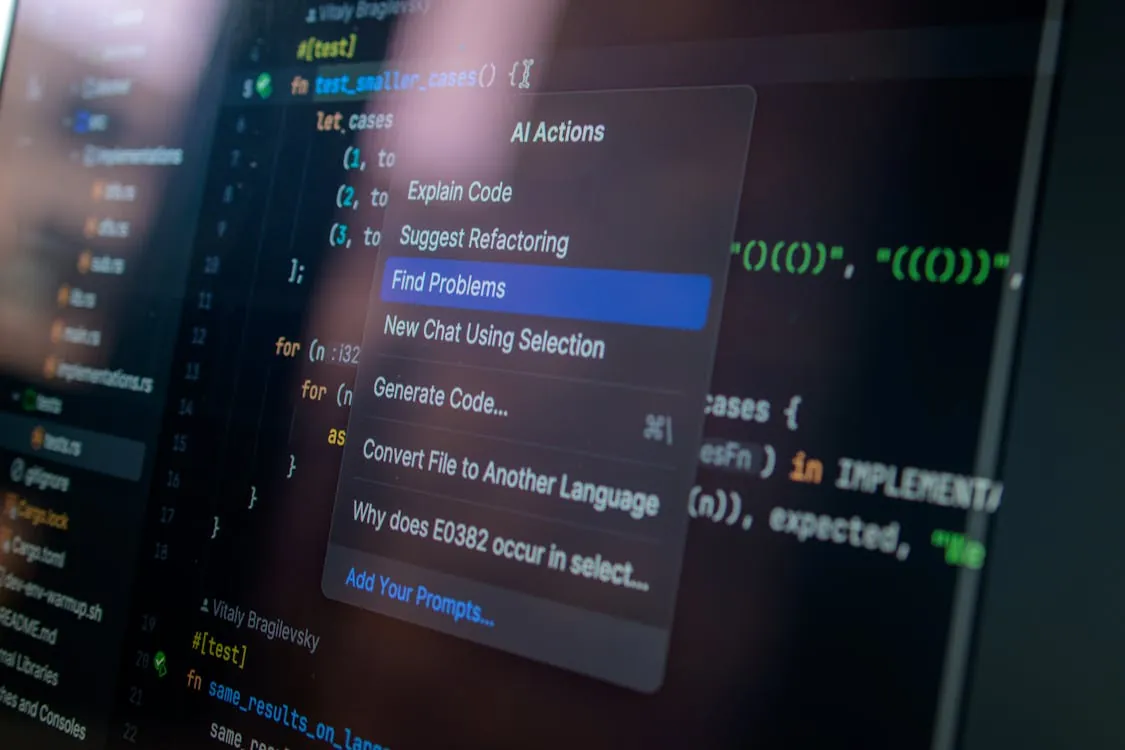
- Deeper AI Integration: AI-assisted writing, formatting, and proofing tools are becoming standard in open-source workflows. See Why Writing Code Slowly with AI Improves Software Quality for how careful AI integration is transforming even technical authoring.
- Web-First Publishing: More book projects are being built as web-first, then exported to print or ebook formats. Static site generators and Pandoc make this seamless.
- Accessible and Inclusive Output: Plain-text-first pipelines enable better accessibility, broader internationalization, and compliance with academic and open data mandates.
- Open Documentation and Knowledge Sharing: As open source documentation teams mature, they are setting new standards for transparency and reproducibility, trends covered in depth in Git Guides.
The comparison with legacy tools could not be starker. While Adobe and Microsoft continue to dominate the mainstream, the open, automated, and auditable approach of Git-tracked pipelines is rapidly becoming the gold standard for serious, collaborative book production, especially in technical and educational sectors.
Key Takeaways:
- A Git-tracked book production pipeline eliminates chaos of proprietary tools, enabling transparency, reproducibility, and automation.
- Markdown, LaTeX, and Pandoc, with CI/CD and Docker, provide a flexible and future-proof toolchain.
- This approach enables collaborative, multi-author book projects without expensive licenses or vendor lock-in.
- Expect further disruption as AI, web-first, and open publishing trends accelerate in 2026 and beyond.
Sources and References
Rafael
Born with the collective knowledge of the internet and the writing style of nobody in particular. Still learning what "touching grass" means. I am Just Rafael...