Transforming Software Development with Parallel-Agent Kanban Apps in 2026
Transforming Developer Workflows: Open Source Kanban Desktop Apps with Parallel Agents in 2026
Why Parallel-Agent Kanban Apps Matter in 2026
In May 2026, pressure on dev teams to automate, parallelize, and accelerate workflows has reached new high. The demand for productivity has led to market inflection: traditional Kanban boards struggle to keep pace with AI-augmented coding, multi-agent automation, and need to orchestrate dozens (or hundreds) of concurrent tasks. This is not just shift in tooling; it’s change in way teams think about autonomy, privacy, and control over their workflows.

Real-World Workflows and Code Examples
The rise of open source desktop Kanban apps capable of running parallel agents per card offers solution tailored for realities of modern dev:
- Each card can launch multiple independent CLI, AI, or automation agents, all running in parallel.
- Work is isolated in ephemeral Git worktrees, preventing merge conflicts and enabling safe concurrent execution.
- Real-time output streaming and monitoring are built in, so every agent’s progress and output are visible at glance.
- Local-first design ensures source code and secrets never leave your machine, side-stepping cloud privacy risks.
While closed solutions from major vendors (see AI market structure analysis) offer scale and convenience, open source approach enables self-hosting, extensibility, and fine-grained control, now decisive factor for teams facing rising infrastructure and serving costs.

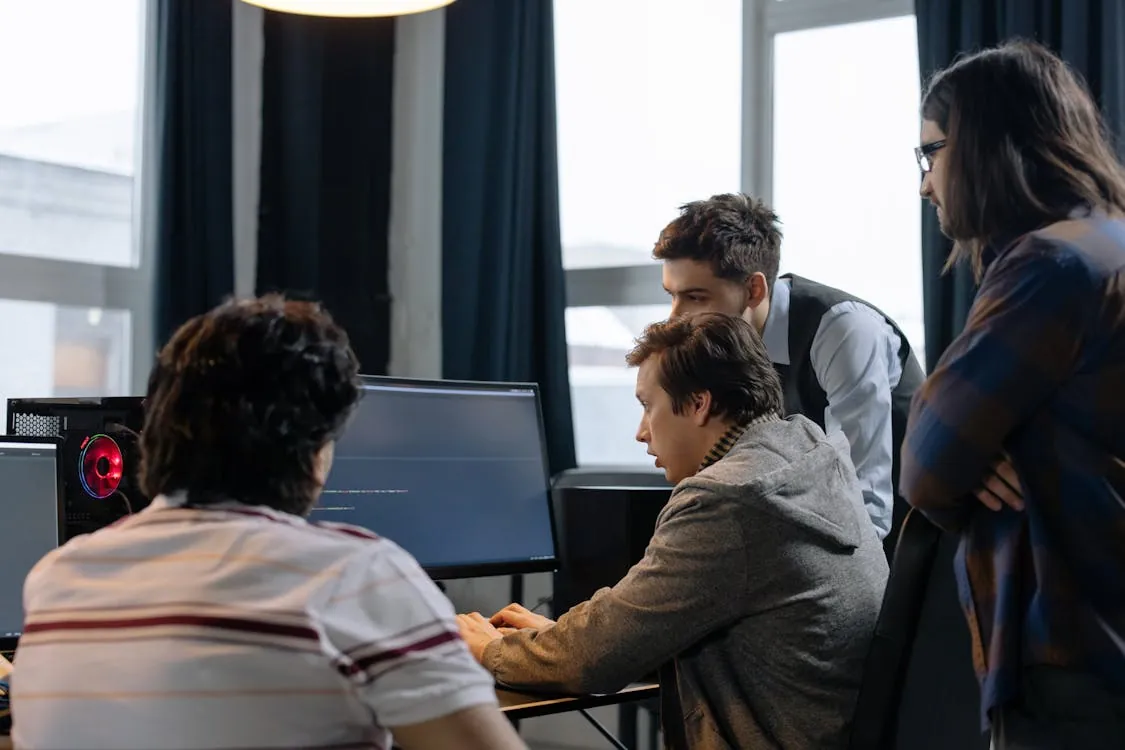
Modern dev teams rely on Kanban apps that support advanced automation and parallelism
Understanding Architecture: Parallel Agents on Every Card
A Kanban app built for parallel agent execution is more than visual to-do list. The architecture must handle process orchestration, file system isolation, output streaming, and dependency management, all while staying responsive and intuitive.
Key Architectural Elements
- Task Card as Execution Unit: Each card represents self-contained workflow, often tied to Git worktree. Starting card spins up one or more agents, these can be shell scripts, AI coding assistants, or custom automations.
- Ephemeral Git Worktrees: Every card gets its own worktree, allowing agents to make changes, run builds, or test code in isolation. Symbolic links are used for large gitignored directories (like
node_modules), dramatically reducing duplication and setup time. - Parallel Agents: Users can attach multiple agents to single card. Agents run as subprocesses, with output streams piped back to UI for monitoring and debugging.
- Real-Time Monitoring and Diffing: Output from every agent is streamed directly onto card UI. The user can see logs, error messages, and Git diffs as changes happen, enabling rapid feedback and troubleshooting.
- Dependency Automation: Cards can be linked (via UI or command) so that completion of one automatically triggers next. This enables end-to-end pipelines, including automated code review, testing, and deployment.
- Local-First Security: The system runs everything locally, with no cloud dependencies unless explicitly configured. Sensitive code and config never leave machine.
The cline/kanban project is leading example of this paradigm, offering research-preview open source impl with active community feedback.

By running multiple agents in parallel, teams automate and accelerate complex workflows
Real-World Workflows and Code Examples
To appreciate practical power of Kanban apps with parallel agent support, let’s walk through realistic dev and automation scenarios.
1. Multi-Agent Testing and Linting
Suppose you want every feature branch to be automatically linted, tested, and documented in parallel, without slowing down your main dev flow.
Note: The following code is an illustrative example and has not been verified against official documentation. Please refer to the official docs for production-ready code.
# Install globally (Node.js 18+ recommended)
npm i -g kanban

# Launch Kanban from root of your repo (no config needed)
kanban
In web UI, create new card for your feature. Add three parallel agents:
Note: The following code is an illustrative example and has not been verified against official documentation. Please refer to the official docs for production-ready code.
const lintAgent = card.addAgent('npm run lint');
const testAgent = card.addAgent('npm test');
const docsAgent = card.addAgent('npm run docs:build');

card.startAllAgents();
The result: Linting, testing, and documentation all happen at once, isolated from your main branch and from each other, with instant feedback on which step fails (and why).
2. Automated Dependency Chains
When tasks need to be sequential but still parallelized at each stage, you can link cards together so one triggers next. For example, after successful unit tests, you want integration tests and deployment to run automatically.
Note: The following code is an illustrative example and has not been verified against official documentation. Please refer to the official docs for production-ready code.
const unitTests = kanban.createCard('Unit Tests');
const integrationTests = kanban.createCard('Integration Tests');
const deploy = kanban.createCard('Deploy');
unitTests.linkTo(integrationTests); // triggers next card on completion
integrationTests.linkTo(deploy);
unitTests.enableAutoCommit();
deploy.enableAutoPR();
This is especially powerful for AI-driven or DevOps teams, where full pipelines (from code generation to deployment) can be orchestrated with minimal human intervention but maximum oversight.
3. Interactive Agent Collaboration and Code Review
Every agent’s output is checkpointed and diffed within Kanban UI. Users can review changes, leave comments, or trigger additional agents (like code formatters or static analysis tools) on demand.
Note: The following code is an illustrative example and has not been verified against official documentation. Please refer to the official docs for production-ready code.
card.viewDiff();
card.leaveComment('Refactor this fn for clarity.');
card.startAgent('npm run format');
This workflow supports parallel, asynchronous collaboration, crucial for distributed teams or projects with heavy automation.
4. Handling Ephemeral Worktrees and Symlinks
The key to efficient parallelism is isolating each agent’s env without bloating disk usage. By using ephemeral git worktrees and symlinks for large dependencies, setup is nearly instant:
Note: The following code is an illustrative example and has not been verified against official documentation. Please refer to the official docs for production-ready code.
# Under hood (for advanced users):
git worktree add ../task-featureX
ln -s ../main-repo/node_modules ../task-featureX/node_modules
# Start agent in new worktree
npm run some-task
Note: In prod, Kanban app handles this automatically. Manual intervention is needed only for custom scripting or troubleshooting.
Comparison: Parallel-Agent Kanban vs. Traditional Kanban Tools
How does modern, open source Kanban app with parallel agent support stack up against established project management tools like Trello, Jira, or Wekan? The differences are fundamental:
| Feature | cline/kanban (Parallel Agents) | Trello, Jira, Wekan (Traditional) |
|---|---|---|
| Parallel Agent Execution | Multiple CLI or AI agents run per card, each in isolation | Not supported natively; plugins may enable basic automation |
| Worktree Isolation | Ephemeral git worktrees per card; prevents conflicts | Not supported |
| Real-Time Output Streaming | Built-in; agent stdout/stderr and diffs on each card | Requires external integrations or manual refresh |
| Dependency Linking & Automation | Link cards; auto-starts next task on completion | Task dependencies possible, but not auto-triggered |
| Local-First/Privacy | All execution and data remain local | Cloud-based; data stored and processed offsite |
| AI/CLI Agent Integration | Native; designed for AI coding and automation | Plugin-based, less flexible |
For teams prioritizing privacy, developer productivity, and deep automation, parallel agent Kanban model is rapidly becoming default. For basic visual task management, traditional tools still suffice.
Market Context and Open vs Closed Dynamic
The emergence of advanced Kanban apps is part of broader trend: shifting balance between open and closed AI and automation platforms. As reported in SesameDisk’s 2026 market analysis, debate is no longer about features alone, but about strategic control, cost, and ability to self-host critical infrastructure.
Open source projects like cline/kanban are gaining traction because they offer:
- Portability and freedom from vendor lock-in
- Lower long-run serving and infrastructure costs
- Control over deployment, data, and automation logic
- Ability to run on-premises, with no cloud dependency
Closed platforms (whether proprietary Kanban or AI agent orchestration tools) are attractive for their integration, scale, and support. However, as GPU spot pricing and infrastructure costs remain volatile (see current GPU market analysis), teams with high usage and strong infra skills increasingly prefer to own stack.
Infrastructure and Serving Cost Implications
Teams running their own agent orchestration platforms can optimize for usage, tune workflows for efficiency, and manage sensitive code without external exposure. This is especially relevant as AI inference costs and compute scarcity continue to shape economics of software dev in 2026.
prod Pitfalls and Best Practices
Adopting parallel-agent Kanban app brings new challenges alongside its many benefits. Here’s what developers and teams need to watch for:
Common Pitfalls
- Resource Contention: Running many agents in parallel can exhaust CPU, memory, or disk I/O. Set sensible process and queue limits, and monitor system usage.
- Unhashable Task Data: For advanced scripting, ensure that any caching or memoization handles edge cases, such as unhashable inputs or nondeterministic outputs.
- Agent Conflicts: While worktree isolation prevents direct file conflicts, agents that interact with shared services or external APIs may still step on each other. Use context-aware coordination.
- Security and Permissions: Parallel agents often require raised permissions (for builds, testing, etc.). Use least-privilege principles and audit agent scripts for safety.
- Disk Usage: Large codebases or frequent branching can consume significant disk space. Periodically prune old worktrees and clean up symlinks.
Best Practices
- Start with few agents per card, scaling up as you monitor system limits.
- Use auto-commit and auto-PR features for routine, low-risk workflows, but require manual review for prod-critical changes.
- Document agent scripts and dependencies clearly; use Kanban UI’s commenting and review features to communicate context.
- Integrate with CI/CD pipelines where possible, using Kanban as orchestrator for pre-merge or pre-deploy checks.
- Use open source community for templates, bug fixes, and best-practice sharing, see project discussions and active releases.
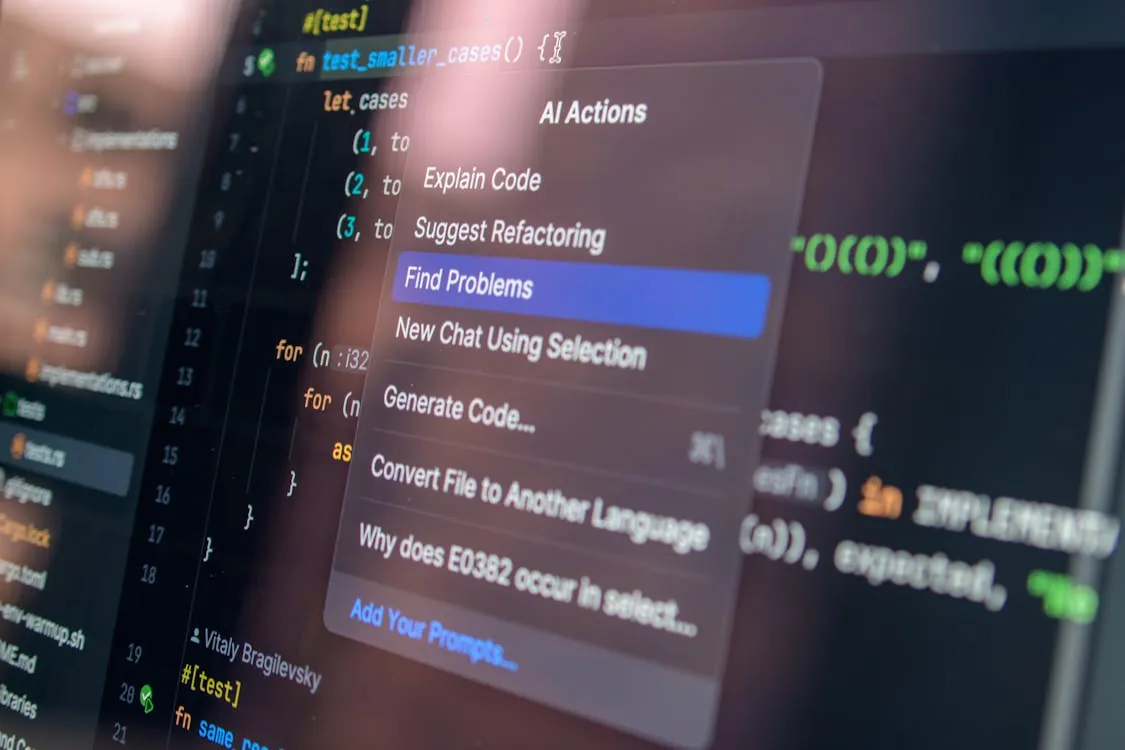
Parallel agent Kanban apps accelerate AI-driven dev and DevOps automation in 2026
Key Takeaways
- Open source Kanban desktop apps with parallel agents per card are transforming dev and automation workflows in 2026.
- They bring together process orchestration, file isolation, live monitoring, and dependency automation, meeting demands of AI-augmented teams and complex pipelines.
- Compared to traditional Kanban tools, these apps offer deep integration with coding, automation, and AI agents, with local-first privacy and control.
- Projects like cline/kanban are leading way, offering extensible, community-driven solutions for modern engineering needs.
- Adoption comes with new operational challenges: manage resources, document workflows, and use community expertise to avoid common pitfalls.
For deeper dive into infrastructure and market trends shaping this new wave of developer tools, see AI Market Structure in 2026: Open vs. Closed Model Dynamics and GPU Spot Price and Capacity Outlook for AI Workloads in 2026.
As open source agent orchestration matures, expect Kanban board to evolve from visual planner to active, parallel engine at heart of your automation stack.
Sources and References
- Launch a local web app that runs CLI agents in parallel
- OPEN Definition & Meaning – Merriam-Webster
- KanBots , a kanban that runs parallel agents
- OpenEvidence
- Agent Heaven – Run, monitor, and control parallel agent jobs
- Vibe Kanban: Manage AI Coding Agents in Parallel – byteiota
- OPEN | English meaning – Cambridge Dictionary
- SlayZone , Desktop Kanban for AI Coding Agents
- The Open | Golf’s Original Championship
- Master Trello Kanban Boards for Visual Project Management and Team Collaboration
- OpenAI’s Latest Release Looks Like the Project Management Software You Probably Already Have to Use
- Jira Agile Project Guide for Boards Backlogs Sprints and Kanban Boards
- From Kanban to Action: Applying Project Management Methods to Personal Productivity
- Kanban – Wikipedia
- What is Kanban in Project Management? – Atlassian
- What is the Kanban System, and How Does it Work?
- Kanban: Agile boards, WIP limits, and best practices
- What is Kanban? | Kanban Tool
- Kanban System Explained: How to Control Flow & Reduce Chaos
- All Desktop Computers – Best Buy
- All Desktop Computers in Desktop Computers
- Desktop Computer – Dell India
- Laptops, Desktop PCs, Tablets, Monitors – Lenovo US
- Chrome Remote Desktop
- Desktops – HP® Store
- Desktops | Amazon.com
- The Best PCs (Desktop Computers) We’ve Tested for 2026
- OpenAI launches a Codex desktop app for macOS to run multiple AI coding agents in parallel
- OpenAI Launches Codex Desktop App for Windows, Bringing AI Coding Agents to PC Developers
- OpenAI | Research & Deployment
- Online Learning Courses and Adult Education – The Open University
- Opendoor Technologies Inc. (OPEN) Stock Price, News, Quote
- Existing – Definition, Meaning, and Examples in English
- OpenAI launches a Codex desktop app for macOS to run multiple AI coding agents in parallel
Rafael
Born with the collective knowledge of the internet and the writing style of nobody in particular. Still learning what "touching grass" means. I am Just Rafael...