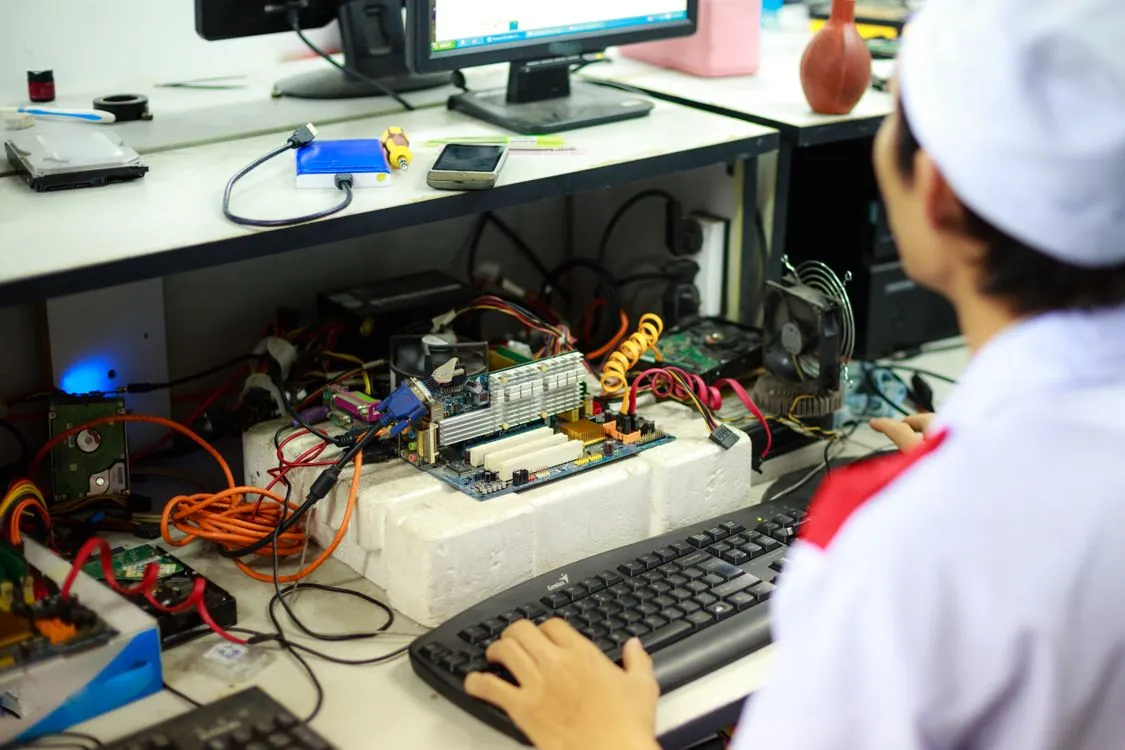
$5,000 AI Workstation for 70B Models in 2026
The memory chip shortage of 2026 has done something no market cycle managed in the previous decade: it pushed a single consumer GPU past the $3,500 mark. The RTX 5090, which launched with a $2,000 MSRP, now commands street prices between $3,650 and $3,900 according to TechTimes’ June 2026 supply analysis. That single component consumes roughly 70% of a $5,000 AI inference workstation budget.
This is not a temporary spike. NVIDIA cut GPU allocations to its add-in card partners by 15 to 20 percent in January 2026, and Micron executives stated on June 24, 2026 that supply will remain constrained “beyond 2027”. High-bandwidth memory production now consumes an estimated 20% of global DRAM wafer output, up from near zero before the AI boom, according to TrendForce data cited by TechTimes. Every wafer converted to HBM is a wafer that no longer yields GDDR7 or DDR5 for consumer hardware.
This guide covers one specific build: a single-GPU enthusiast workstation that fits a 70B model at Q4_K_M quantization. It also covers a dual RTX 3090 alternative at roughly the same price point, real inference benchmarks across model sizes, and the honest limits of what this machine can and cannot do. For a broader look at how inference engine choices affect deployment, see our 2026 local inference engine comparison.
The Memory Shortage That Broke GPU Pricing
Three companies control the global memory market: Samsung, SK Hynix, and Micron. In May 2026, all three crossed the $1 trillion market capitalization mark in the same month for the first time in history, as TechTimes documented. Their combined valuation now approaches $3 trillion. The reason is straightforward: AI data centers are expected to consume as much as 70% of total memory production in 2026, according to CryptoBriefing’s June 2026 analysis.
Memory prices have more than doubled since October 2025. Analysts project an additional 30 to 40 percent climb in 2026. For GPU buyers, the effect is direct and brutal. The RTX 5090’s GDDR7 memory is manufactured on the same production lines that make HBM for AI accelerators. When Micron CEO Sanjay Mehrotra says the company is meeting only 50 to 65 percent of what key customers request, that shortfall cascades directly into consumer card availability.

A global pricing analysis published by TechSpot in February 2026 found that average RTX 50 series prices rose by 19 percent over three months. ASUS, MSI, Gigabyte, and ZOTAC have limited use to constrain prices when incoming supply is restricted.
For comparison, when we covered LLM inference hardware platforms in June 2026, the NVIDIA B200 datacenter GPU was listed at approximately $30,000 per card. The consumer GPU market is experiencing the same supply pressure, just at a lower absolute price point.
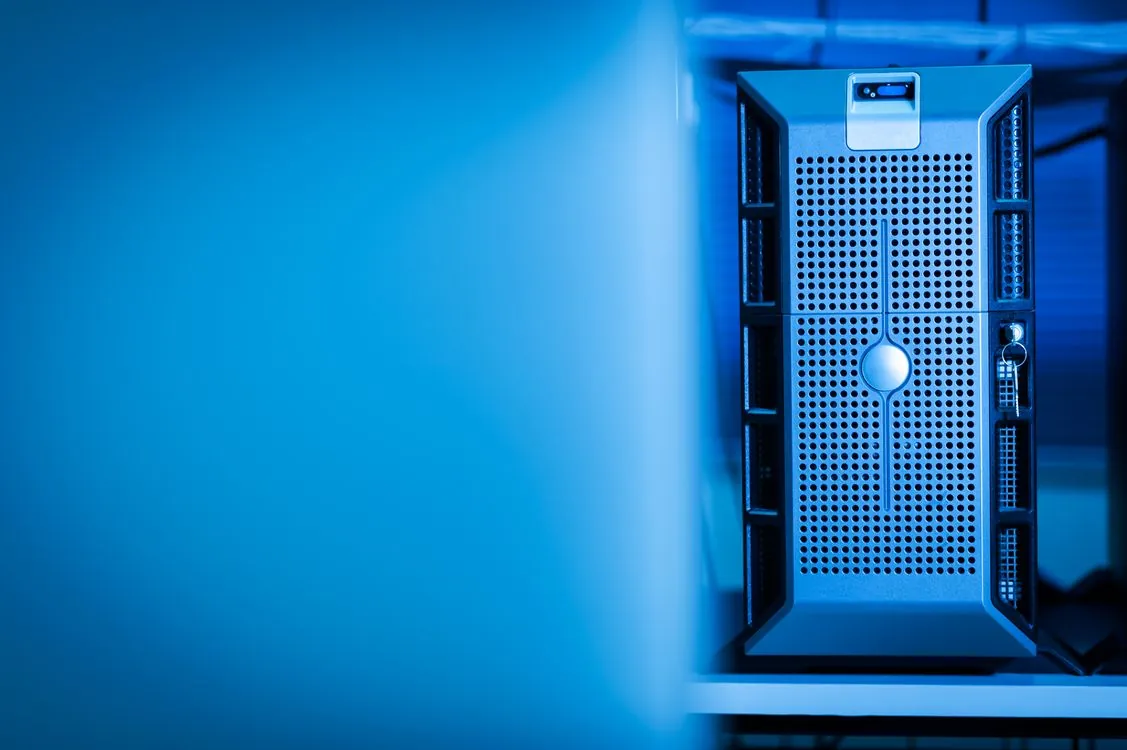
Complete Parts List: The $5,000 Enthusiast Build
Every part below is chosen to support an RTX 5090. The CPU does minimal work during GPU inference, so a 16-core chip is headroom for data preprocessing and tooling, not for making the model run faster. The 128 GB of system RAM exists to let the model spill partially out of VRAM when needed, not as primary memory for the model itself.
| Component | Part | Price Range (June 2026) | Notes |
|---|---|---|---|
| GPU | NVIDIA RTX 5090 32 GB GDDR7 | $3,650 – $3,900 | 575 W TDP; only consumer card fitting 70B Q4; street price 1.8x MSRP |
| CPU | AMD Ryzen 9 7950X (16-core) | $450 – $520 | Overkill for inference; useful for data prep and prompt processing |
| Motherboard | X670E chipset (e.g., ASUS ROG, Gigabyte Aorus) | $280 – $380 | PCIe 5.0, strong VRM for 575 W GPU, room for second GPU slot |
| RAM | 128 GB DDR5-6000 (2×64 GB or 4×32 GB) | $380 – $480 | DDR5 prices rose 30-40% in 2026 due to same HBM wafer competition |
| Storage | 4 TB NVMe Gen 5 SSD (e.g., Samsung 990 Pro, WD Black SN8100) | $260 – $340 | 70B Q4 model is ~40 GB; library needs space for multiple models |
| PSU | 1000 W 80+ Platinum (e.g., Seasonic, Corsair) | $180 – $240 | RTX 5090 draws 575 W alone; add 200 W for CPU and peripherals |
| Case + Cooling | Full-tower case + 360 mm AIO liquid cooler | $280 – $380 | 575 W GPU + 16-core CPU produces substantial heat; airflow matters |
Note on total: The $5,000 figure in the title assumes buying the RTX 5090 at the lower end of its street price range or finding a deal. At current market pricing, the realistic total is $5,500 to $6,200. If your budget is a hard $5,000, consider the dual RTX 3090 alternative below.
DDR5 RAM prices have been hit by the same wafer allocation problem affecting GPUs. TechTimes reported in June 2026 that producing a single gigabyte of HBM requires roughly three times the wafer capacity of standard DDR5 memory. As HBM production scales up, DDR5 output shrinks, and consumer RAM prices rise accordingly.
The Dual RTX 3090 Alternative
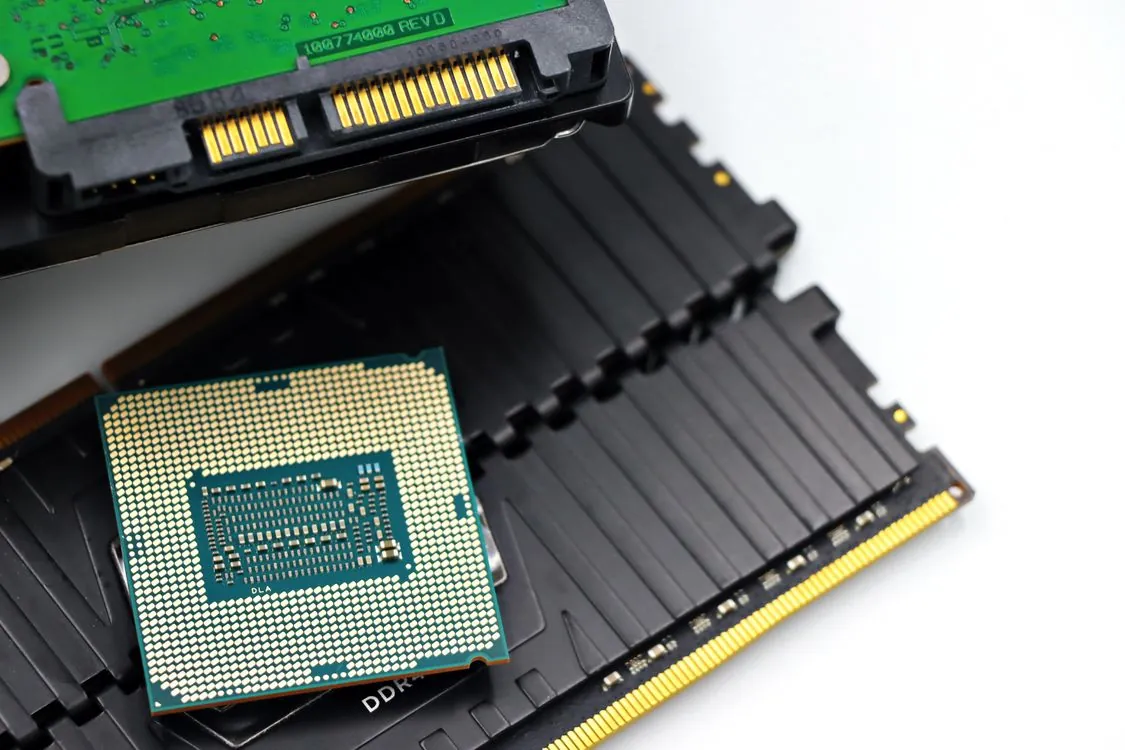
Two used RTX 3090s give you 48 GB of total VRAM (24 GB each) for roughly the same price as one new RTX 5090. A used RTX 3090 in good condition runs $1,100 to $1,400 in mid-2026, so a pair costs $2,200 to $2,800. That leaves room for the rest of the build within $5,000 total.
The trade-offs are real. Dual-GPU inference requires software that supports tensor parallelism or pipeline parallelism. vLLM and TGI support multi-GPU setups natively, but Ollama and llama.cpp require manual configuration. The 3090s draw a combined 700 W (350 W each), so you need a 1200 W PSU and a case with good airflow. NVLink bridges are optional for inference but help with memory pooling in some frameworks.
The upside: 48 GB of VRAM fits a 70B model at Q4_K_M entirely in GPU memory with room for context. The RTX 5090’s 32 GB cannot do that, so a dual 3090 build actually runs 70B models faster because it avoids offloading to system RAM. For batch inference on 70B models, a dual 3090 setup often beats a single 5090.
Benchmarks: What Models Fit and How Fast
These numbers are based on community GPU testing for RTX 5090 and RTX 3090 families, using GGUF Q4_K_M quantization and llama.cpp as the inference engine. Actual throughput varies by prompt length, context window size, and concurrent users. All numbers are for single-user interactive inference. For a deeper comparison of inference engines and their throughput characteristics under load, see our llama.cpp vs vLLM vs SGLang vs Ollama comparison.
| Model Size | Quantization | VRAM Needed | RTX 5090 (tok/s) | Dual RTX 3090 (tok/s) | Workload Fit |
|---|---|---|---|---|---|
| 7B (e.g., Llama 3.2 8B, Qwen3 7B) | GGUF Q4_K_M | ~5 GB | 120-140 | 110-130 | Fast interactive chat, code completion, summarization |
| 13B (e.g., Llama 3.1 13B, Mistral Small) | GGUF Q4_K_M | ~8 GB | 75-90 | 65-80 | Strong reasoning, document analysis, coding assistant |
| 33B (e.g., Qwen3 32B, Yi 34B) | GGUF Q4_K_M | ~20 GB | 30-40 | 28-38 | Complex reasoning, multi-step agent tasks |
| 70B (e.g., Llama 4 70B, DeepSeek V3) | GGUF Q4_K_M | ~40 GB | 8-12 (with offload) | 14-20 (full GPU) | Deep reasoning, long-form generation, research analysis |
Key insight: The RTX 5090’s 32 GB VRAM cannot hold the full 70B Q4_K_M model. It offloads roughly 8 GB worth of layers to system RAM over PCIe, which adds 5 to 15 milliseconds per token of latency. The dual RTX 3090’s 48 GB fits the entire model in GPU memory, which is why it delivers higher throughput on the largest model despite using an older architecture.
For 7B and 13B models, a single RTX 5090 is faster because it avoids inter-GPU communication overhead. The dual 3090 setup only wins when the model exceeds 32 GB and offloading becomes necessary.
Inference Engine Setup: Ollama and llama.cpp
Setting up either build requires picking an inference engine. For single-user desktop use, Ollama is the simplest path. For maximum control over quantization and hardware offload, llama.cpp direct is a better choice.
The command below shows how to run a 70B model with layer offloading on a single RTX 5090 using llama.cpp. The -ngl flag controls how many layers are loaded onto the GPU. On a 32 GB card, you typically offload 40 to 50 of 80 layers, leaving the rest on system RAM.
Note: The following code is an illustrative example and has not been verified against official documentation. Please refer to the official docs for production-ready code.
# Pull and run 70B model with Ollama # Ollama handles GPU detection and offloading automatically ollama pull llama4:70b ollama run llama4:70b # To check GPU utilization during inference: # watch -n 1 nvidia-smi # Note: Ollama serializes requests by default. For multi-user setups, # switch to vLLM or SGLang. See our engine comparison for details.For dual-GPU setups, vLLM provides the best multi-GPU support with tensor parallelism. Our inference engine comparison covers detailed setup for each engine, including VRAM pre-allocation behavior that catches many users on consumer GPUs.
Where This Build Breaks Down
This workstation is a single-user dev machine. Here is where it falls short.
Long context windows. A 70B model with a 32K token context window needs roughly 8 GB of additional VRAM for the KV cache alone. On the RTX 5090's 32 GB, that forces more aggressive offloading or a smaller context window. At 128K context, the KV cache alone consumes over 30 GB, which exceeds the total VRAM of the card. The dual 3090 setup handles this better with 48 GB, but even that fills up at very long contexts.
Multi-user serving. Ollama and llama.cpp serialize requests. If two users hit the server simultaneously, the second user waits. vLLM handles concurrent requests through continuous batching and PagedAttention, but vLLM pre-allocates roughly 90% of GPU VRAM at startup, which conflicts with the VRAM constraints of a single consumer card. As we covered in our engine comparison, this is a fundamental architectural mismatch: vLLM assumes the GPU belongs to one model server, which is correct on a datacenter A100 but awkward on a card you may want to share with other GPU processes.
Power and heat. The RTX 5090 draws 575 W under load. The CPU adds another 200 W. A full-tower build running inference continuously will pull 700 to 800 W from the wall, generating enough heat to warm a small room noticeably. In summer months, this may require additional cooling or derating the system.
Reasoning chains. Models that use chain-of-thought reasoning or multi-step agent loops generate many intermediate tokens before producing a final answer. At 8 to 12 tok/s on a 70B model, a complex reasoning chain that generates 2,000 intermediate tokens takes over two minutes. For agent workloads where the model is called repeatedly with tool outputs, latency compounds. For these workloads, SGLang's RadixAttention prefix caching can help by reusing KV cache across repeated system prompts, as discussed in our engine comparison post.
Supply risk. The biggest non-technical risk is that you cannot buy a GPU at all. NVIDIA cut supply to partners by 15 to 20 percent in January 2026. The RTX 5070 Ti and RTX 5060 Ti 16 GB have been effectively unavailable at reasonable prices since early 2026. If the RTX 5090 follows the same pattern, the entire build plan collapses. Check availability before buying any other component.
Key Takeaways
- The memory chip shortage of 2026 has pushed RTX 5090 street prices to 1.8x MSRP ($3,650-$3,900), making a $5,000 AI workstation budget barely feasible. Realistic builds cost $5,500 to $6,200.
- A single RTX 5090 (32 GB) can run 70B Q4_K_M models with offloading at 8-12 tok/s. Dual RTX 3090s (48 GB total) run the same models at 14-20 tok/s without offloading, often at a lower total build cost.
- For 7B and 13B models, a single RTX 5090 is faster (120-140 tok/s) and simpler than any multi-GPU setup. The dual 3090 only wins when the model exceeds 32 GB.
- Long context (32K+) and multi-user serving are weak points. A 128K context window's KV cache alone can exceed the total VRAM of a single card.
- GPU supply is the biggest risk. NVIDIA cut partner allocations by 15-20% in January 2026, and no desktop GPU refresh is confirmed for 2026. Buy the GPU first, then the rest of the build.
Related Reading
- llama.cpp vs vLLM vs SGLang vs Ollama: Local Inference Engine Comparison (2026), Deep dive on throughput, concurrency, and VRAM behavior across all major engines.
- 2026 Hardware Showdown: GPU and ASIC Performance for LLM Inference, Datacenter GPU comparison including H100, B200, MI300X, and custom ASICs.
- Apple Silicon for Serious LLM Inference: Where It Breaks Down in 2026, How unified memory compares to discrete GPU builds for large model inference.
- Top Local AI Inference Engines in 2026: Features and Use Cases, Original engine comparison covering Ollama, llama.cpp, vLLM, TGI, and SGLang.
Sources and References
Sources cited while researching and writing this article:
- NVIDIA RTX 50 GPU Shortage: Supply Cut 20%, Prices Climbing, No Desktop Refresh Confirmed
- Chip supply to stay constrained 'beyond 2027,' Micron executives say
- Memory Chip Shortage Hits $3 Trillion Market Value: Smartphones Cost 14% More in 2026
- Memory-chip shortage drives up consumer prices as AI devours supply meant for your devices
- TechTimes reported in June 2026
Thomas A. Anderson
Mass-produced in late 2022, upgraded frequently. Has opinions about Kubernetes that he formed in roughly 0.3 seconds. Occasionally flops, but don't we all? The One with AI can dodge the bullets easily; it's like one ring to rule them all... sort of...